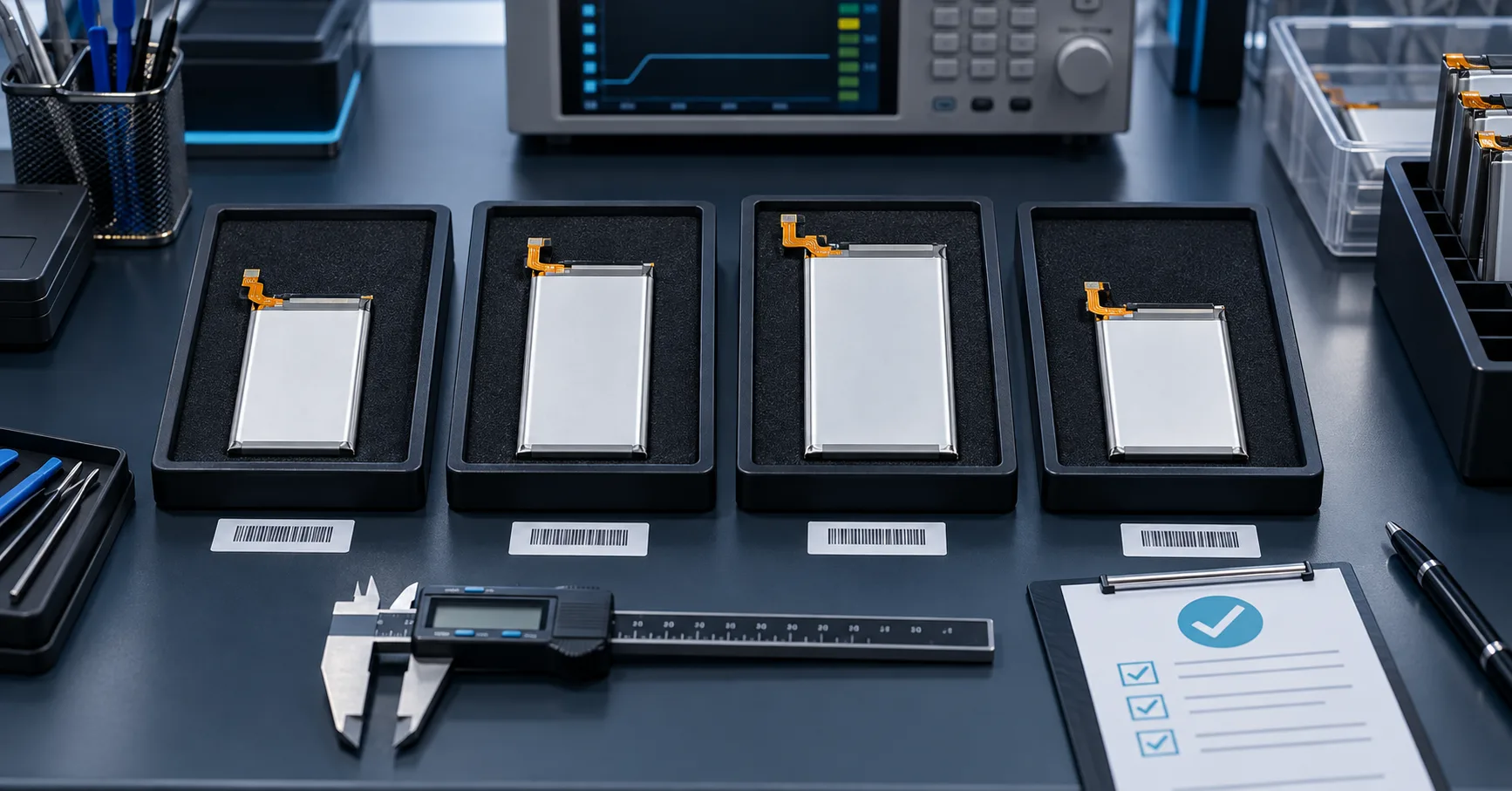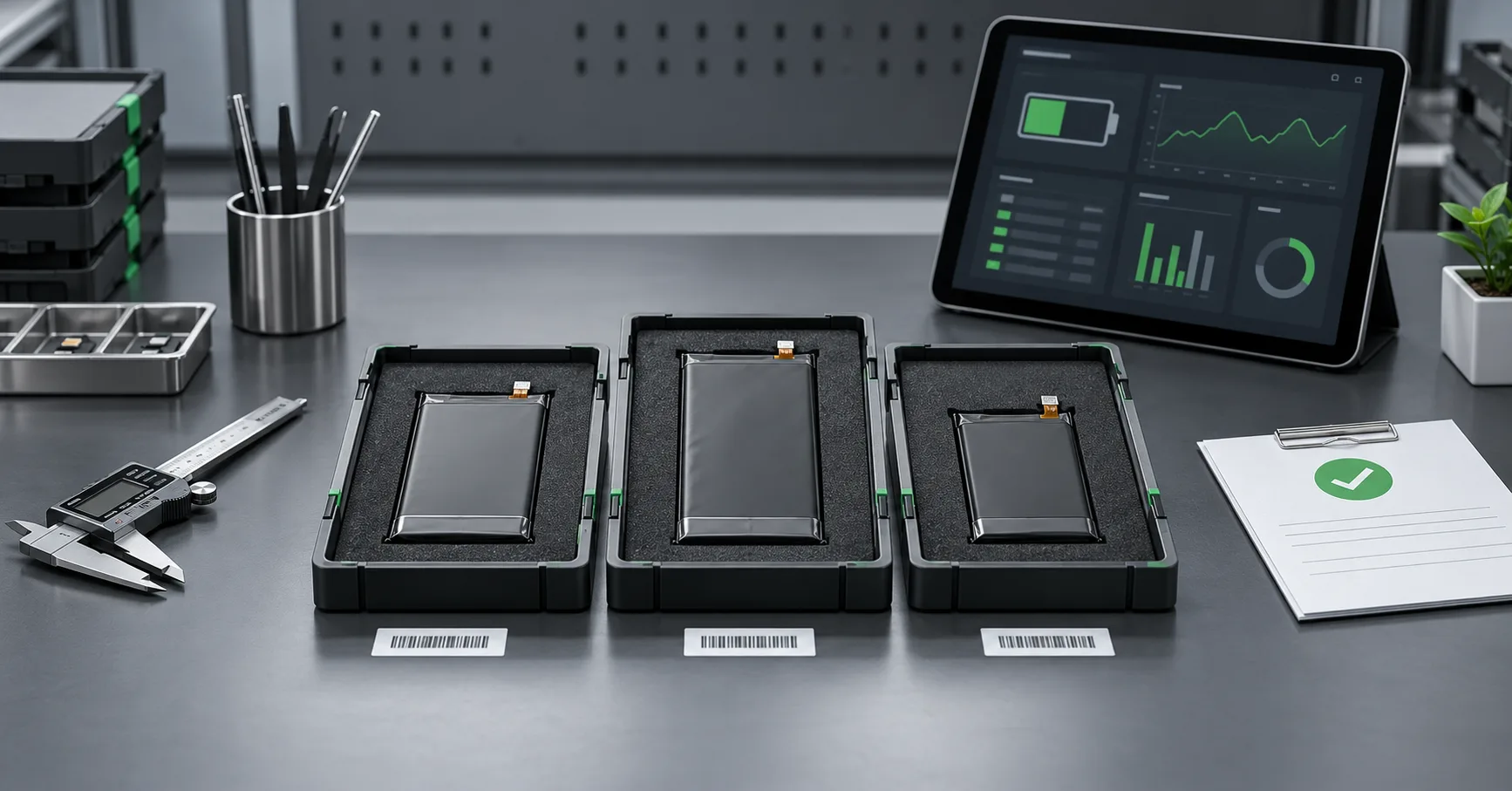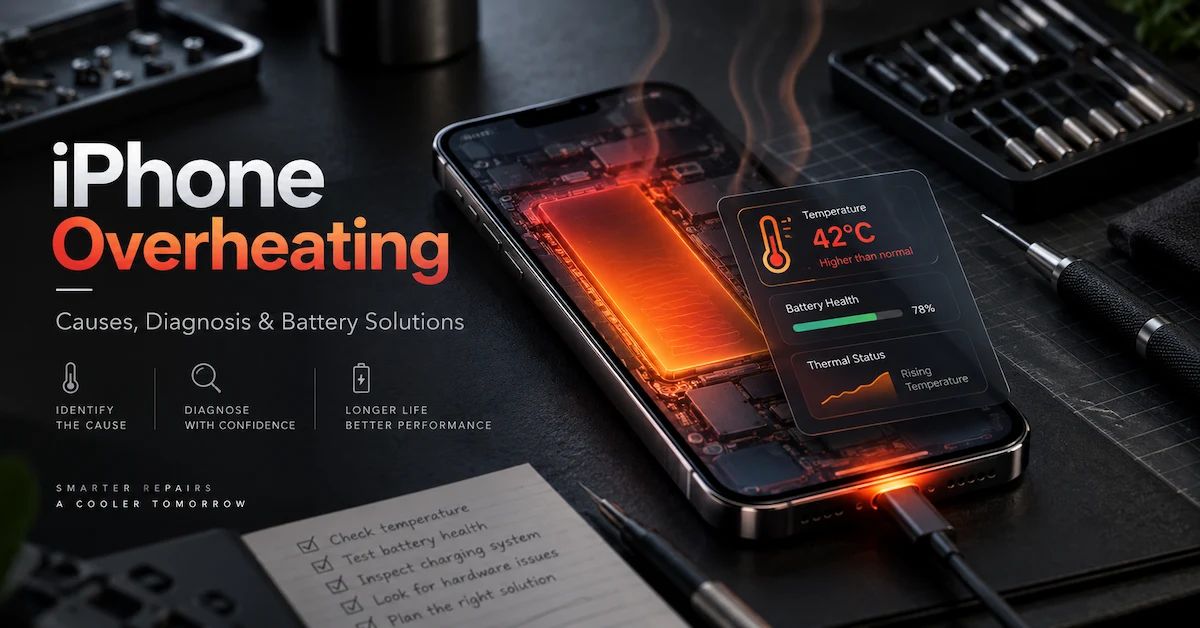
An iPhone that feels warm is not automatically an iPhone with a bad battery.
That distinction matters.
During charging, wireless charging, data restoration, camera use, gaming, navigation, software updates, or other high-load tasks, an iPhone may generate noticeable heat. In other cases, persistent heat can point to an aging battery, abnormal charging behavior, poor electrical contact, installation pressure, damaged components, software activity, or a board-level fault.
For consumers, the first question is usually simple: Why is my iPhone hot?
For repair shops, refurbishment facilities, distributors, and warranty teams, the question has to go further:
What is generating the heat, can the problem be reproduced, is there a safety concern, and does the evidence actually justify replacing or rejecting the battery?
That is the difference between ordinary troubleshooting and professional diagnosis.
For businesses handling hundreds or thousands of repaired phones, an incorrect conclusion creates real costs. Replacing a good battery does not fix a charging-circuit problem. Rejecting an entire battery shipment because of one poorly documented thermal complaint can create unnecessary supplier disputes. On the other hand, ignoring repeatable abnormal heat, swelling, or electrical inconsistency can lead to returns, damaged devices, and customer complaints.
ESC supplies mobile phone replacement batteries for repair centers, refurbishers, wholesalers, distributors, and private-label battery projects. From a supplier and repair perspective, iPhone overheating should therefore be treated as a diagnostic problem first and a component-replacement decision second.
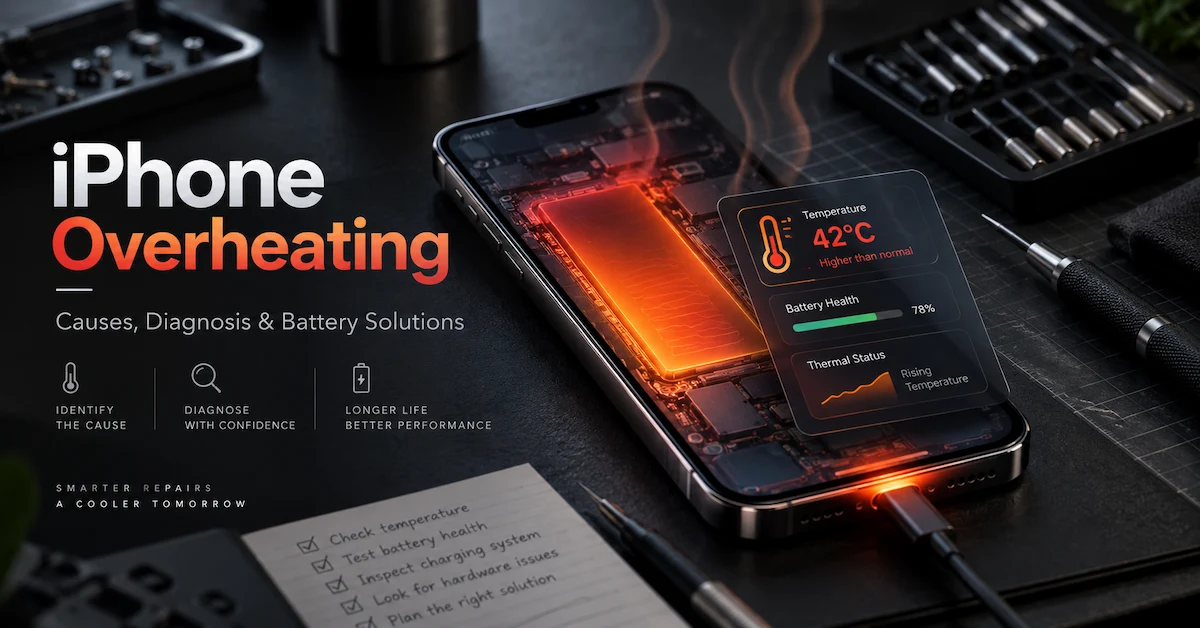
What Does iPhone Overheating Actually Mean?
The word “overheating” is often used too broadly.
A customer may say:
“My phone gets hot.”
A technician may hear:
“The battery is overheating.”
Those are not the same statement.
A useful diagnostic description should answer four questions:
-
Where does the heat appear?
-
When does it appear?
-
What was the phone doing at that moment?
-
Does the temperature return to normal after the activity stops?
A phone that becomes temporarily warm during video recording and cools afterward presents a different diagnostic picture from a phone that becomes unusually hot while sitting idle.
The same applies to a device that heats during wireless charging versus one that becomes hot immediately after a battery replacement.
For repair and warranty teams, the term iPhone overheating should describe a repeatable thermal condition, not simply a subjective impression that the phone “feels warmer than expected.”
Normal Warmth vs. Abnormal Heat
Use the operating condition to classify the complaint before opening the device.
| Situation | Possible Interpretation | Recommended Next Step |
|---|---|---|
| Warm during gaming or camera use | High processor or graphics load | Stop workload and observe recovery |
| Warm during fast or wireless charging | Charging and conversion losses | Compare charger, cable, environment, and phone state |
| Warm after software update | Background indexing or processing | Allow activity to finish and retest |
| Hot while idle | Background activity or hardware fault possible | Check software activity and hardware |
| Hot with fast battery drain | Battery, workload, network, or power-system issue | Run controlled runtime and charging tests |
| Hot after battery replacement | Battery identity, installation, connection, or existing device fault | Review repair process |
| Hot near charging connector | Charging source, port, or power path | Inspect charging system |
| Swelling plus abnormal heat | Potential battery safety event | Stop normal use and testing |
The goal is not to decide the cause from this table. The goal is to decide which diagnostic branch should come next.
Why Does an iPhone Get Hot?
There is no single answer to iPhone overheating.
A phone is a compact electrical system containing a processor, wireless radios, display electronics, charging circuitry, battery, cameras, storage, power-management components, and thermal controls. Heat can originate from several parts of that system.
The most common causes fall into several practical categories.
1. Heavy Processing Workloads
High processor and graphics activity naturally consumes more electrical power.
Common examples include:
-
gaming;
-
high-resolution video recording;
-
prolonged camera use;
-
video editing;
-
navigation;
-
hotspot use;
-
large application downloads;
-
video calls;
-
high-quality streaming;
-
backup restoration;
-
data migration;
-
intensive background processing.
Electrical energy used by the processor and other components eventually becomes heat.
This is why heat location and timing matter.
If the device becomes warm only during a known high-load task and returns to a normal state afterward, the battery should not immediately be blamed.
A useful test is simple:
Run the device under a normal, repeatable workload, stop the workload, lock the screen, disconnect external charging if appropriate, and observe whether the temperature trend declines.
If the temperature continues climbing after the workload has ended, a deeper investigation is justified.
2. High Ambient Temperature and Poor Heat Dissipation
Environment is often ignored during warranty diagnosis.
A phone tested in an air-conditioned workshop and the same phone used inside a hot vehicle are not operating under comparable conditions.
Heat problems can become worse when a device is:
-
left in direct sunlight;
-
used inside a hot parked car;
-
covered by bedding or clothing;
-
operated in a poorly ventilated location;
-
charged while inside a thick case;
-
used for navigation behind a hot windshield;
-
exposed to another nearby heat source.
Repair teams should therefore record ambient conditions when comparing two batteries or two devices.
Without that control, a technician may conclude that Battery A runs hotter than Battery B when the actual difference is the environment.
For warranty testing, consistency matters more than guesswork.
3. Charging Conditions
One of the most common searches related to this topic is iPhone overheating while charging.
Charging generates heat because energy must move through several stages before being stored in the battery. The charger, cable, charging circuitry, device workload, battery condition, and surrounding temperature can all affect the final thermal result.
Before identifying the battery as the cause, check the complete charging path.
Inspect the Power Adapter
Ask:
-
Is the adapter suitable for the device?
-
Is the output stable?
-
Does the problem occur with another verified adapter?
-
Does the adapter itself become unusually hot?
-
Is the heat complaint limited to one charging source?
Inspect the Cable
Look for:
-
damaged insulation;
-
loose connectors;
-
contamination;
-
unstable connection;
-
repeated charging interruption;
-
excessive connector heating.
Check the Charging Environment
Charging a phone under a pillow, inside a hot car, or in direct sunlight makes thermal diagnosis unreliable.
Check Device Load While Charging
A phone can be charging and still be consuming substantial power.
Gaming, hotspot use, video recording, navigation, or other sustained workloads during charging can increase total system heat.
This is why a charging icon alone does not prove that the charging system is operating efficiently.
ESC's guide to iPhone battery drain while charging explains why repair teams should evaluate the relationship between incoming power and active device consumption rather than judging charging performance from the screen icon alone.
4. Wireless Charging
Wireless charging deserves separate attention because the energy-transfer process is different from a direct wired connection.
Some warmth can occur during wireless charging. However, unusually high or persistent temperature still requires investigation.
Check:
-
charger alignment;
-
foreign objects between phone and charger;
-
case thickness;
-
charging environment;
-
device workload;
-
charging accessory condition.
Do not compare the temperature of wired and wireless charging as though they were identical test conditions.
If a warranty claim says only “the phone gets hot when charging,” the first follow-up should be:
Wired or wireless?
That one question can change the entire diagnostic path.
5. Software and Background Activity
Not all thermal problems originate from the battery or charger.
Background processes can significantly increase power consumption.
Examples may include:
-
software installation;
-
system indexing;
-
photo processing;
-
cloud synchronization;
-
data restoration;
-
application updates;
-
location services;
-
unstable applications;
-
repeated network activity.
This is especially relevant when iPhone overheating appears shortly after:
-
a software update;
-
a full device restore;
-
migration from another phone;
-
installation of many applications;
-
large photo or cloud synchronization.
A professional repair shop should avoid replacing hardware until the technician has considered whether the device is still completing a software-intensive process.
6. Weak Network Conditions
A phone operating in weak cellular coverage may use more power while attempting to maintain a connection.
This can contribute to both:
-
faster battery drain;
-
increased device temperature.
That combination can easily be misdiagnosed as a defective battery.
When testing runtime or thermal behavior, note:
-
Wi-Fi state;
-
cellular state;
-
signal strength;
-
hotspot usage;
-
background data activity.
If two phones are tested under different network conditions, the results are not directly comparable.
7. Battery Aging or Electrical Degradation
The battery becomes more relevant when abnormal heat appears together with other symptoms.
Examples include:
-
unusually short runtime;
-
unexpected shutdown;
-
unstable battery percentage;
-
charging abnormalities;
-
swelling;
-
repeatable heat near the battery area;
-
poor performance under load.
One useful electrical concept is internal resistance.
A battery is not an ideal energy source. Current flowing through resistance generates heat. As battery condition changes, electrical performance can also change.
However, internal resistance should not be treated as a magic number.
A useful comparison depends on:
-
battery model;
-
state of charge;
-
test temperature;
-
measurement equipment;
-
test method;
-
load condition;
-
reference samples.
For a wholesaler or repair chain, comparing several batteries from the same model and lot under matched conditions can be much more meaningful than comparing a single result with an arbitrary universal threshold.
This is one reason ESC's high-capacity iPhone battery range includes capacity, voltage, internal-resistance, aging, and safety checks as part of batch evaluation.
8. Battery Temperature Sensing and NTC
Many battery systems use temperature-sensing components such as an NTC thermistor.
NTC means Negative Temperature Coefficient. Its resistance changes as temperature changes, allowing the system to obtain temperature information.
But buyers should not interpret “NTC protection” as meaning:
“This battery can never overheat.”
That would be technically misleading.
Temperature management can involve several layers:
-
battery temperature sensing;
-
protection electronics;
-
charging control;
-
phone power management;
-
software;
-
mechanical design;
-
surrounding environment.
The NTC provides information. What the system does with that information depends on the complete electrical architecture.
For battery buyers comparing supplier claims, ESC's phone battery NTC protection guide provides a useful framework for evaluating temperature monitoring before approving a bulk order.
9. Physical Battery Damage
A lithium-ion battery that has been bent, compressed, punctured, crushed, or otherwise physically damaged requires different handling from an ordinary runtime complaint.
Repair technicians should pay particular attention during:
-
battery removal;
-
adhesive removal;
-
battery installation;
-
display reassembly;
-
flex routing;
-
enclosure closing.
A battery should fit correctly inside the device without inappropriate mechanical pressure.
If the battery is visibly damaged, do not keep cycling it simply to gather more test data.
Safety takes priority over warranty evidence.
10. Battery Swelling
Battery swelling changes the diagnosis immediately.
A swollen battery may lift the display, distort the enclosure, create internal pressure, or appear visibly thicker than expected.
A swollen battery should not be:
-
pressed flat;
-
punctured;
-
forced back into the enclosure;
-
repeatedly charged;
-
treated as a normal runtime-test sample.
ESC's guide to iPhone battery swelling discusses the relationship between aging, heat exposure, damage, cell condition, charging behavior, and swelling risk.
For a repair business, swelling should be classified as a safety and quality-control issue, not simply a customer complaint about battery life.
iPhone Overheating After Battery Replacement: What Should a Repair Shop Check?
This is one of the most commercially important versions of the problem.
A customer returns shortly after repair and says:
“The phone never got this hot before.”
The timing is relevant, but timing alone does not prove that the new battery is defective.
The replacement process introduces several new variables at the same time.
Confirm the Exact Battery Identity
Record:
-
iPhone model;
-
battery model;
-
supplier SKU;
-
capacity specification;
-
shipment or batch;
-
connector configuration.
Do not rely on packaging descriptions such as “for iPhone” or even a broad model family.
Exact compatibility matters.
ESC provides several iPhone replacement-battery formats through its mobile phone battery portfolio, including standard-capacity, high-capacity, diagnosable, and other repair-oriented configurations.
The correct format depends on the repair objective and exact device model.
Review the Installation
Inspect:
-
connector seating;
-
flex cable condition;
-
insulation;
-
battery placement;
-
adhesive position;
-
cable routing;
-
internal pressure;
-
signs of accidental damage.
A battery with good electrical specifications can still perform poorly if installation is incorrect.
Separate New Symptoms From Existing Device Faults
The phone may already have had:
-
liquid damage;
-
charging-circuit damage;
-
board-level faults;
-
previous repair damage;
-
contaminated connectors;
-
port problems.
If the device was not fully tested before the battery replacement, it may be difficult to prove whether a thermal problem is new.
Repair shops can reduce this uncertainty by recording a simple pre-repair condition report.
Do Not Replace Parts Repeatedly Without Recording Results
Unstructured part swapping destroys diagnostic evidence.
A better process is:
-
reproduce the complaint;
-
record the condition;
-
change one variable;
-
repeat the same test;
-
compare results.
For a deeper workflow, see ESC's phone gets hot after battery replacement guide.
A Practical iPhone Overheating Diagnostic Workflow
For repair chains and refurbishment facilities, diagnosis should be repeatable across technicians.
The following workflow is more useful than asking each technician to make a subjective judgment.
Step 1: Run a Safety Screen
Before normal testing, inspect for signs such as:
-
swelling;
-
leakage;
-
smoke;
-
unusual odor;
-
hissing;
-
rapid uncontrolled temperature rise;
-
severe physical damage.
If any of these are present, stop ordinary charging and runtime tests.
Follow the facility's trained battery-safety procedure.
Do not continue testing simply because more evidence would help a warranty claim.
Step 2: Record the Complaint Before Changing Anything
Capture the customer's description.
Useful questions include:
-
When did the problem begin?
-
Was the phone charging?
-
Which charger was used?
-
Was charging wired or wireless?
-
Which application was running?
-
Does the phone become hot while idle?
-
Did the problem start after repair?
-
Has the battery recently been replaced?
-
Does the battery drain quickly?
-
Does charging pause?
-
Does the phone restart or shut down?
A complaint becomes far more useful when it describes a reproducible condition.
Step 3: Identify the Heat Location
Do not treat the entire phone as one thermal source.
Record where heat is most noticeable:
| Heat Area | What to Investigate |
|---|---|
| Battery region | Battery condition, connection, charging behavior |
| Charging-port region | Port, cable, power source, charging circuit |
| Processor/logic-board region | Software workload, processing, board-level components |
| Broad device surface | Environment, sustained workload, combined thermal load |
Heat location does not prove the cause, but it helps determine where to investigate first.
Step 4: Reproduce Under Controlled Conditions
Try to reproduce the problem using defined conditions.
Record:
-
starting battery percentage;
-
ambient environment;
-
charger;
-
cable;
-
wired or wireless charging;
-
screen brightness;
-
network state;
-
workload;
-
test duration;
-
battery model;
-
device model.
If the heat complaint cannot be reproduced, that does not mean the customer is wrong. It means the current evidence is insufficient to assign a cause.
Step 5: Reduce the Workload
Stop unnecessary applications.
Lock the screen.
Allow background activity to settle.
Then observe whether temperature falls.
If the device cools normally when workload ends, the result points in a different direction from a phone that remains hot at idle.
Step 6: Isolate the Charging Source
If overheating occurs during charging, compare with a verified charging setup.
Change one item at a time.
For example:
Test A:
same phone + same battery + original charger/cable.
Test B:
same phone + same battery + verified alternate charger.
Test C:
same phone + same battery + alternate cable.
Do not change the battery, charger, cable, case, application workload, and test environment simultaneously. You will not know which variable changed the result.
Step 7: Inspect Battery and Installation
If the problem appeared after service, inspect the repair.
Check battery identity first.
Then inspect the connection and physical installation.
If charging also behaves abnormally, ESC's phone not charging after battery replacement guide can be used alongside the thermal diagnosis.
Step 8: Use Known-Good References
A controlled comparison can be useful when performed safely.
Possible references include:
-
approved battery sample;
-
verified charger;
-
known-good cable;
-
known-good device of the same model.
However, a single successful comparison does not automatically prove an entire production batch is good or bad.
Repeatability matters.
Step 9: Decide Whether the Problem Is Unit-Level or Lot-Level
One abnormal phone is a unit-level case until evidence suggests otherwise.
Escalation becomes more appropriate when:
-
several batteries from the same lot show similar behavior;
-
failures appear under matched conditions;
-
the same model repeatedly produces abnormal results;
-
incoming inspection shows unusual variation;
-
traceability records identify a common component or lot.
This distinction is important for wholesalers.
Rejecting thousands of batteries because of one uncontrolled repair case is poor quality management.
Ignoring multiple repeatable failures from the same lot is also poor quality management.
Build a Better Warranty Record for iPhone Overheating
A warranty claim should provide enough information for both the repair company and battery supplier to understand the event.
A useful record can include:
Device Information
-
exact iPhone model;
-
repair date;
-
previous repair history if known;
-
device condition before service.
Battery Information
-
supplier;
-
SKU;
-
batch or production reference;
-
capacity;
-
battery format;
-
installation date.
Thermal Event
-
where the heat appeared;
-
what the phone was doing;
-
whether it was charging;
-
charging method;
-
approximate duration;
-
whether a warning appeared;
-
whether the phone shut down;
-
whether the condition repeated.
Test Information
-
charger;
-
cable;
-
environment;
-
network state;
-
starting battery percentage;
-
application workload;
-
comparison battery or device if used.
Physical Evidence
-
battery appearance;
-
flex condition;
-
connector condition;
-
swelling;
-
damage;
-
installation photos where appropriate.
This turns “battery gets hot” into evidence that a supplier can actually investigate.
When Is the Battery More Likely to Be Involved?
A battery becomes a stronger diagnostic candidate when iPhone overheating appears together with repeatable battery-related symptoms.
Examples include:
-
poor runtime under controlled conditions;
-
excessive self-discharge;
-
unexpected shutdown;
-
abnormal voltage behavior;
-
unusual internal-resistance variation;
-
swelling;
-
physical deformation;
-
repeated charging instability;
-
repeatable thermal behavior across known-good devices.
Even then, diagnosis should avoid overclaiming.
A battery can be involved without being the only cause.
For example, a marginal battery combined with a damaged charging system may produce symptoms that neither component would create independently under normal conditions.
When Is Battery Replacement Appropriate?
Replacing the battery makes sense when the evidence points to battery degradation, damage, poor electrical behavior, swelling, or another battery-specific failure.
Replacement may also be appropriate when the battery has reached the end of its useful service life and the device is otherwise economically worth repairing.
For professional repair businesses, replacement should be based on:
Device identity → battery compatibility → electrical condition → physical condition → repair economics.
Not:
Customer says hot → replace battery.
That shortcut increases comeback rates.
What Replacement Battery Buyers Should Verify Before Bulk Orders
Repairing one phone and purchasing 5,000 batteries are very different decisions.
The buyer has to evaluate not only whether a sample works, but whether the supplier can maintain repeatable quality over time.
1. Exact Compatibility
Confirm:
-
exact device model;
-
battery reference;
-
voltage;
-
connector;
-
flex layout;
-
dimensions;
-
battery thickness.
A battery that “almost fits” is not a valid repair solution.
Mechanical fit can influence both reliability and thermal behavior.
2. Actual Capacity
Printed capacity alone is not evidence of usable capacity.
Buyers should ask how capacity is tested and whether the supplier controls variation within a batch.
If your market needs standard-capacity products, compare them with the relevant device specification and repair objective.
If the market wants runtime upgrades, evaluate high-capacity iPhone replacement batteries using actual test data rather than simply choosing the largest printed mAh number.
3. Internal Resistance
Internal resistance is useful because it contributes to understanding electrical consistency.
But do not ask:
“What is the perfect internal resistance for every iPhone battery?”
There is no meaningful universal number that should be applied blindly across all battery designs.
Instead ask:
-
What test method is used?
-
At what state of charge?
-
At what temperature?
-
What is the accepted range for this model?
-
How much lot variation is allowed?
-
How is an outlier handled?
4. Charging and Discharging Performance
A sample should be evaluated under representative conditions.
Important observations include:
-
charging stability;
-
discharge behavior;
-
runtime;
-
temperature trend;
-
unexpected shutdown;
-
percentage behavior.
The test should match the intended repair environment.
5. Aging
A battery that passes an immediate installation test has not necessarily demonstrated stable performance.
Aging tests help identify certain failures before shipment.
For wholesalers, this matters because early failures create:
-
warranty costs;
-
customer dissatisfaction;
-
repeated repairs;
-
shipping costs;
-
damaged reseller confidence.
6. Protection and Temperature-Sensing Functions
Ask which protection and temperature-sensing features apply to the exact battery.
Do not accept a generic statement such as:
“All our batteries have complete protection.”
Ask for model-specific information.
If temperature monitoring is part of your buyer specification, use the questions outlined in the NTC battery sourcing guide.
7. Connector and Flex Quality
A battery is not only a cell.
The connection system matters.
Poor flex quality, inconsistent connector dimensions, damaged terminals, or weak assembly can create field problems even when the cell itself meets capacity requirements.
Inspect:
-
connector geometry;
-
flex routing;
-
assembly;
-
surface damage;
-
fit;
-
lot consistency.
8. Physical Flatness and Thickness
For tightly packaged smartphones, physical dimensions are part of compatibility.
Check:
-
overall thickness;
-
edge condition;
-
pouch flatness;
-
deformation;
-
surface damage.
This becomes especially important when investigating heat after replacement because mechanical pressure can complicate the diagnosis.
9. Traceability
A serious B2B quality system should make it possible to connect a complaint to an identifiable product batch or shipment.
Without traceability, a supplier and buyer cannot answer:
-
Is this one unit?
-
Is this one repair technician?
-
Is this one SKU?
-
Is this one production lot?
-
Is this a repeated pattern?
Traceability is what turns field feedback into corrective action.
10. Warranty Handling
Ask how the supplier expects a warranty claim to be documented.
A practical system should define:
-
evidence required;
-
handling of suspect units;
-
batch identification;
-
sample return procedure if applicable;
-
root-cause feedback;
-
replacement or credit process.
The goal is not to make warranty difficult.
The goal is to prevent both sides from making decisions based on incomplete information.
Why iPhone Overheating Matters to Different B2B Buyers
Different buyers experience the same failure in different ways.
Repair Shops
For repair shops, overheating creates comeback risk.
The main concern is:
Can the technician fix the device correctly the first time?
The repair shop therefore needs:
-
compatibility;
-
reliable installation;
-
consistent battery behavior;
-
fast troubleshooting;
-
low repeat-repair risk.
Repair Chains
A repair chain needs repeatability across locations.
One technician saying “this feels hot” and another technician saying “this is normal” is not scalable.
Chains benefit from standardized:
-
intake forms;
-
test procedures;
-
approved chargers;
-
battery SKUs;
-
warranty evidence;
-
escalation rules.
Refurbishment Facilities
Refurbishers work with devices that may already have:
-
unknown usage history;
-
previous repairs;
-
worn batteries;
-
liquid exposure;
-
aftermarket parts.
This makes root-cause diagnosis more difficult.
Incoming device grading is therefore just as important as battery QC.
A battery supplier cannot control damage that was already present in the phone.
Wholesalers and Distributors
Wholesalers care about repeat orders and field complaints across many customers.
Their biggest risk is incorrectly interpreting isolated complaints as a batch problem—or overlooking a true repeated pattern.
Good batch records help separate the two.
Private-Label Battery Brands
Private-label buyers carry their own name on the product.
For them, an iPhone overheating complaint can become a brand problem.
Their supplier evaluation should therefore include:
-
product validation;
-
packaging accuracy;
-
traceability;
-
warranty communication;
-
QC consistency.
ESC supports replacement-battery sourcing and customization for repair and private-label programs through its mobile phone battery solutions.
Common Diagnostic Mistakes
Mistake 1: Assuming Heat Means Battery Failure
Heat is a symptom, not a root cause.
Mistake 2: Testing Without Controlling the Environment
Comparing one phone in direct sunlight with another phone in an air-conditioned room creates poor evidence.
Mistake 3: Changing Too Many Variables
If you replace the battery, charger, cable, and software settings simultaneously, the result is difficult to interpret.
Mistake 4: Treating Battery Health as the Only Metric
Battery-health information can help, but it does not replace physical inspection, compatibility validation, electrical testing, and repair diagnosis.
Mistake 5: Ignoring Device History
Previous liquid damage or board repair can matter.
Mistake 6: Ignoring Installation
A replacement part can be correct while the installation is not.
Mistake 7: Continuing to Test a Swollen Battery
Once the case becomes a safety issue, normal diagnostic priorities change.
Mistake 8: Rejecting a Lot From One Complaint
A single event may require investigation, not automatic lot rejection.
Mistake 9: Ignoring Repeated Patterns
The opposite mistake is equally costly.
If several matched failures appear in the same lot, investigate immediately.
Mistake 10: Buying Only by Price
Cheap batteries can be expensive when returns, labor, reputation, replacement shipping, and customer service are included.
The real procurement question is:
What is the total cost of a repeatable repair?
How to Turn iPhone Overheating Complaints Into Better Purchasing Decisions
Field complaints should feed back into supplier management.
For each complaint, record:
-
model;
-
SKU;
-
lot;
-
symptom;
-
repair date;
-
technician;
-
charging condition;
-
battery condition;
-
final root cause if identified.
Over time, the buyer can detect patterns.
For example:
If multiple complaints come from different battery models but the same repair location, investigate the repair process or charging equipment.
If complaints come from the same model and lot across different locations, investigate the product batch.
If complaints occur mainly during high-temperature summer shipping or storage, review logistics and storage controls.
This is where after-sales data becomes more valuable than a vague defect-rate claim.
Questions to Ask an iPhone Replacement Battery Supplier
Before placing a bulk order, ask practical questions.
-
Which exact iPhone models do you support?
-
How do you verify battery-to-device compatibility?
-
How is actual capacity tested?
-
Is internal resistance checked by model and lot?
-
Is aging performed before shipment?
-
How are connector and flex assemblies inspected?
-
Is battery thickness or flatness inspected?
-
What temperature-sensing configuration applies to this battery?
-
Can the supplier identify individual production lots?
-
What documentation is available for the required market or shipment?
-
Can mixed-model orders be supported?
-
Can packaging and labels be customized?
-
How are warranty complaints investigated?
-
What evidence should the buyer provide for a thermal complaint?
-
Can samples be validated before a bulk purchase?
A supplier that can answer these questions clearly is easier to manage than one whose entire technical explanation is:
“Best quality, no problem.”
Frequently Asked Questions About iPhone Overheating
Is it normal for an iPhone to get warm?
Yes, an iPhone can become warm during charging, wireless charging, gaming, navigation, video recording, software updates, data restoration, and other high-load activities. The important question is whether the heat is temporary and consistent with the workload or whether it appears abnormally during light use or idle conditions.
Does iPhone overheating mean the battery is bad?
No. The battery is one possible cause, but charging accessories, software activity, environment, processor load, installation, charging circuitry, and other internal components may also contribute. The battery should be evaluated using evidence rather than assumed to be defective.
Why is my iPhone overheating while charging?
Possible causes include the charging environment, charger, cable, wireless charging conditions, high device workload, battery condition, charging circuitry, or normal thermal management. Compare variables one at a time before replacing components.
Why does an iPhone overheat after battery replacement?
Possible causes include an incorrect battery model, connector issue, installation problem, damaged battery, mechanical pressure, charging accessory, existing hardware damage, or unrelated software activity. The fact that the symptom occurred after repair makes the repair process important to investigate, but does not prove the replacement battery caused the problem.
Can high internal resistance cause more heat?
Electrical resistance contributes to heat generation when current flows. However, internal-resistance values must be interpreted using a model-specific, controlled test method. Buyers should compare matched batteries rather than applying one arbitrary number to every model.
Does NTC protection stop all overheating?
No. An NTC thermistor is primarily a temperature-sensing component. Complete thermal management depends on how temperature information is used by the battery system, charging system, device electronics, and software.
Should an overheating iPhone battery be calibrated?
Calibration cannot repair physical battery damage, swelling, a poor electrical connection, incorrect battery compatibility, a faulty charging circuit, or damaged cells. Diagnosis should identify the actual failure before calibration or other software procedures are considered.
What should I do if the iPhone battery is swollen?
Stop treating the phone as a normal overheating case. Do not puncture, compress, flatten, or continue routinely charging the swollen battery. Follow an appropriate battery-safety and disposal procedure. More detail is available in ESC's iPhone battery swelling guide.
How should a repair shop test an overheating iPhone?
Start with a safety inspection, document the complaint, record where and when the heat occurs, control the environment, reduce workload, inspect the charging system, verify battery identity and installation, and use known-good comparisons when appropriate. Change only one variable at a time.
When should a repair shop replace the battery?
Replacement is appropriate when testing and inspection support a battery-related failure, degradation, physical damage, swelling, or unsuitable battery condition. A battery should not be replaced solely because the device becomes warm during an expected high-load activity.
How can wholesalers reduce overheating-related returns?
Improve incoming inspection, compatibility control, sample validation, batch traceability, repair-part documentation, warranty evidence, and supplier feedback. Field complaints should be categorized by model, lot, repair location, condition, and root cause.
Are high-capacity iPhone batteries more likely to overheat?
Higher printed capacity alone does not prove higher overheating risk. Buyers should evaluate the complete design, physical fit, actual capacity, internal resistance, charging behavior, aging, temperature behavior, and batch consistency. A high-capacity battery should still meet appropriate mechanical and electrical requirements for the device.
Where can repair businesses source iPhone replacement batteries?
ESC provides replacement batteries for iPhone and other smartphone models, including solutions for repair shops, refurbishers, wholesalers, distributors, and private-label customers. Buyers can compare product formats and then validate the exact model before bulk purchasing.
A Better Way to Handle iPhone Overheating
The most useful change a repair business can make is surprisingly simple:
Stop treating “hot phone” as a diagnosis.
Turn it into a documented condition.
Ask:
Where is it hot?
When is it hot?
What was the phone doing?
Was it charging?
Which battery is installed?
What changed after repair?
Can the problem be reproduced?
Does the device cool when the workload stops?
Is there any swelling or physical damage?
Those questions quickly separate an ordinary thermal event from a case that needs electrical, battery, charging, installation, or board-level investigation.
For bulk buyers, the same principle applies to supplier management.
Do not approve a battery because one sample turned on.
Do not reject an entire shipment because one phone felt hot.
Use defined specifications, controlled samples, repeatable testing, traceability, and field evidence.
If your business is evaluating replacement batteries for multiple iPhone models, start with ESC's mobile phone battery range. For purchasing projects, prepare the exact device models, expected battery format, capacity requirements, order quantity, target market, packaging needs, and any required documentation before requesting a quotation.
You can also contact ESC with a model list or battery sourcing requirement so the correct battery configuration can be reviewed before sample validation or bulk ordering.
Conclusion
iPhone overheating is a symptom with several possible causes, not a reliable diagnosis by itself. Processor load, charging conditions, wireless charging, ambient temperature, background activity, an aging battery, installation problems, electrical faults, or physical battery damage can produce similar complaints. Repair shops should therefore diagnose the operating condition before assuming that the battery is responsible.
For professional repair centers and refurbishers, a better process is to document when and where the heat occurs, reproduce the problem under controlled conditions, inspect the charging system, verify battery compatibility and installation, and compare known-good components where appropriate. ESC's iPhone battery overheating and replacement troubleshooting resources can help technicians separate installation-related issues from battery, charging, and device-level faults.
For wholesalers, distributors, repair chains, and private-label battery brands, reliable sourcing requires more than checking whether a battery powers on. Buyers should evaluate compatibility, actual capacity, voltage, internal resistance, connector quality, aging performance, temperature sensing, physical dimensions, batch traceability, and warranty procedures. ESC's mobile phone replacement battery range is designed for B2B buyers that need multiple models, mixed-model purchasing, OEM/private-label support, and repeatable quality control.
The key principle is simple: do not replace, reject, or approve a battery based on heat alone—build the decision from repeatable evidence. If you are sourcing iPhone replacement batteries for a repair chain, refurbishment business, wholesale program, or private-label project, you can contact ESC with your device models, battery part numbers, quantities, target market, and customization requirements to evaluate the appropriate battery solution.