Why Is My iPhone Hot? Start With the Right Diagnosis
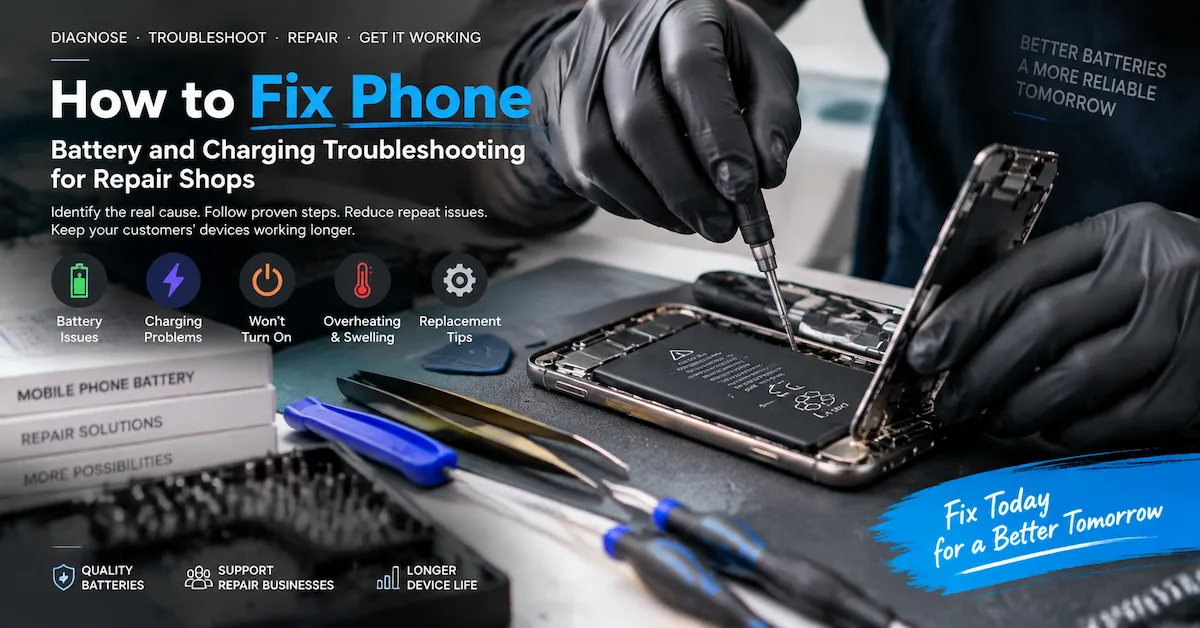
When users search why is my iPhone hot, many immediately assume the battery is damaged. However, an iPhone becoming warm can happen for many different reasons, including charging, processor workload, software activity, environmental conditions, battery aging, installation problems or internal hardware issues.
For professional repair shops and refurbishment businesses, overheating should not be treated as a single fault with one solution. The same symptom can come from different causes, and replacing the battery without diagnosis may not solve the problem.
Before replacing any component, repair teams should identify:
- Where the heat appears
- When the heat happens
- Whether the phone is charging
- Whether the issue started after repair
- Whether the battery was recently replaced
- Whether abnormal battery behavior exists
ESC provides professional mobile phone battery solutions for repair businesses, distributors and refurbishers. However, selecting the correct battery requires understanding the actual failure condition rather than replacing parts based only on symptoms.
Common Reasons Why an iPhone Gets Hot
An iPhone can become warm during normal operation, especially during demanding tasks. The key question is whether the temperature increase matches the usage condition.
| Situation | Possible reason | Recommended check |
|---|---|---|
| Hot while charging | Charger, cable, charging load or battery condition | Check charging accessories and battery behavior |
| Hot during gaming | High processor workload | Observe temperature after workload stops |
| Hot after system update | Background processing | Check whether temperature decreases later |
| Hot with fast battery drain | Battery condition or high power consumption | Perform controlled battery testing |
| Hot after battery replacement | Wrong battery, installation issue or defective component | Verify battery model and assembly |
| Hot while idle | Background apps or hardware problem | Check system activity |
| Hot near charging port | Charging path issue | Inspect charger, cable and port |
| Hot near battery area | Battery or connection issue | Check battery condition |
A professional diagnosis should connect the heat symptom with a specific condition instead of using a general statement such as “the battery is overheating.”
Normal Warmth vs Abnormal iPhone Overheating
Not every warm iPhone indicates a defective battery.
Normal temperature increases may happen during:
- Fast charging
- Video recording
- Gaming
- Navigation
- Large file processing
- Software updates
- Data synchronization
The important difference is whether the device returns to normal after the workload ends.
Repair businesses should pay closer attention when:
- The phone becomes hot during light usage
- Heat appears when the device is idle
- Battery percentage drops unusually fast
- Charging stops repeatedly
- The phone shuts down unexpectedly
- The problem appears immediately after battery replacement
- Battery swelling occurs
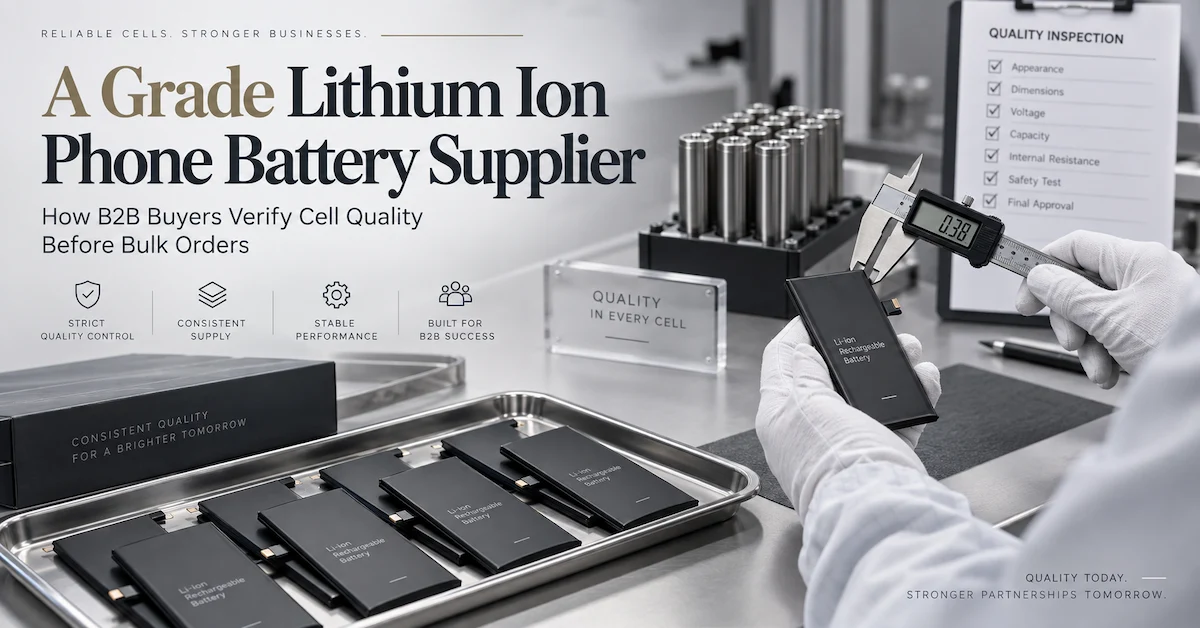
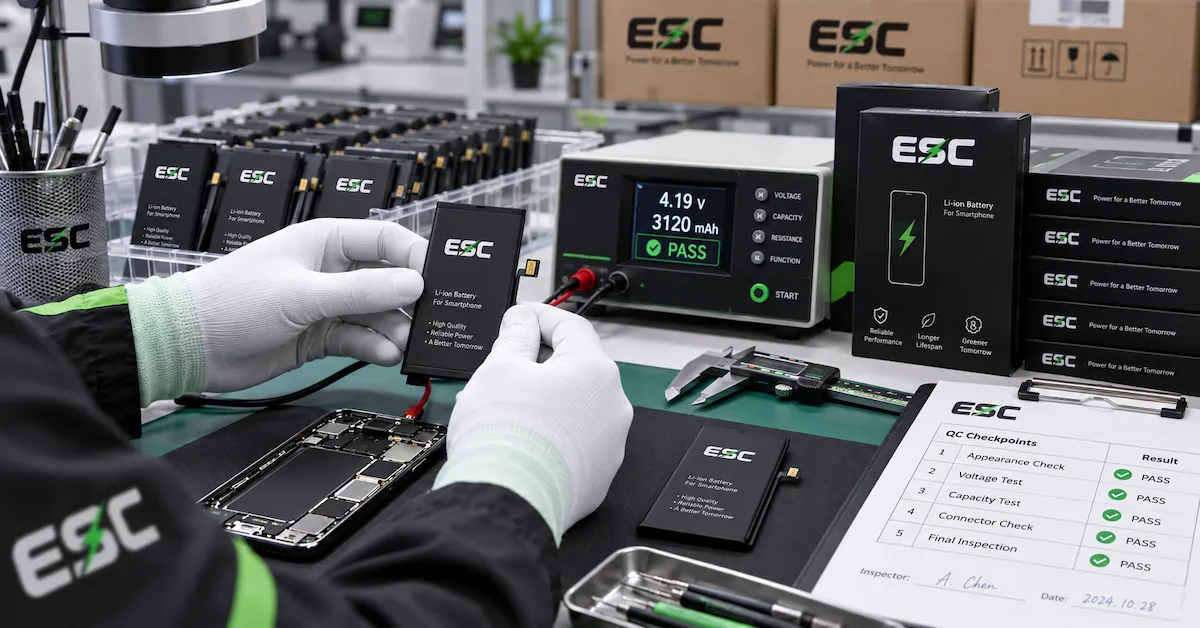
ESC's phone battery quality control process explains that battery quality evaluation involves multiple stages, including capacity testing, protection checks, charging and discharging tests, aging evaluation and final inspection.
Identify Where the Heat Comes From Before Replacing Parts
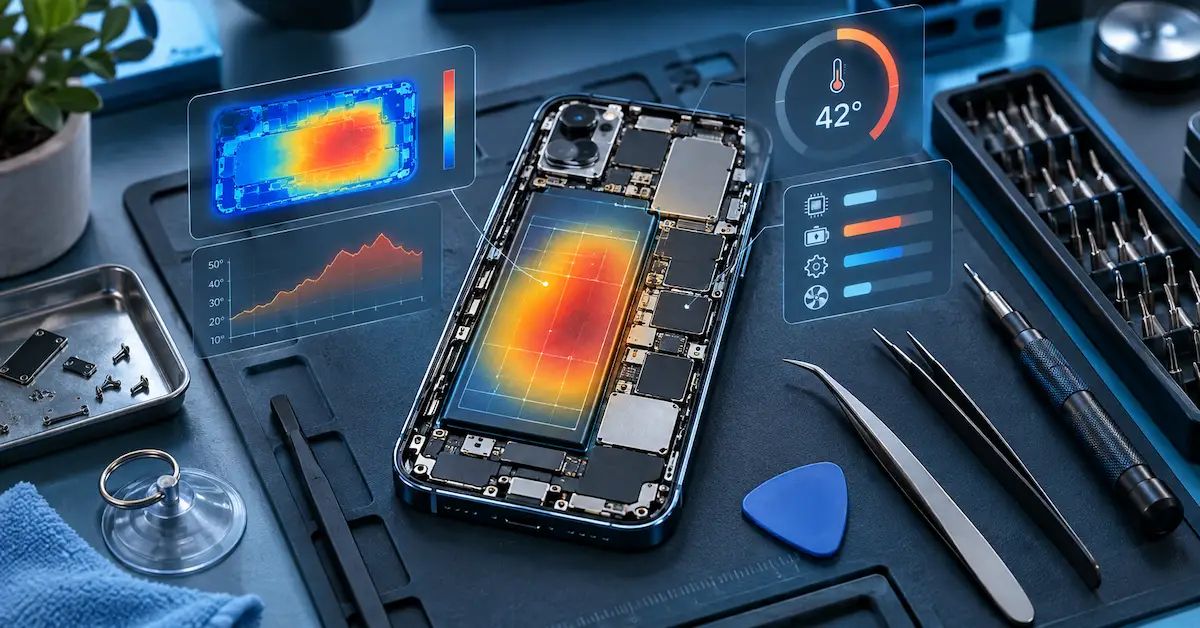
Heat location can provide useful diagnostic information.
| Heat location | Possible source |
|---|---|
| Battery area | Battery condition, battery connection or charging behavior |
| Charging port area | Cable, charger, port or charging circuit |
| Processor area | Heavy workload or software activity |
| Room area | Processing load or internal components |
| Entire device | Environment or multiple combined factors |
Heat location is not a final answer, but it helps determine the next diagnostic step.
For example, a phone becoming warm near the charging port during charging may require charger and cable inspection before battery replacement. A phone becoming hot near the battery area after installation may require checking battery fit, connector condition and assembly quality.
Check Charging Conditions Before Assuming Battery Failure
Charging-related overheating is one of the most common complaints.
Before replacing a battery, check:
Charging Accessories
Inspect:
- Charger quality
- Cable condition
- Charging stability
- Power output compatibility
A damaged cable or unstable charger can create abnormal charging behavior that looks like a battery problem.
Charging Environment
Temperature may increase when charging in:
- Direct sunlight
- Hot vehicles
- Poor ventilation
- Covered environments
Phone Usage During Charging
High-load activities during charging can increase heat:
- Gaming
- Video recording
- Navigation
- Large downloads
ESC's iPhone battery drains while charging diagnosis guide explains that charging problems should be evaluated through the complete charging system rather than immediately identifying the battery as the cause.
Evaluate Battery Condition When Heat Appears With Other Symptoms
Battery inspection becomes more important when overheating appears together with:
- Fast battery drain
- Unexpected shutdown
- Charging issues
- Battery swelling
- Poor runtime
A professional battery evaluation should include:
| Battery evaluation item | Purpose |
|---|---|
| Battery model | Confirm compatibility |
| Capacity | Verify available energy |
| Voltage | Confirm electrical specification |
| Internal resistance | Evaluate electrical consistency |
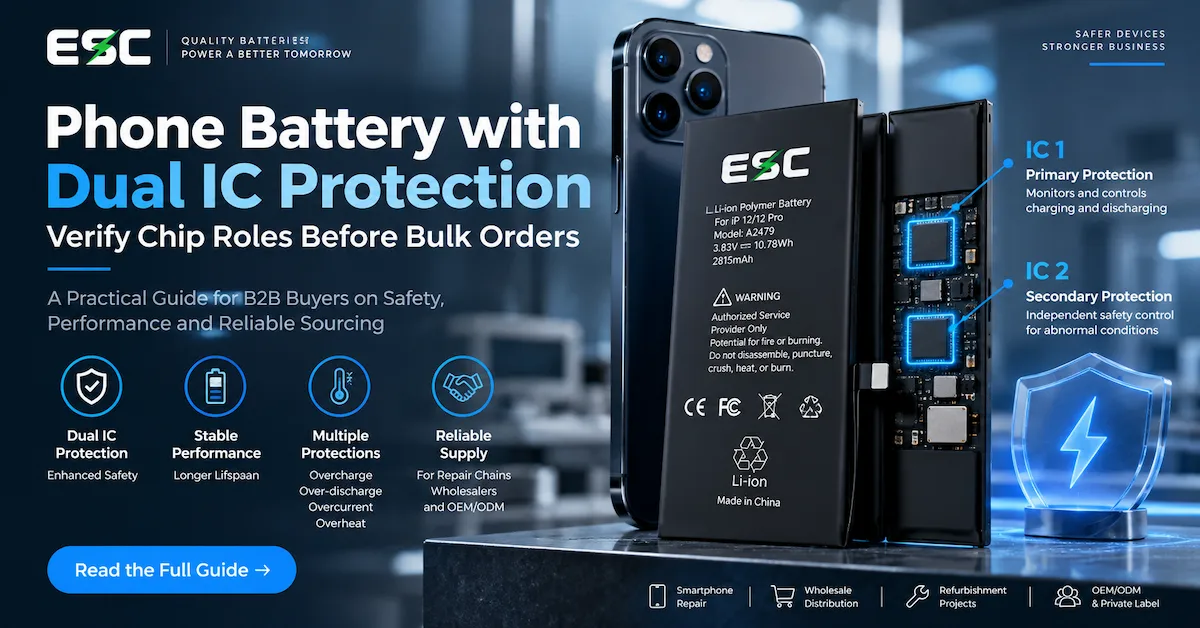
| Protection circuit | Review safety functions |
| Temperature sensing | Check thermal monitoring |
| Physical condition | Identify damage |
| Installation quality | Identify assembly problems |
A battery should not be judged by one measurement alone. Capacity, protection, physical fit and installation quality all influence real-world performance.
Why Internal Resistance Matters When an iPhone Gets Hot
Internal resistance is one factor that can influence heat generation.
When current passes through resistance, electrical energy can convert into heat. However, internal resistance should always be evaluated under controlled conditions.
Important factors include:
- Measurement method
- Battery model
- Load condition
- Temperature environment
- Comparison baseline
ESC's phone battery internal resistance testing guide explains that resistance results should be compared using consistent conditions rather than applying one universal value to every battery model.
For repair businesses, comparing multiple samples from the same battery model can reveal abnormal variation more effectively than checking one isolated result.
Understand NTC Temperature Protection
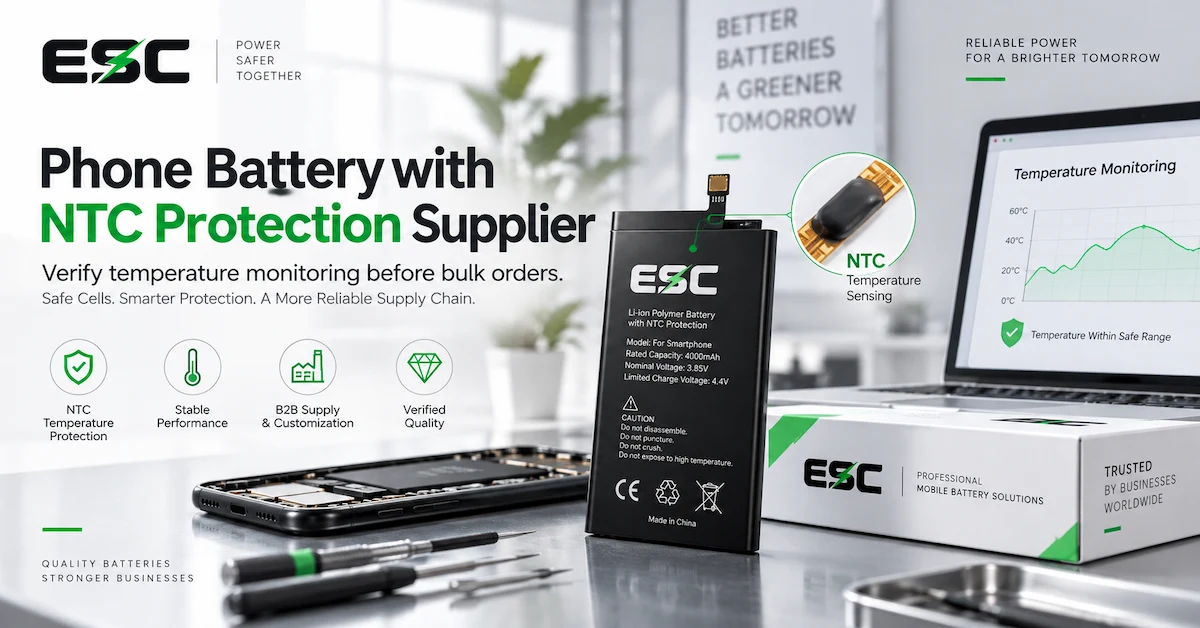
Many phone batteries include temperature-sensing components such as NTC thermistors.
However, NTC protection should not be misunderstood as a complete overheating solution.
Temperature management involves:
- Temperature sensing
- Protection electronics
- Charging control
- Device software
- Environmental conditions
ESC's phone battery with NTC protection guide explains why temperature sensing should be evaluated as part of the complete battery design.
When evaluating a battery with NTC protection, buyers should confirm:
- What component detects temperature
- How the temperature signal is used
- What happens under abnormal temperature conditions
- Whether the design applies to the exact battery model
Check Battery Installation After Replacement
If an iPhone becomes hot after a battery replacement, review the repair process carefully.
Possible causes include:
Incorrect Battery Model
Verify:
- Exact iPhone model
- Battery reference
- Supplier SKU
- Capacity specification
- Connector configuration
Installation Problems
Inspect:
- Flex cable condition
- Connector seating
- Insulation
- Adhesive placement
- Internal pressure
Existing Device Problems
The original phone may have:
- Charging circuit damage
- Liquid damage
- Board-level problems
- Previous repair damage
ESC's phone not charging after battery replacement guide recommends separating battery problems from installation and device-level issues before replacing additional parts.
Diagnose Fast Battery Drain and Heat Together
Heat combined with fast battery drain provides more useful information than either symptom alone.
Possible causes include:
- Reduced battery capacity
- High internal resistance
- Background applications
- Weak network signal
- High processor usage
- Software problems
- Device hardware issues
A controlled test should record:
| Test item | Purpose |
|---|---|
| Starting battery percentage | Establish baseline |
| Device workload | Control usage conditions |
| Screen brightness | Reduce comparison errors |
| Network condition | Understand power consumption |
| Temperature environment | Compare results fairly |
| Runtime result | Evaluate battery behavior |
A battery should not be considered defective only because a user reports “short battery life.” Professional diagnosis requires repeatable conditions.
Battery Swelling Requires Immediate Safety Handling
If the answer to why is my iPhone hot includes battery swelling, the situation changes from normal troubleshooting to safety handling.
Possible contributors include:
- Battery aging
- Heat exposure
- Cell damage
- Charging abnormalities
- Mechanical damage
- Manufacturing variation
A swollen battery should not be:
- Pressed flat
- Punctured
- Forced into the device
- Used for normal testing
ESC's iPhone battery swelling guide explains that swelling should be treated as a battery safety issue rather than a normal repair symptom.
Use Known-Good Components During Diagnosis
Professional repair teams should use controlled comparisons.
A practical process:
Step 1: Record the original problem
Document:
- Device condition
- Battery status
- Charging behavior
- Temperature symptoms
Step 2: Test with verified components
Compare:
- Known-good charger
- Known-good cable
- Approved compatible battery
Step 3: Change one variable at a time
Replacing several parts simultaneously makes it difficult to identify the real cause.
This approach helps distinguish:
- Battery problems
- Charging problems
- Installation problems
- Device hardware faults
How Repair Shops Can Reduce Overheating Returns
A structured repair process can reduce repeated complaints.
Recommended workflow:
| Stage | Action |
|---|---|
| Customer intake | Record symptoms |
| Inspection | Check physical condition |
| Diagnosis | Separate possible causes |
| Repair | Install approved components |
| Testing | Verify charging and temperature behavior |
| Delivery | Explain normal operating conditions |
| Warranty | Record failure information |
This creates useful data for both repair teams and suppliers.
How to Select a Replacement Battery After Diagnosis
When the battery is confirmed as the problem, choose according to:
- Correct iPhone model
- Battery specification
- Capacity requirement
- Protection design
- Quality control process
- Supplier consistency
ESC provides different replacement options through its mobile phone battery category, including standard-capacity and high-capacity battery solutions.
The correct battery choice depends on the repair objective, not only the largest capacity number.
How B2B Buyers Should Evaluate Battery Suppliers
Repair companies and distributors should evaluate suppliers based on evidence.
| Evaluation area | Buyer question |
|---|---|
| Battery quality | How are cells and finished batteries tested? |
| Capacity | Is capacity verified under controlled conditions? |
| Protection | Are safety functions controlled? |
| Temperature | Is thermal behavior evaluated? |
| Consistency | Are repeat orders controlled? |
| Documentation | Can products be traced? |
A reliable supplier helps repair businesses reduce uncertainty because product information and quality expectations are clearly defined.
Frequently Asked Questions
Why is my iPhone hot while charging?
Possible causes include charger problems, cable issues, charging workload, environment or battery condition. Check the entire charging system before replacing the battery.
Why is my iPhone hot and losing battery quickly?
Possible causes include battery aging, software activity, high workload or charging problems. Controlled testing helps identify the actual cause.
Can a bad battery make an iPhone hot?
Yes, battery condition can contribute to abnormal heat, but diagnosis should confirm whether the battery or another component is responsible.
Why is my iPhone hot after battery replacement?
Possible causes include incorrect battery model, installation issues, battery quality problems or existing device damage.
Does NTC protection prevent all iPhone overheating?
No. NTC provides temperature sensing, while complete thermal management depends on the battery, charging system and device conditions.
Can battery calibration fix overheating?
No. Calibration cannot repair damaged cells, installation problems or hardware faults.
Should I replace my iPhone battery if it becomes hot?
Not immediately. First confirm whether the battery is actually causing the problem.
How do repair shops diagnose iPhone overheating?
They inspect the device, verify battery compatibility, test charging behavior and compare known-good components.
Can a high-capacity battery cause overheating?
Not automatically. A properly designed battery should still be evaluated for fit, electrical performance and thermal behavior.
Where can repair businesses source replacement iPhone batteries?
ESC provides professional replacement battery solutions through its mobile phone battery category.
Conclusion
Understanding why is my iPhone hot requires a structured troubleshooting process rather than immediately replacing components. iPhone overheating can involve battery condition, charging accessories, device workload, software activity, installation quality or hardware problems.
For professional repair shops, refurbishers and distributors, the correct approach is to identify the heat source, verify battery compatibility, evaluate quality factors and maintain repair records before making replacement decisions. Combining accurate diagnosis with reliable battery sourcing can reduce unnecessary repairs, warranty disputes and customer complaints.
Review ESC’s mobile phone battery solutions and contact ESC with your repair requirements, battery models and sourcing needs.