
The Yellow Battery Icon Usually Means Low Power Mode Is On
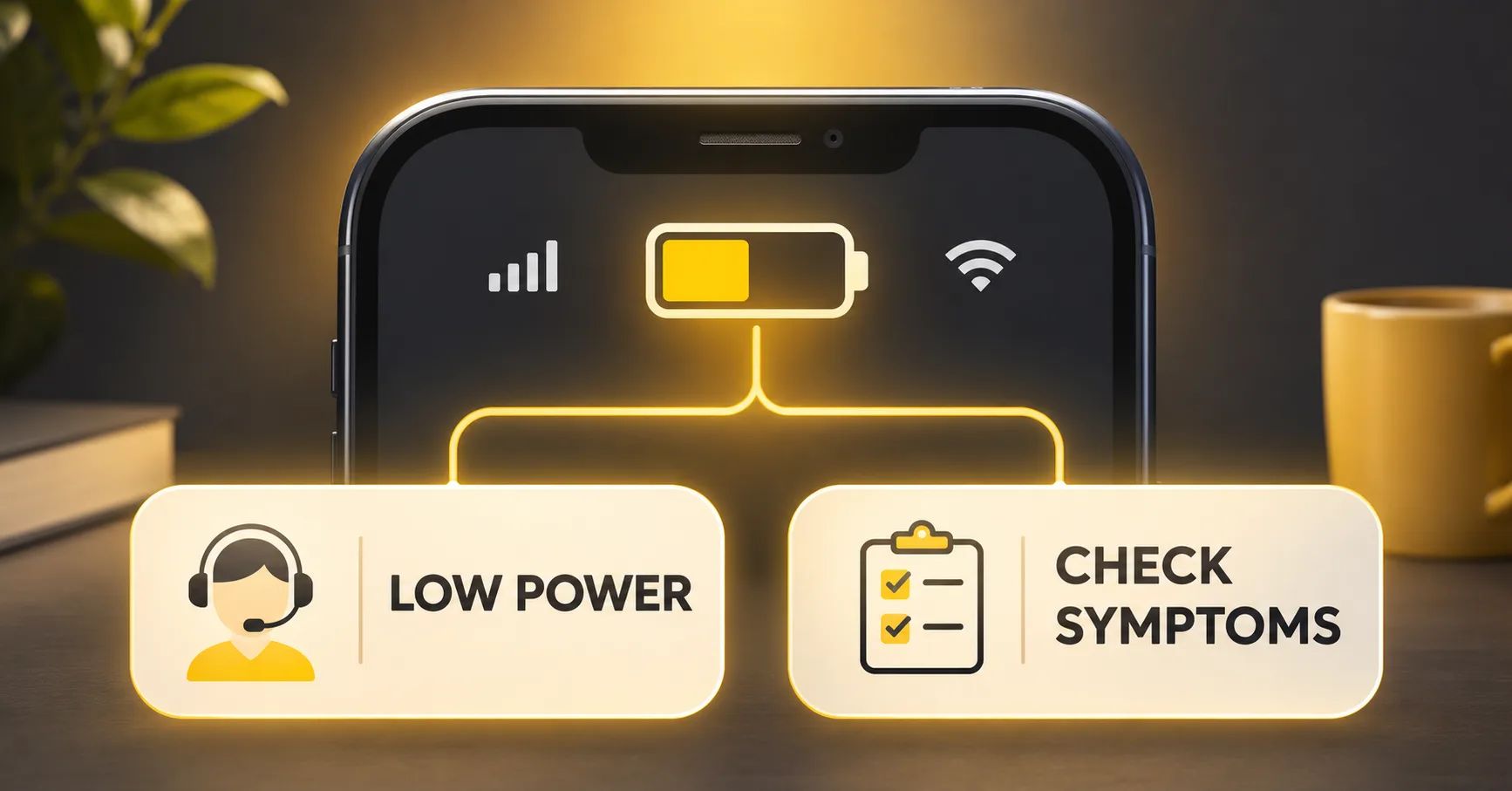
If a customer asks, “why is my iphone battery yellow?”, the direct answer is that Low Power Mode is active. Apple’s iPhone guide states, When the icon is yellow, Low Power Mode is on.
The icon color alone does not prove that the battery is defective, worn out, incorrectly installed or in need of replacement. Apple iPhone User Guide — status icon meanings.
This distinction matters to repair shops, refurbishers and warranty teams. Opening a battery claim from the icon color alone creates unnecessary diagnostics, avoidable part replacements and confusing customer communication. Start by confirming the power-mode setting. Investigate battery condition only when the device shows an additional symptom or separate diagnostic evidence.
The yellow battery icon iphone users see is therefore best treated as a status indicator. A support agent can resolve many contacts by explaining the mode, showing the customer where to view it and confirming whether the icon returns to its normal appearance after the mode is turned off.
What Low Power Mode Changes
Apple says Low Power Mode reduces background activity
to extend battery life when the charge level gets low. Depending on the device and software version, it can reduce display brightness, set Auto-Lock to 30 seconds, limit display refresh rate on supported models, pause iCloud Photos, turn off automatic downloads and email fetch, and disable background app refresh. Apple Support — Use Low Power Mode on iPhone or iPad.
For support documentation, describe this as iPhone Low Power Mode rather than a battery warning or repair code. That wording keeps the customer-facing explanation aligned with the setting being checked.
Those changes can produce customer observations that are normal for the mode. The display may dim, the screen may lock sooner, email may not arrive until the app is opened, and background syncing can pause. A support team should explain these expected effects before treating them as evidence of a hardware problem.
| Customer observation | First interpretation | Support action |
|---|---|---|
| Battery icon is yellow, with no other complaint | Low Power Mode is active | Confirm the setting and explain expected behavior |
| Yellow icon and dimmer display | Can be an expected mode effect | Turn off the mode for comparison before opening a hardware case |
| Yellow icon and reduced background activity | Can be an expected mode effect | Explain paused or reduced background functions |
| Yellow icon plus heat, shutdown, swelling or charging failure | Icon explains the mode, not the additional symptom | Follow the relevant safety or diagnostic workflow |
Do not promise a fixed runtime improvement. The effect depends on the device, battery state, applications, network, display usage and workload. The mode changes power demand; it does not restore lost battery capacity.
How to Turn Low Power Mode Off
The menu path can vary by iPhone generation and software. Apple’s current instructions place the setting under Settings > Battery > Power Mode on iPhone 15 and later models. For iPhone 14 and earlier models, Apple directs users to Settings > Battery and the Low Power Mode control. Users may also add the control to Control Center or ask Siri to turn it off.
When Low Power Mode is active, the status-bar icon is yellow. Apple also states that the mode turns off when the device charges to 80% or higher. A customer may therefore report that the color changed without manually changing a setting. Record the software version and device model when the observed menu or automatic behavior differs from the support script.
- Ask the customer to open Settings and Battery.
- Confirm whether Low Power Mode is enabled.
- Turn it off and observe the status icon.
- If the icon returns to its normal state and there are no other symptoms, close the issue as a settings explanation.
- If another symptom remains, create a separate diagnostic record for that symptom.
This sequence prevents a visual status question from being mixed with an unrelated battery-health, charging or performance complaint.
Use a Two-Minute Support Triage
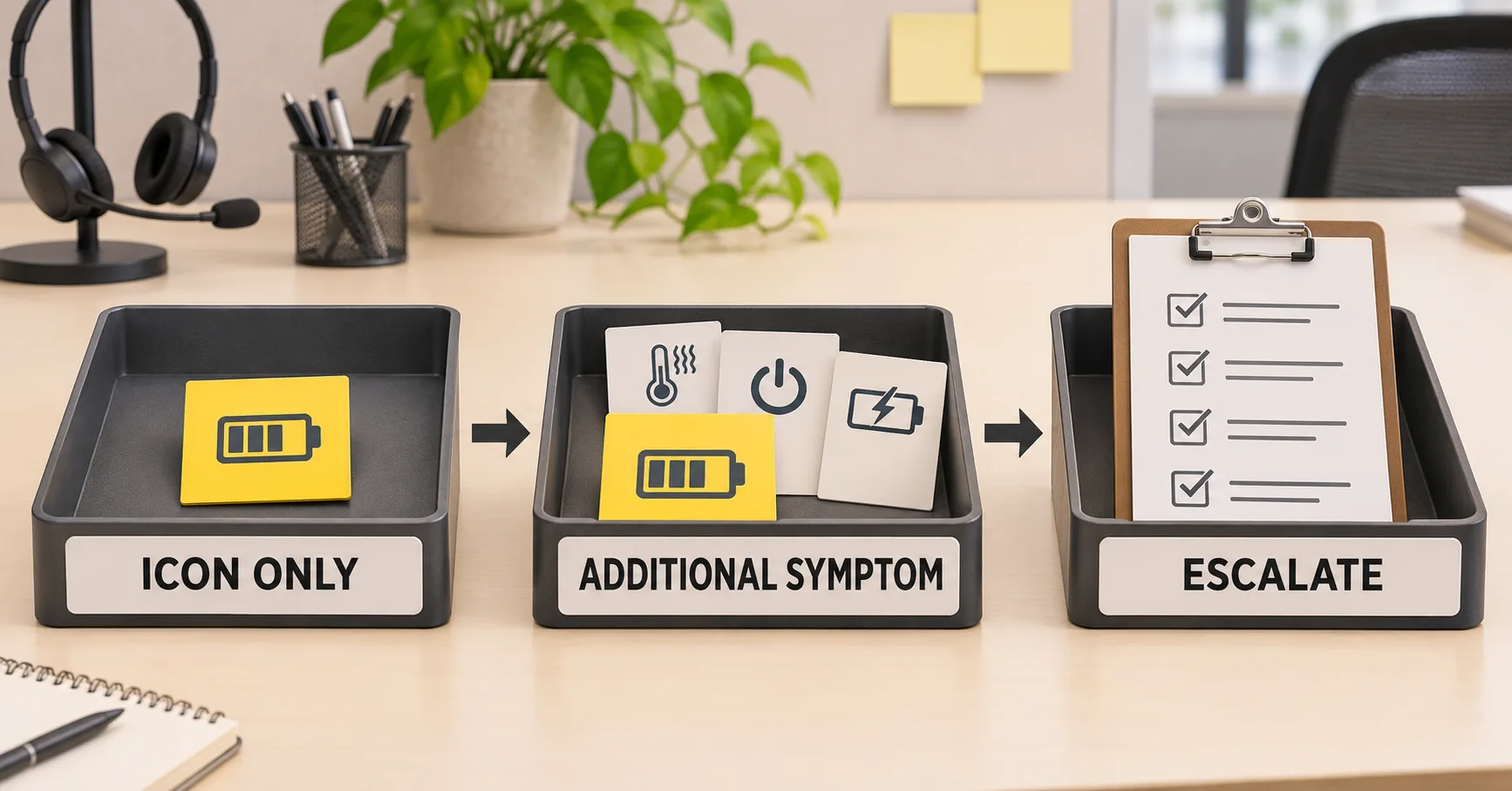
A short triage script gives customer-service staff a consistent answer without making a technical conclusion too early. Ask five questions:
- Is the device showing only a yellow icon, or is there another symptom?
- Is Low Power Mode enabled in Settings?
- Did the customer enable it manually, through Control Center, through Siri or after a low-charge prompt?
- Does the icon return to normal after the mode is turned off?
- Has the device recently been repaired, updated or exposed to heat, impact or liquid?
If the only observation is the icon and the mode is enabled, no battery replacement decision is justified. If the customer also reports unusually short runtime, use a controlled runtime and usage review. ESCCharge’s post-replacement fast-drain guide separates workload, setup, installation, device and battery causes.
If the device becomes unusually hot, shuts down, restarts, fails to charge or shows physical deformation, move to the relevant safety and diagnostic procedure. Do not tell the customer that Low Power Mode caused the symptom simply because both were present.
Do Not Use Icon Color as a Battery-Health Test
The yellow icon does not report maximum capacity, cycle count, internal resistance or remaining service life. It also does not identify whether a replacement battery is genuine, used, unknown or functioning as expected. These are different information channels.
Where supported, battery condition information appears in the Battery settings. Repair history appears in Settings > General > About on supported models and software versions. Apple explains that Parts and Service History may show statuses such as Genuine, Unknown or Used, depending on the device and repair. Apple Support — iPhone Parts and Service History.
A support ticket should keep these observations separate:
| Observation | What it can indicate | What it cannot prove alone |
|---|---|---|
| Yellow status icon | Low Power Mode is on | Battery wear, capacity or part identity |
| Battery Health information | Software-reported condition for the supported device | Complete root cause of every runtime complaint |
| Parts and Service History message | Recorded part or repair status on supported configurations | That the yellow icon is a fault |
| Measured runtime or capacity result | Performance under the recorded test conditions | Universal performance under every user workload |
For repair teams, the iPhone battery calibration and reset guide explains why software resets and state-of-charge observations should not be confused with measured capacity or repair quality.
When a Separate Battery Investigation Is Appropriate
An iphone battery health check becomes relevant when the customer reports a problem beyond the yellow icon. Examples include materially reduced runtime under comparable use, unexpected shutdown, repeated restart, abnormal heat, charging interruption, swelling, or a warning associated with a recent repair. Each symptom needs its own evidence and safety boundaries.
For a runtime complaint, record the model, software version, reported battery information, applications with high usage, network conditions, display activity and test period. Compare results only under controlled conditions. Low Power Mode can change the workload, so record whether it was enabled during each observation.
For a post-repair complaint, capture the repair date, battery source and assembly reference, technician record, installation observations and Parts and Service History status where applicable. Do not promise that a third-party battery will show a particular Apple status. Do not infer part quality from icon color.
If a customer reports heat after replacement, use a controlled thermal and fault-isolation process rather than a color-based conclusion. See the phone heating after battery replacement guide. If a warranty case remains open, link the evidence to the mobile phone battery warranty claims workflow.
Build a Standard Support Reply
A useful first response can be brief:
The yellow battery icon normally means Low Power Mode is enabled. Please open Settings > Battery and check the Low Power Mode setting. If the icon returns to normal after you turn the mode off and the phone has no other symptom, the color itself does not indicate a battery fault. If you also see unusual heat, fast drain, shutdown or charging trouble, tell us the model, software version and recent repair history so we can review that symptom separately.
Support teams should adapt the menu wording to the device and current software rather than keeping one screenshot forever. Keep the answer factual and avoid turning a settings question into an immediate sales pitch for a replacement battery.
For multilingual teams, translate the meaning and steps, but keep the technical distinction intact: yellow means the mode is active; it is not a diagnosis. Use one approved answer in the knowledge base and track escalations by symptom category.
What Repair and Refurbishment Teams Should Record
An iphone battery support ticket needs enough structure to show why it was resolved or escalated. Record:
- Device model and software version.
- Whether Low Power Mode was on and how that was confirmed.
- Whether the icon changed after the mode was turned off.
- Battery percentage and charging state at the time of the report.
- Any additional symptom, its timing and whether it existed before repair.
- Battery Health and Parts and Service History observations where supported and relevant.
- Recent repair, software update, impact, liquid or temperature exposure.
- Disposition: education only, monitor, diagnostic appointment, safety escalation or warranty review.
For refurbished-device acceptance, confirm that power-mode settings are documented before a runtime comparison. Two devices tested under different modes do not provide a clean comparison. Restore the approved test configuration, record it and then assess runtime, charging and stability using the program’s controlled method.
Frequently Asked Questions
Does a yellow iPhone battery icon mean the battery is bad?
No. It normally means Low Power Mode is on. Investigate the battery only when another symptom or separate diagnostic evidence supports doing so.
Why does the icon stay yellow when the battery percentage is high?
The user may have enabled Low Power Mode manually. Check the Battery settings and turn the mode off. Record the model and software version if behavior differs from current Apple instructions.
Will turning off Low Power Mode damage the battery?
No. It changes the device’s power-management setting. Turning it off restores normal feature behavior; it does not itself repair or damage the battery.
Does Low Power Mode prove that an iPhone needs a replacement battery?
No. Users can enable the mode regardless of whether the battery is new or aged. Base replacement decisions on device condition, supported battery information, controlled performance evidence and the customer’s actual symptoms.
Why did the yellow icon disappear while charging?
Apple states that Low Power Mode turns off when the device charges to 80% or higher. Confirm the current setting and charge level before treating the change as abnormal.
Should a shop open a warranty claim for the yellow icon after replacement?
Not for the color alone. Confirm Low Power Mode first. If fast drain, heat, shutdown, charging failure or a repair-status message is also present, document and investigate that separate issue.
External Source References