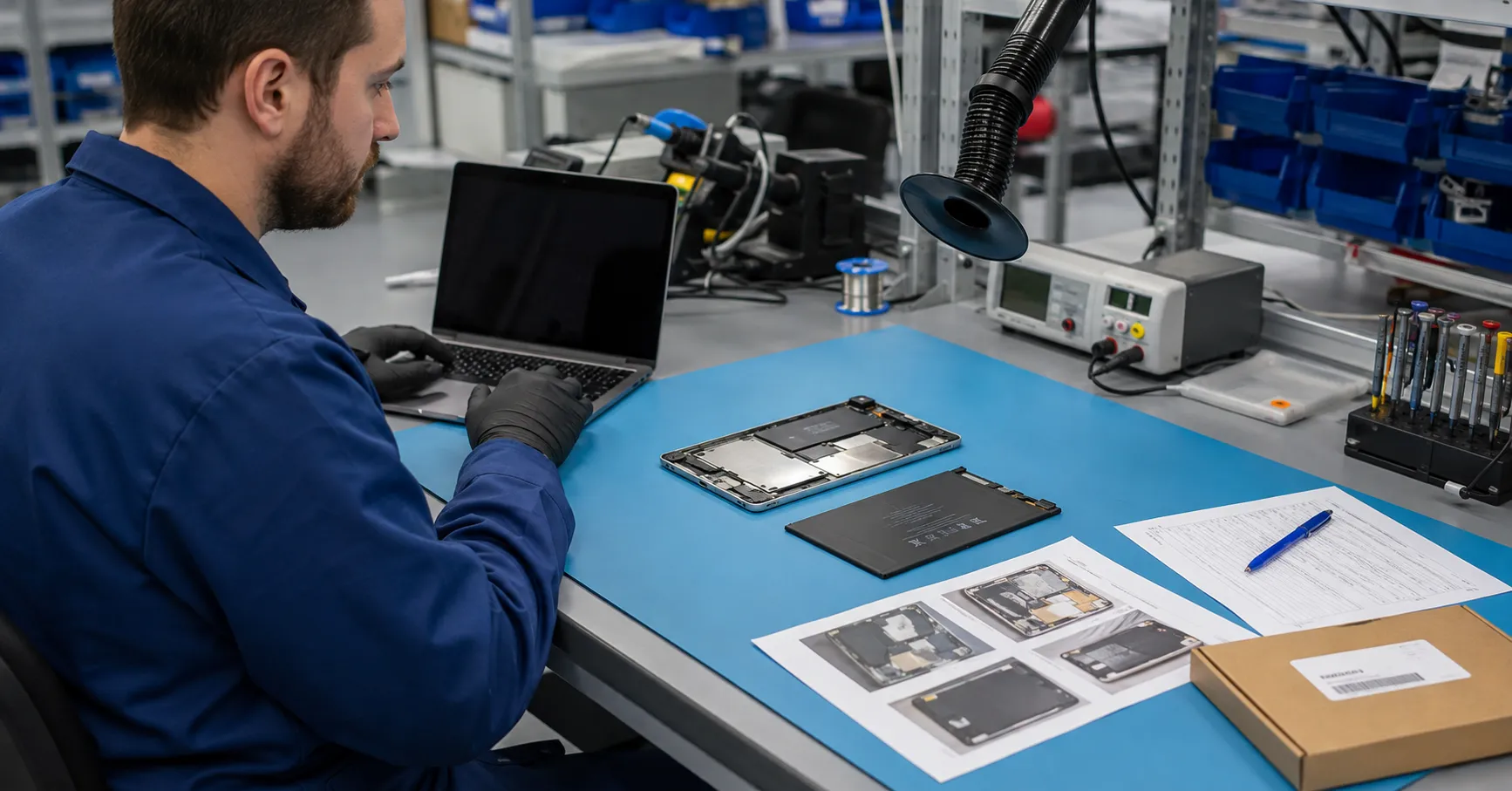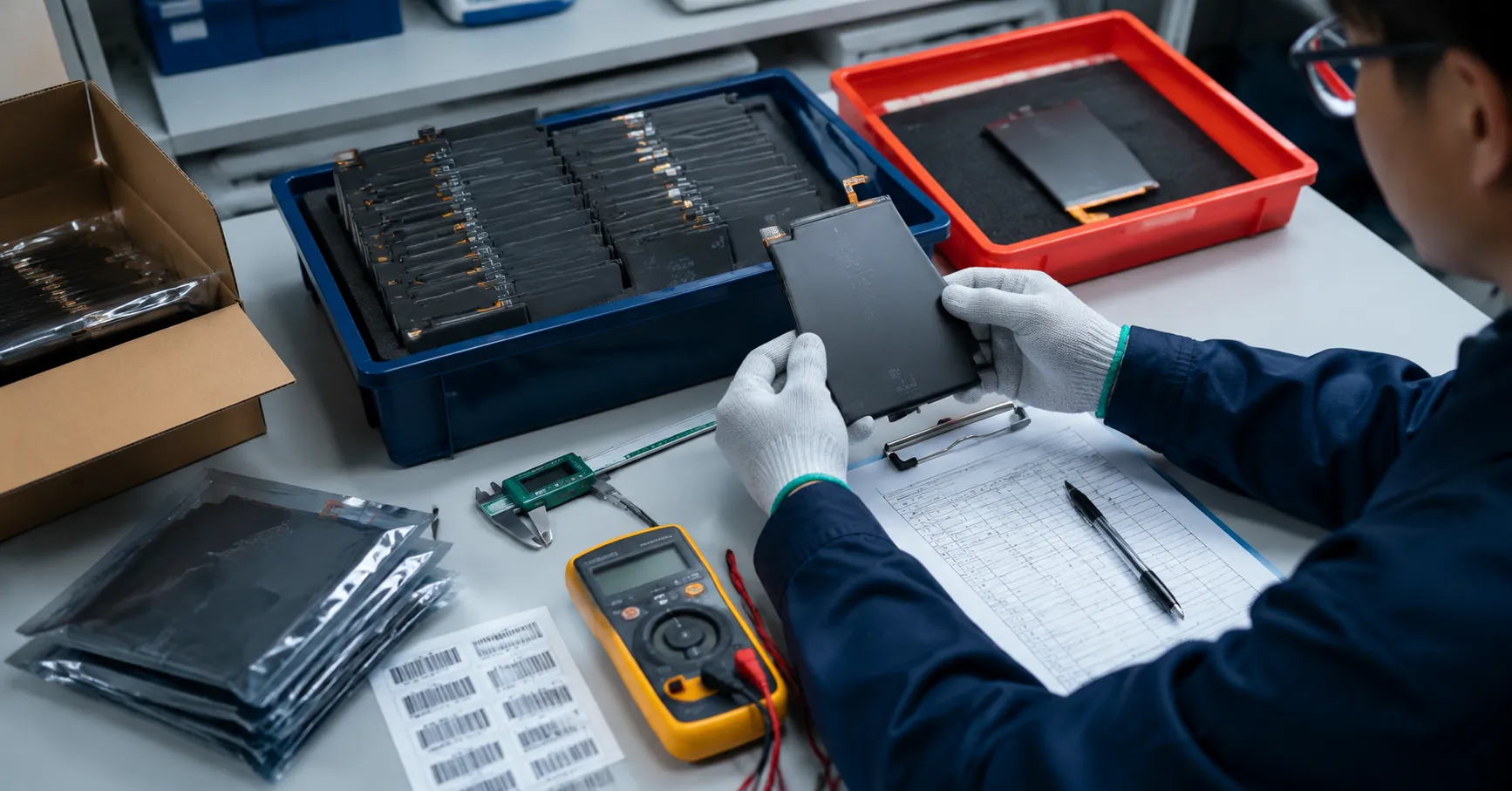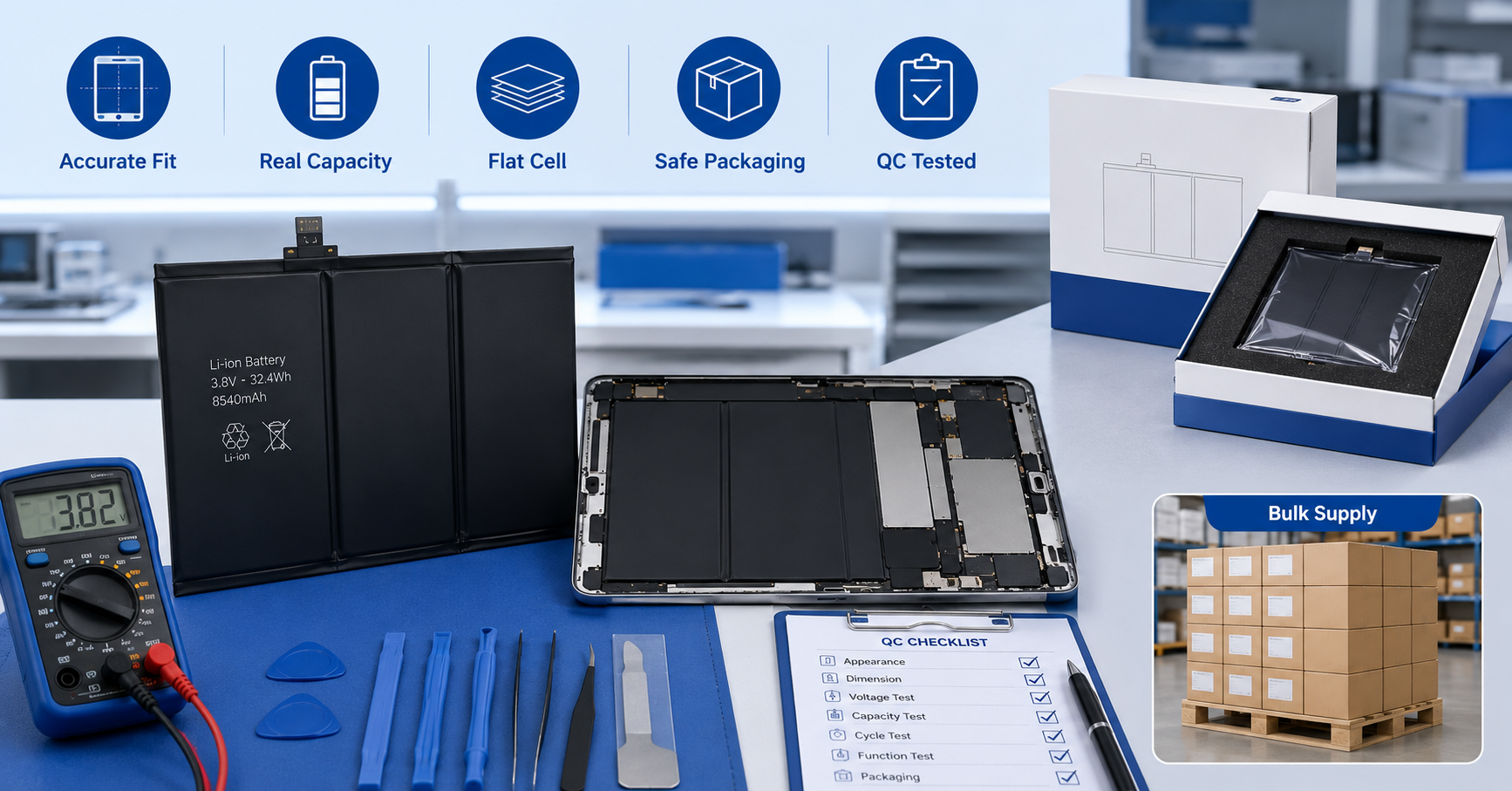
Tablet battery compatibility must be confirmed through device identity, electrical specifications, physical structure, connector configuration, flex-cable routing, and installation testing. Matching only the tablet’s marketing name or screen size is not enough.
For repair chains, refurbishment facilities, wholesalers, distributors, and private-label brands, one wrong match can create several costs at once:
-
The battery cannot be installed
-
The connector or flex cable may be damaged
-
The tablet may not charge or power on
-
The housing may not close correctly
-
Technicians lose time diagnosing a product-selection error
-
Correct batteries may be returned because labels are unclear
-
Mixed-model inventory becomes difficult to control
A reliable matching process should produce a documented compatibility record before the buyer approves samples or mass production.
Why Tablet Battery Matching Is More Complex Than It Looks
Tablet product names are often reused across generations, screen sizes, regions, storage configurations, and connectivity versions. Two tablets sold under similar names may use different device model numbers or internal battery structures.
Battery listings can also use different identifiers:
-
Tablet marketing name
-
Official device model number
-
Original battery part number
-
Replacement battery model
-
Supplier SKU
-
Buyer SKU
-
Internal production code
These identifiers should be connected in one controlled record. Do not assume that a supplier SKU proves compatibility unless the underlying device and battery relationship has been verified.
ESC’s tablet replacement battery sourcing guide explains how buyers can include model confirmation and sample approval requirements in an RFQ.
Start with the Exact Device Identity
The buyer should identify the tablet before evaluating a replacement battery.
Collect:
-
Brand and product family
-
Full marketing name
-
Device model number
-
Generation or release version
-
Regional variant where relevant
-
Wi-Fi or cellular version where relevant
-
Original battery label photograph
-
Original battery part number
-
Connector photograph
-
Internal device photograph when available
A model name such as “Tablet Pro,” “Tablet Air,” or “10-inch tablet” is not precise enough for a purchase order.
The device model number should be taken from a reliable physical or system reference. If the tablet cannot power on, use its housing label, service records, original battery label, and internal layout to support identification.
For mixed used-device batches, inspect multiple tablets. A refurbishment lot purchased under one commercial description may contain several generations or regional variants.
Match the Original Battery Reference
The original battery label can provide a useful compatibility reference, but buyers should not rely on one printed code alone.
Record:
-
Original battery part number
-
Battery manufacturer code where visible
-
Nominal voltage
-
Rated capacity
-
Energy rating
-
Connector type
-
Number and arrangement of cells
-
Cable and flex orientation
-
Physical outline
-
Warning and identification label
Compare this information with the replacement battery specification and approved sample.
A replacement battery may use a different commercial code from the original battery while still being designed for the same device. The supplier should be able to explain the mapping rather than asking the buyer to rely on visual similarity.
Verify the Electrical Specifications
Electrical compatibility begins with the approved model specification.
Check:
-
Nominal voltage
-
Applicable charging-voltage specification
-
Rated capacity
-
Watt-hour rating
-
Pack configuration
-
Protection-circuit design
-
Connector pin configuration
-
Applicable communication or identification behavior
Do not treat higher printed capacity as automatic proof of a better battery. Capacity must be realistic for the battery’s physical structure and confirmed using an approved test method.
The replacement battery should not be approved merely because the connector fits. An electrically incorrect battery can create charging failure, unstable operation, unexpected shutdown, or protection-related problems.
Numerical limits must be approved for the specific battery model. This article does not provide universal voltage, resistance, capacity, or charging limits because those values depend on the product design.
Confirm Physical Dimensions and Flatness
Tablet batteries often occupy a large, tightly controlled internal area. Small dimensional errors can affect installation.
Measure:
-
Overall length
-
Overall width
-
Maximum thickness
-
Cell-section thickness where applicable
-
Tab and edge positions
-
Connector position
-
Cable exit point
-
Flex-cable length
-
Mounting or alignment features
-
Adhesive coverage area
Use an approved drawing, limit sample, or dimensional specification. Record the measuring method and equipment.
Thickness is particularly important. A battery may appear to fit before final assembly but create pressure after the display or rear housing is closed.
Inspect flatness and surface condition before installation. Do not install or continue testing a battery that shows swelling, leakage, deformation, damaged insulation, exposed conductive material, or another abnormal condition.
Use a Six-Point Tablet Battery Compatibility Matrix
A compatibility matrix prevents sales descriptions from replacing technical evidence.
| Verification point | Required evidence | Risk if incorrect |
|---|---|---|
| Device identity | Exact model number, generation, and variant | Wrong product selected |
| Battery reference | Original part number and approved replacement mapping | Incorrect cross-reference |
| Electrical specifications | Approved voltage, capacity, Wh rating, and protection design | Charging or functional failure |
| Physical structure | Drawing, measurements, shape, thickness, and flatness | Housing pressure or installation failure |
| Connector and flex cable | Connector type, pin layout, position, length, and routing | Damage, poor contact, or inability to connect |
| Installation behavior | Controlled installation and functional test | Hidden compatibility problems reach bulk orders |
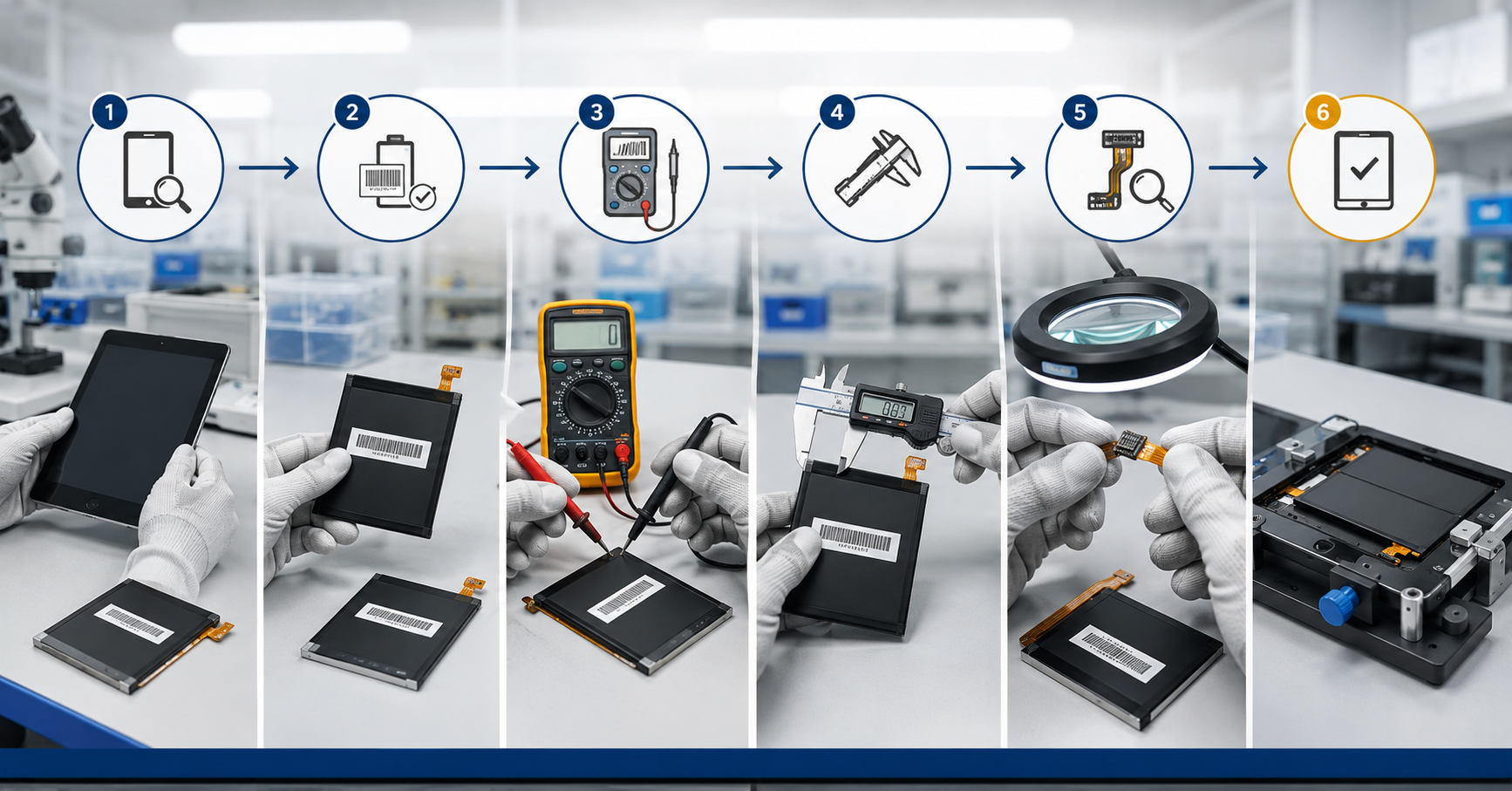
Each line in the matrix should lead to an approved record. “Supplier confirmed” is weaker than a drawing, photograph, measurement, test record, or validated sample.
Inspect the Connector and Flex Cable
Connector matching involves more than connector shape.
Confirm:
-
Connector family
-
Pin count
-
Pin arrangement
-
Keying and orientation
-
Connector height
-
Cable exit direction
-
Flex-cable length
-
Flex bend location
-
Reinforcement position
-
Insulation coverage
-
Strain relief
-
Clearance from nearby components
A flex cable that is slightly too short may place tension on the connector. A cable that is too long may fold into an unsafe or mechanically unstable position. Incorrect reinforcement can make insertion difficult or increase damage during assembly.
Technicians should never force the connector into place. If alignment requires excessive pressure or unusual bending, stop the installation and review the battery model.
Review Adhesive, Insulation, and Removal Design
Mechanical compatibility includes the materials that hold and protect the battery.
Check:
-
Adhesive-strip position
-
Pull-tab design where applicable
-
Insulation-film coverage
-
Edge protection
-
Connector insulation
-
Separation from sharp or conductive device parts
-
Space for safe cable routing
-
Removal process for future service
Too little adhesive can allow movement. Excessive or poorly positioned adhesive can make installation and later removal difficult.
The approved configuration should consider both assembly and future service. Do not add unapproved tape, foam, or insulation merely to make an incorrectly matched battery stay in place.
Validate Samples in Compatible Devices
A dimensional check cannot replace installation testing.
Use a controlled sample-validation sequence:
-
Verify the device model and original battery reference.
-
Photograph the replacement battery and label.
-
Measure the approved physical characteristics.
-
Inspect the connector, flex cable, insulation, and adhesive.
-
Install the battery using the approved repair method.
-
Confirm that the connector engages without force.
-
Confirm that the cable follows the intended route.
-
Close the device without abnormal pressure.
-
Perform the approved charging and functional checks.
-
Record the battery, device, technician, date, and result.
Test more than one sample when evaluating a production batch. A single well-fitted sample cannot prove batch consistency.
The installation record should distinguish battery-related behavior from faults involving the charging port, display, logic board, power-management circuit, or other device components.
Build a Mixed-Model Master Matrix
Wholesalers and refurbishers often purchase many tablet battery models in one order. Use a master matrix rather than separate informal messages.
Recommended fields include:
| Field | Purpose |
| Buyer SKU | Connects purchasing, warehouse, and sales records |
| Supplier SKU | Connects the order to supplier production |
| Device model number | Defines the intended tablet |
| Original battery reference | Supports cross-checking |
| Replacement battery model | Identifies the supplied battery |
| Voltage and capacity | Confirms approved electrical identity |
| Dimensions | Supports incoming inspection |
| Connector and flex version | Prevents installation mismatch |
| Label revision | Controls product identification |
| Packaging barcode | Supports warehouse scanning |
| Sample status | Shows whether installation validation is complete |
| Change status | Identifies pending or approved revisions |
The matrix should be version-controlled. When a model relationship changes, update the revision rather than silently overwriting the old record.
Control Labels and Packaging
A compatible battery can still create returns if the packaging sends the wrong product to the technician.
The battery label, inner bag, retail box, carton, barcode, invoice, and warehouse record should use a consistent identification system.
Check:
-
Buyer SKU
-
Supplier SKU
-
Replacement battery model
-
Compatible device model
-
Barcode
-
Batch number
-
Quantity
-
Label revision
-
Required warnings
-
Private-label artwork
Avoid using only a tablet marketing name on the package. Include the exact approved model relationship needed by the sales and repair channel.
Aftermarket replacement batteries must not be described as genuine or authorized parts of the tablet manufacturer unless that status is documented and approved. Use clear wording such as “compatible replacement battery” where appropriate.
Apply Change Control After Approval
Compatibility approval is not permanent if the product changes.
Require supplier notification before changing:
-
Battery cell or cell structure
-
Protection circuit
-
Connector
-
Flex cable
-
Insulation
-
Adhesive
-
Dimensions
-
Label
-
Packaging
-
Manufacturing process where the change may affect fit or function
The buyer should decide whether the change needs document review, new measurements, limited testing, or full sample requalification.
A new label applied to an old battery is not a compatibility validation. The approved product configuration must remain linked to the underlying bill of materials and physical sample.
Questions to Include in the RFQ
Ask the supplier:
-
Which exact device model numbers does this battery support?
-
Which original battery references map to the replacement model?
-
Are regional or connectivity variants different?
-
What voltage, capacity, and Wh rating are approved?
-
What are the controlled dimensions and tolerances?
-
Which connector and flex-cable version is used?
-
Can the supplier provide photographs or drawings?
-
How are samples validated before bulk production?
-
How are model changes communicated?
-
Can mixed-model orders use unique barcodes?
-
How are incorrect-model claims investigated?
-
Which records connect the shipment to its production batch?
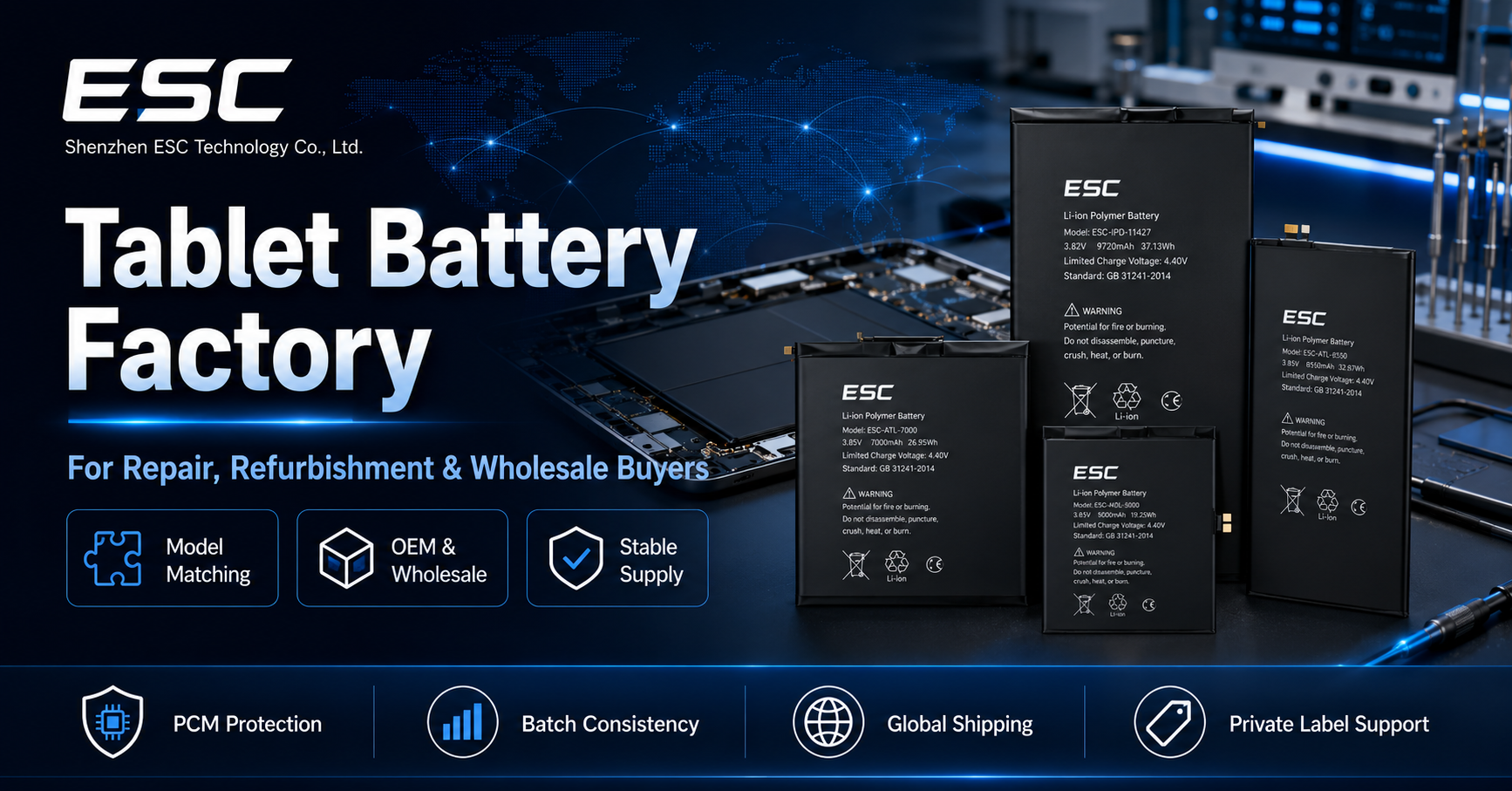
ESC’s tablet battery factory guide provides additional supplier-evaluation points for repair, refurbishment, and wholesale buyers.
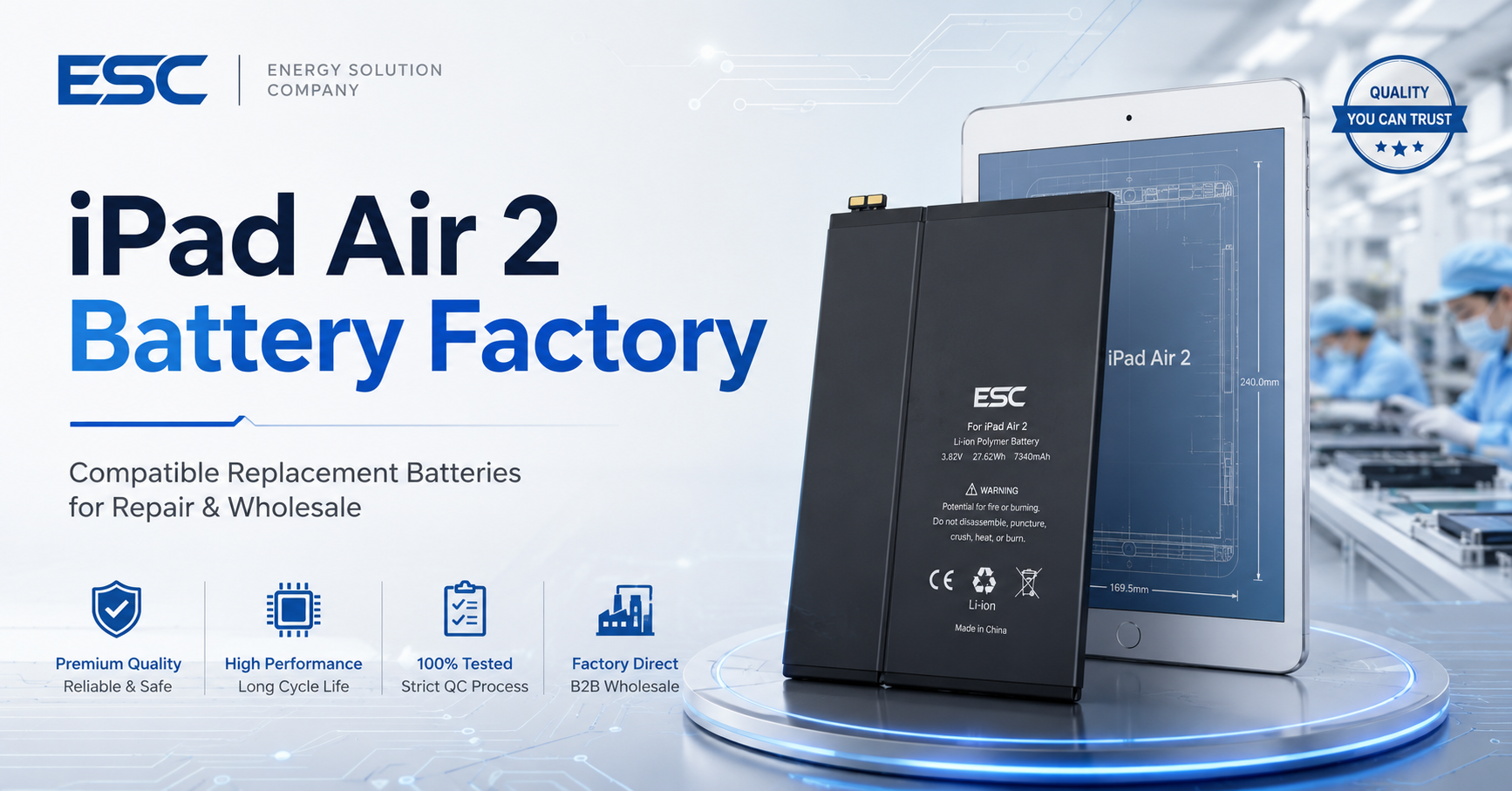
Buyers working with older Apple tablet models can also review the iPad Air 2 battery sourcing article. Aftermarket batteries should be positioned clearly as compatible replacement products rather than Apple genuine or Apple-authorized parts.
For a model-level example of specification mapping, ESC’s A2042 iPad Pro 11 replacement battery page shows how the device generation, device model numbers, battery reference, voltage, capacity, and physical structure can be connected.
FAQ
Can two tablets with the same screen size use the same battery?
Not necessarily. Screen size does not confirm the device generation, internal structure, voltage, connector, flex cable, dimensions, or protection design. Match the exact device and battery references.
Is the original battery part number enough to confirm compatibility?
It is an important reference but should be checked together with the device model, electrical specification, physical structure, connector, and validated sample.
Can a higher-capacity tablet battery replace the standard battery?
Only when the higher-capacity design is specifically validated for the device. Printed capacity alone does not prove that the electrical design, dimensions, thickness, protection system, or performance is suitable.
Why does a connector fit but the tablet still not work?
Possible causes include incorrect pin configuration, electrical mismatch, protection or communication behavior, poor contact, another device fault, or an installation problem. Connector shape alone cannot prove compatibility.
How many samples should a buyer test?
The quantity should reflect order size, product risk, supplier history, test cost, and the approved sampling plan. Do not treat one sample as proof of batch consistency.
Should every compatible tablet model appear on the package?
The package should contain enough precise information for the intended sales and repair channel to select the correct product. Long compatibility lists must be controlled carefully to avoid unsupported claims.
Approve the Relationship, Not Just the Battery
Effective tablet battery compatibility control verifies a complete relationship:
Device model → original battery reference → replacement battery model → electrical specification → physical structure → connector and flex cable → installation result.
If one link is missing, the buyer has an assumption rather than a validated match.
Send ESC your tablet model numbers, original battery references, photographs, target quantities, packaging requirements, and sales market. ESC can help review model mapping, sample validation, labeling, and mixed-model bulk-order planning.