
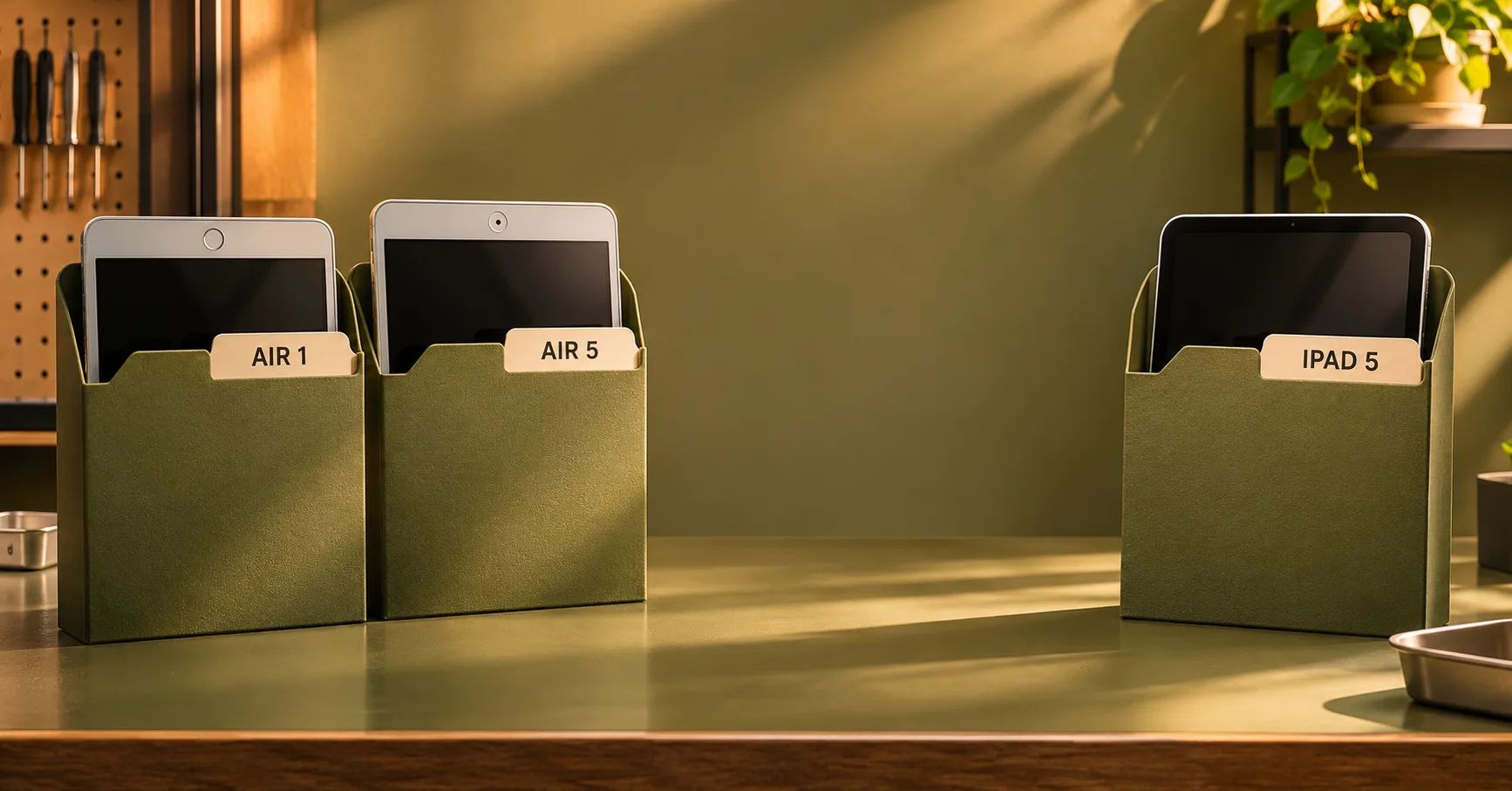
Resolve the Product Family Before Selecting a Battery
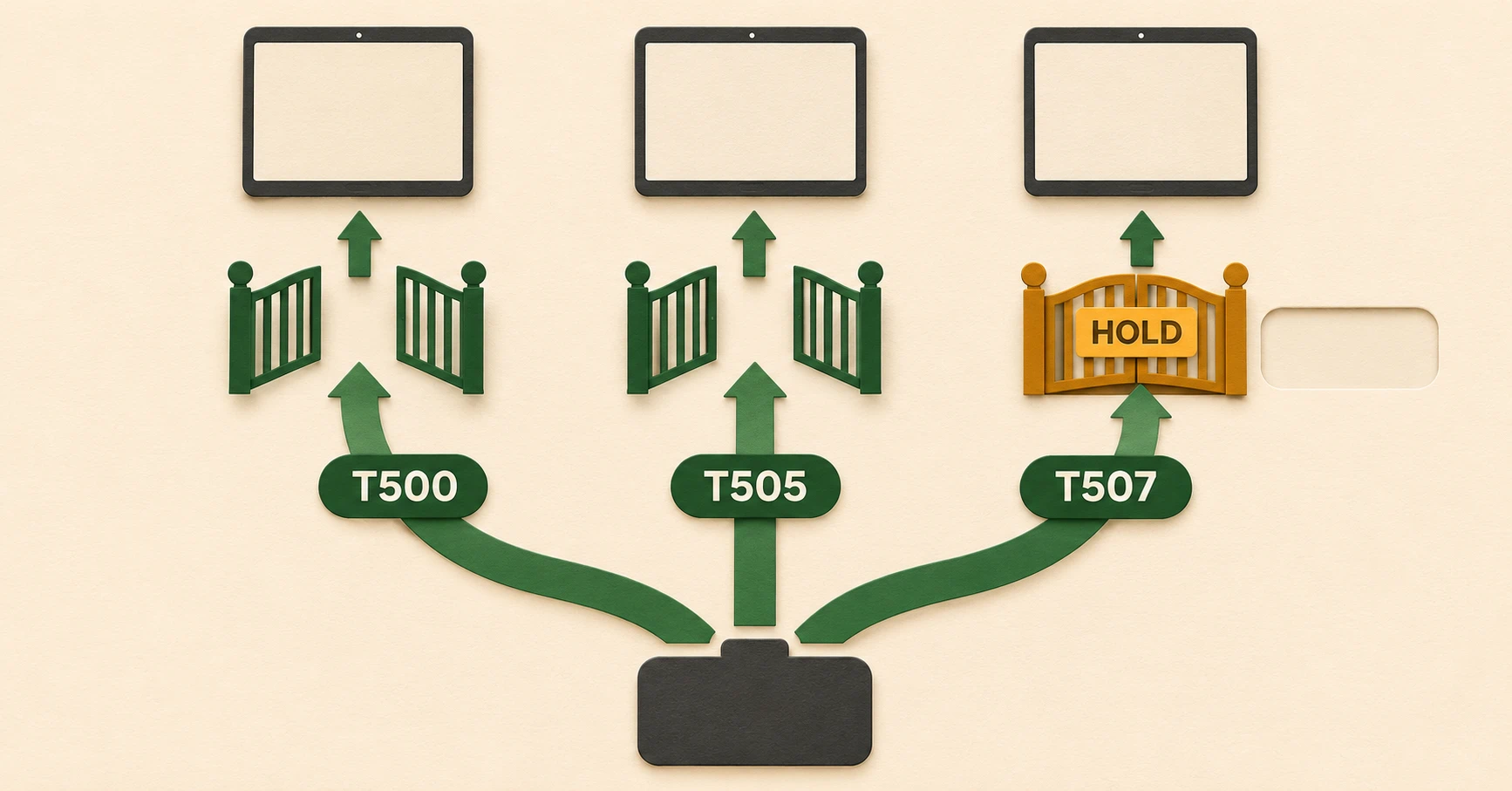
An iPad Air 1 battery replacement inquiry should include the original Air device code and the proposed finished assembly reference. An iPad Air 5th gen battery replacement inquiry belongs to a different device family and approval record. Adding the year and A-number gives purchasing a clear application to quote.
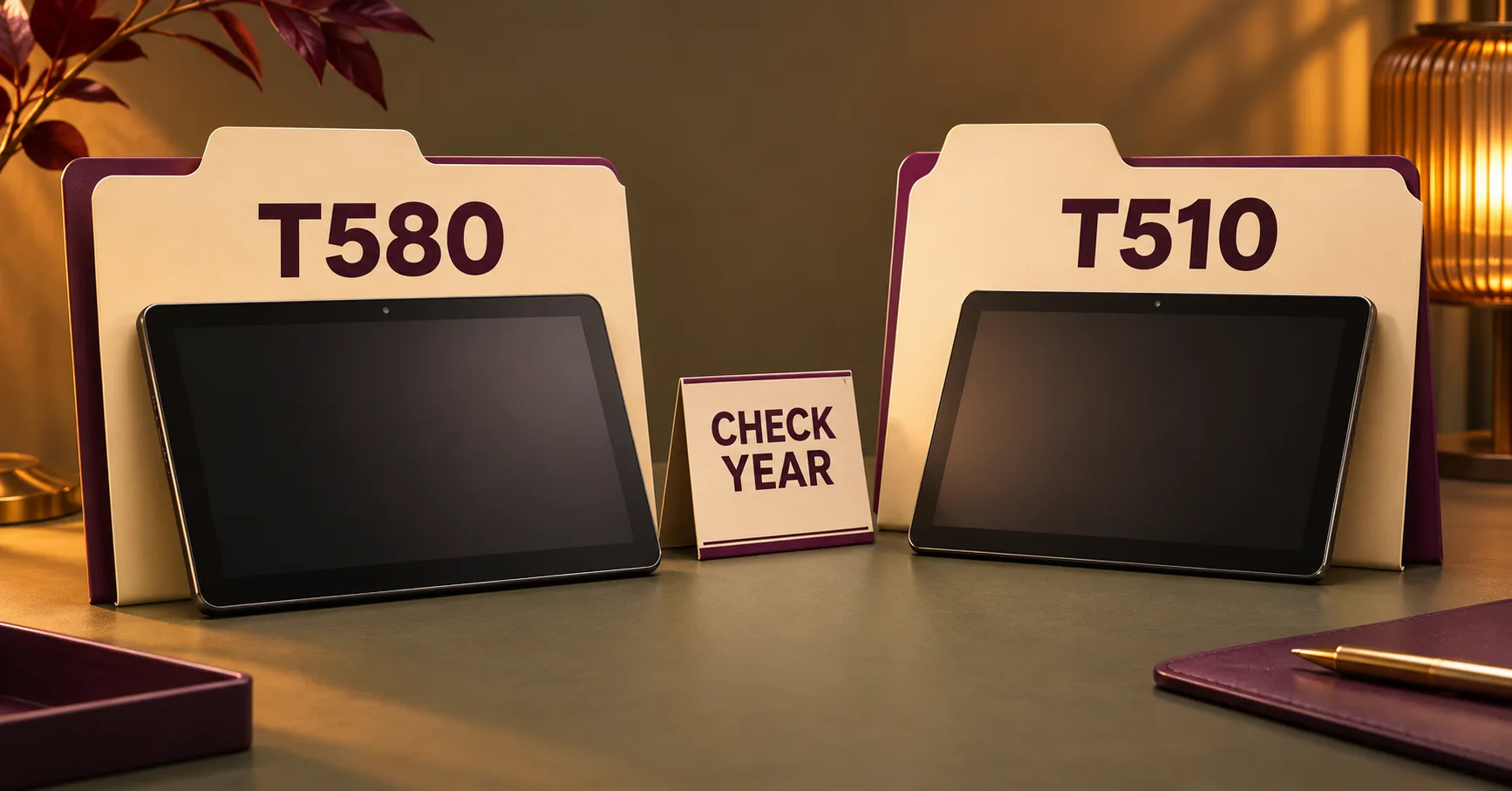
The phrase “iPad 5” creates another branch. In Apple’s naming, iPad fifth generation is the standard iPad introduced in 2017. Air fifth generation was introduced in 2022. Supplier descriptions may group the original Air with later standard iPads, so a buyer needs the full application list behind each offer.
For repair chains, refurbishers and parts wholesalers, the practical objective is to connect each confirmed device with an approved assembly and delivery scope. That record should guide supplier selection, receiving, warehouse picking and repair acceptance. This article covers that three-family purchasing decision. The existing Air 2 sourcing page covers its own device application.
Use Apple’s A-Numbers to Resolve the Three Applications
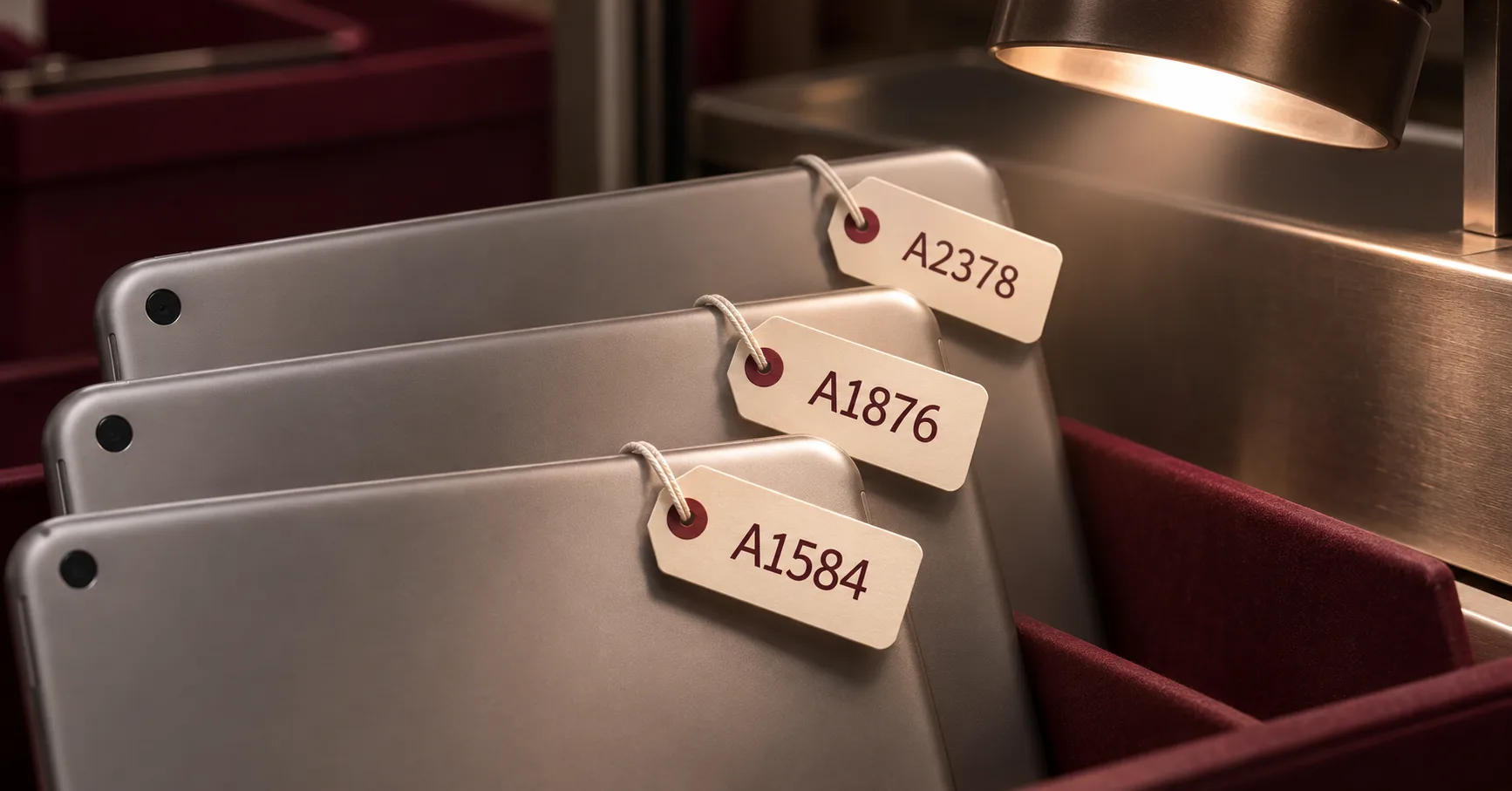
Apple’s identification guide lists the original Air under A1474, A1475 and A1476. It lists the standard iPad fifth generation under A1822 and A1823, while Air fifth generation uses A2588, A2589 and A2591. Apple identifies the relevant field as Model number (on back cover)
. Retain the full code on the work order and purchasing specification. Apple Support — Identify your iPad model.
| Product family | Release reference | Device codes | Charging port |
|---|---|---|---|
| Original iPad Air | Late 2013 and early 2014 | A1474, A1475, A1476 | Lightning |
| iPad fifth generation | 2017 | A1822, A1823 | Lightning |
| iPad Air fifth generation | 2022 | A2588, A2589, A2591 | USB-C |
Use the product family and year as an initial screen, then confirm the A-number. If a replaced housing or conflicting intake record creates uncertainty, resolve it before allocating parts. Record each regional or cellular variant you intend to service so the supplier can state exactly which applications its offer covers.
Compare the Original Energy Ratings
Apple publishes a 32.4 Wh built-in battery for the original Air and a 32.4 Wh battery for the standard iPad fifth generation. The Air fifth generation specification gives 28.6 Wh. These figures provide original device references for quotation review. Apple Support — Original iPad Air specifications, Apple Support — iPad fifth generation specifications and Apple Support — iPad Air fifth generation specifications.
| Device | Original published energy | Buyer verification |
|---|---|---|
| Original Air | 32.4 Wh | Declared replacement voltage, energy and assembly identity |
| Standard iPad fifth generation | 32.4 Wh | Separate device application and installed evaluation |
| Air fifth generation | 28.6 Wh | Exact Air application and complete finished-pack requirements |
The Air fifth generation page cautions that actual results will vary
for battery claims. Installed runtime depends on the full device, software, network and workload. Agree a reproducible test configuration for each model and record those conditions with the result.
For offers quoted in mAh, request the nominal voltage for the finished battery. Multiply amp-hours by volts to reconcile declared Wh. A hypothetical 8,000 mAh pack at 3.8 V represents 30.4 Wh. Keep the voltage assumption beside that calculation and request separate measured capacity evidence under the agreed discharge method.
Approve a Shared Assembly Against Each Device
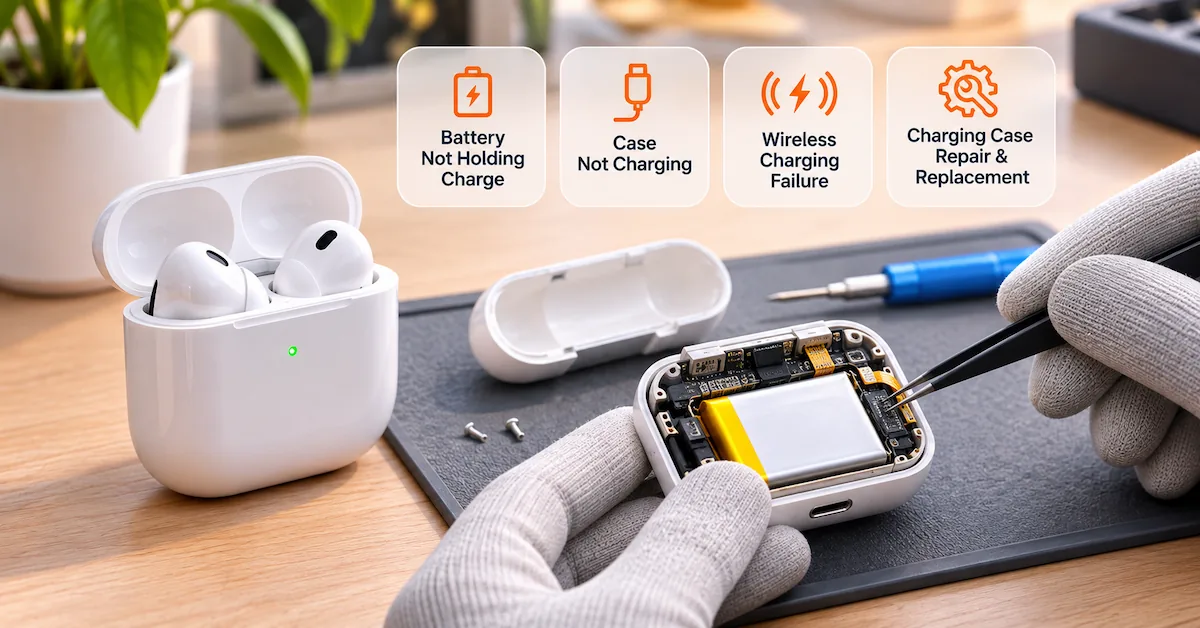
A supplier may offer one assembly for the original Air and the standard 2017 iPad. Request the precise device list and revision behind that proposal. For iPad battery compatibility, retain an application record for every A-number included in your release scope.
Start with a drawing or controlled sample showing the finished outline, thickness, contact arrangement, insulation and adhesive format. Ask engineering to review the electrical interface and protection configuration. Record the supplier reference, drawing revision and sample identifiers together so future shipments can be compared with the approved build.
Have a trained technician evaluate the proposed assembly in each intended device under the applicable repair procedure. Record seating, contact alignment, clearance and closure. If two devices share a supplier reference, keep the installation observations for both. Extend approval only after the responsible team accepts the evidence for the additional application.
Specify the Complete Delivered Package
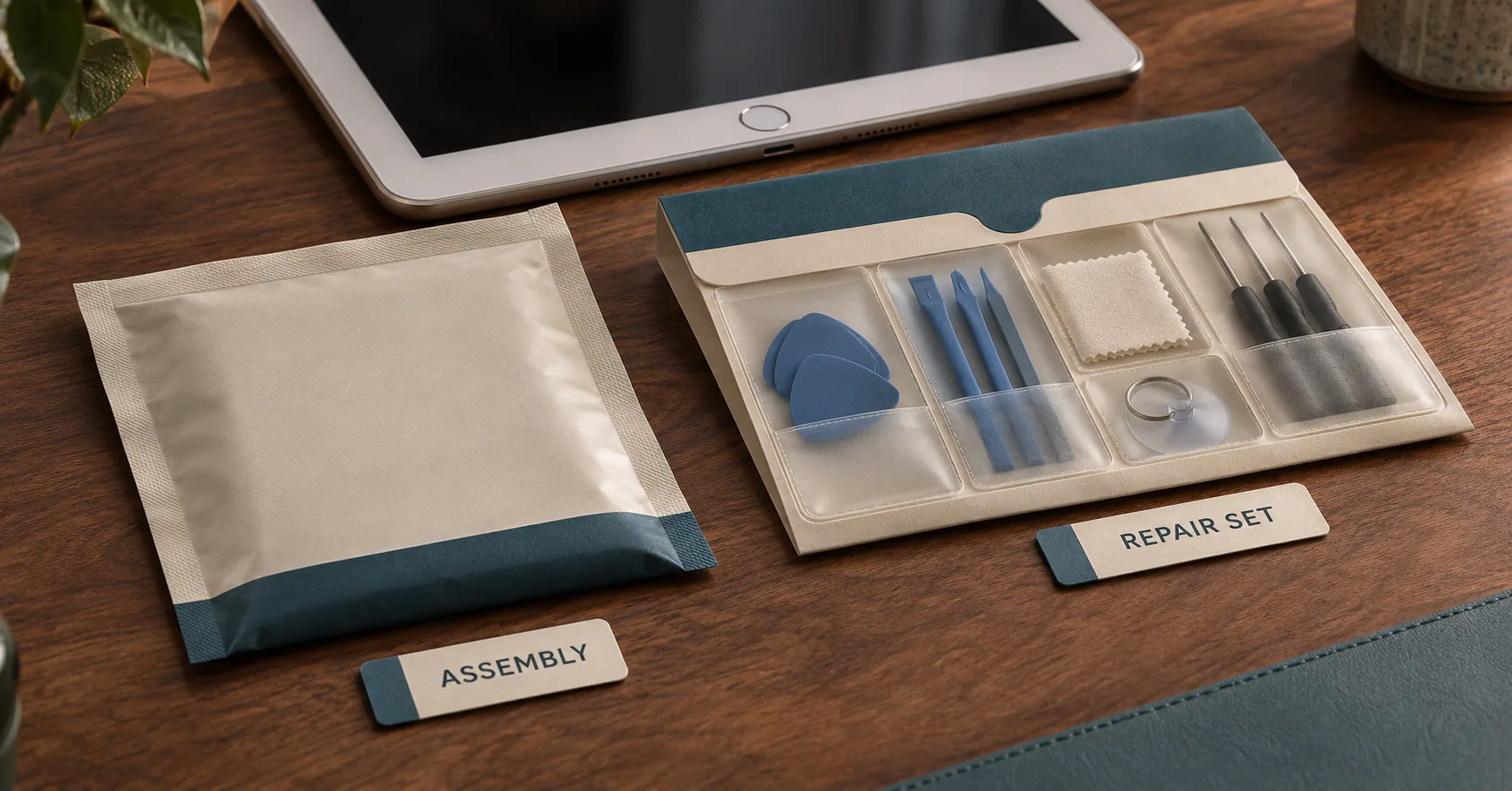
Define whether the quote covers a finished battery alone or a repair set with consumables. List any battery adhesive, enclosure adhesive and insulation separately with its reference and quantity. Record whether each item is pre-applied or supplied loose.
A workshop may issue consumables from central stock while a retail distributor needs complete sealed sets. Request a packed sample in the intended delivery format. Photograph the contents and label, check unit protection and keep the approved packaging revision with the order specification.
If a supplier offers a component requiring further assembly, ask engineering to review the work involved before comparing price. Calculate the cost of the configuration your repair process can actually use. Confirm the selected scope when discussing the quotation. ESCCharge tablet and laptop battery range.
Test Charging on the Correct Device Setup
Use a known-good device of the intended model for sample approval. Record its software version, starting state of charge, adapter, cable and environment. The original Air and 2017 iPad require a suitable Lightning charging setup. Air fifth generation requires its own USB-C setup.
Observe startup, charging progress, reported charge and stable operation under a representative workload. If the device charges intermittently, inspect the charging setup through the workshop’s diagnostic process and record whether the symptom follows the cable, device or battery.
Evaluate runtime within each device model using consistent display settings, radio conditions and workload. Keep the installed observations alongside a separate bench capacity record. Request the method, temperature, discharge endpoint and sample ID for each measured claim. Agree acceptance criteria before sending samples for approval.
Translate Device Approvals Into Warehouse Controls
Create an internal SKU that points to the approved supplier assembly revision. If that revision supports several device codes, list them explicitly in the stock record. Warehouse staff should be able to verify the device application from the work order before picking.
Keep the iPad fifth generation battery application visible when a supplier uses a grouped Air description. Add the product family and A-number to pick labels, order acknowledgements and receiving records. Ask the supplier to return any exception or proposed substitute in writing.
Reconcile received units by assembly, revision and lot. Define sampling groups before opening the cartons and record which group supplied each tested unit. For a mixed order, approval of one group supports release of that group under the sampling agreement. Hold unexplained revision differences for review. ESCCharge battery sampling plan.
Use Repair Demand to Set Reorder Quantities
For tablet battery sourcing, forecast demand from completed battery jobs by device application. Keep incoming-device counts separate because diagnosis may identify other repair needs. Include warranty replacements and engineering samples as additional planned quantities.
Consider an illustrative monthly requirement of six original Air repairs, fourteen standard iPad fifth generation repairs and ten Air fifth generation repairs. Two months of coverage gives base demand of twelve, twenty-eight and twenty units. Add the program’s justified buffer, then subtract released stock and confirmed inbound orders.
Suppose one assembly is approved for both older applications. Purchasing can aggregate their demand for that exact revision while retaining the device breakdown for picking and service planning. If the supplier changes the assembly, review the effect on each application before continuing the combined order.
For slower stock, request pack dates and storage records. Confirm whether a date code refers to cell production, pack assembly or packaging. Agree a review interval based on the configuration and expected time to sell. Keep held and overdue inventory outside the available balance. ESCCharge battery storage guide.
Make Supplier Changes Reviewable
Require notice before a change to the cell, contact arrangement, protection parts, insulation, adhesive or labeling. Ask for the reason, affected revision, implementation date and first production lot. Engineering can then define the document, bench and installed checks needed for the changed build.
Update the receiving comparison record before the shipment arrives. Preserve earlier approvals for tracing units already installed. A shared assembly change may affect more than one device application, so include every released device code in the review.
Prepare a Model-Specific RFQ
Resolve Ambiguous Quote Lines Before Ordering
If a quotation says only “Air/iPad 5,” return it for a written application breakdown. Ask the seller to list the supported A-numbers and the assembly revision for each. Preserve the original line and the clarified response in the purchase record so receiving can see exactly what changed.
When a top-up shipment supplies a substitute revision, reconcile it separately with the outstanding quantity. Have engineering review its approval status before adding it to available stock. Close the shortage after the accepted quantities and any supplier credit have been recorded against the original order.
Retain the Evidence Needed for a Return
Link every installed unit to its supplier lot and repair work order. Record the device code, installation date and acceptance observations. For a later complaint, capture the symptom and the setup used to reproduce it. Compare the number of returns with the number installed from the relevant lot before deciding how broadly to contain inventory.
For a shared assembly, include the device mix in that review. A complaint concentrated in one application may require a different investigation from one appearing across every approved device.
Send a Complete Purchasing Inquiry
Send the complete product family, year, A-number and quantity forecast. Request a finished assembly reference and revision, declared voltage and energy, drawing or sample photos, included consumables and available lot dates. Ask the supplier to identify exclusions and proposed substitutions explicitly.
Compare landed cost against complete accepted repair sets. Include separately sourced consumables and receiving work. Confirm MOQ, sample costs, lead time and warranty terms for the selected configuration and packaging. Retain the written quote with the sample approval and production order.
Frequently Asked Questions
Does “iPad 5” identify Air fifth generation?
Ask for the complete product family and A-number. Apple’s standard iPad fifth generation is the 2017 device, while Air fifth generation is the 2022 Air model.
Can one battery serve the original Air and 2017 iPad?
A shared supplier reference needs documented approval for every device application you intend to service. Evaluate the same finished revision in each application.
Does equal Wh establish compatibility?
Energy is one declared characteristic. Approval also covers geometry, electrical interface, insulation and installed behaviour on the intended model.
What should happen when the supplier changes a shared part?
Request a change record and review all affected applications. Update the approved revision and receiving criteria after the required evaluations are complete.
Send ESCCharge your product families, A-numbers, quantities and package contents to discuss application-specific samples and quotations. Confirm actual availability, documentation and commercial terms for the proposed assemblies.
External Source References