
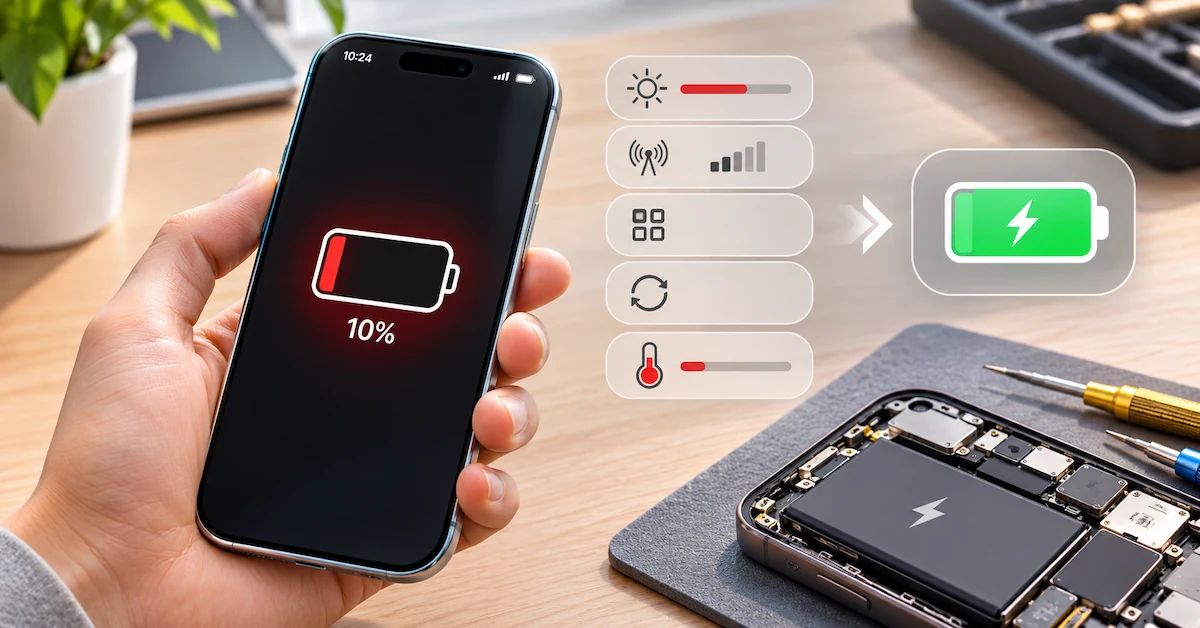
TL;DR: If your phone battery is dying unusually fast, the most common causes include excessive screen usage, background applications, weak cellular signals, software activity, high temperatures, and battery aging. Start by checking Battery Usage, reducing unnecessary background activity, and reviewing Battery Health where supported. If the problem continues under normal conditions, professional diagnosis can determine whether a replacement battery or another repair is necessary.
Why is my phone dying so fast even when I'm barely using it? This is a common question among smartphone owners, repair technicians, and refurbishment businesses.
A phone that previously lasted all day may suddenly require charging by the afternoon. Another may lose a noticeable percentage overnight while sitting unused.
These symptoms can be frustrating, but they do not always mean the battery is defective.
Battery runtime depends on several factors, including battery capacity, processor workload, display brightness, applications, network conditions, temperature, and charging history.
For consumers, identifying the real cause can prevent unnecessary battery replacement.
For professional repair shops and refurbishment companies, accurate diagnosis also helps reduce unnecessary parts purchases, repeated repairs, and warranty claims.
ESC supplies aftermarket mobile phone replacement batteries for repair centers, refurbishers, wholesalers, and private-label customers.
This guide explains how to identify battery drain problems, distinguish software-related consumption from battery degradation, and determine when a professional replacement is appropriate.
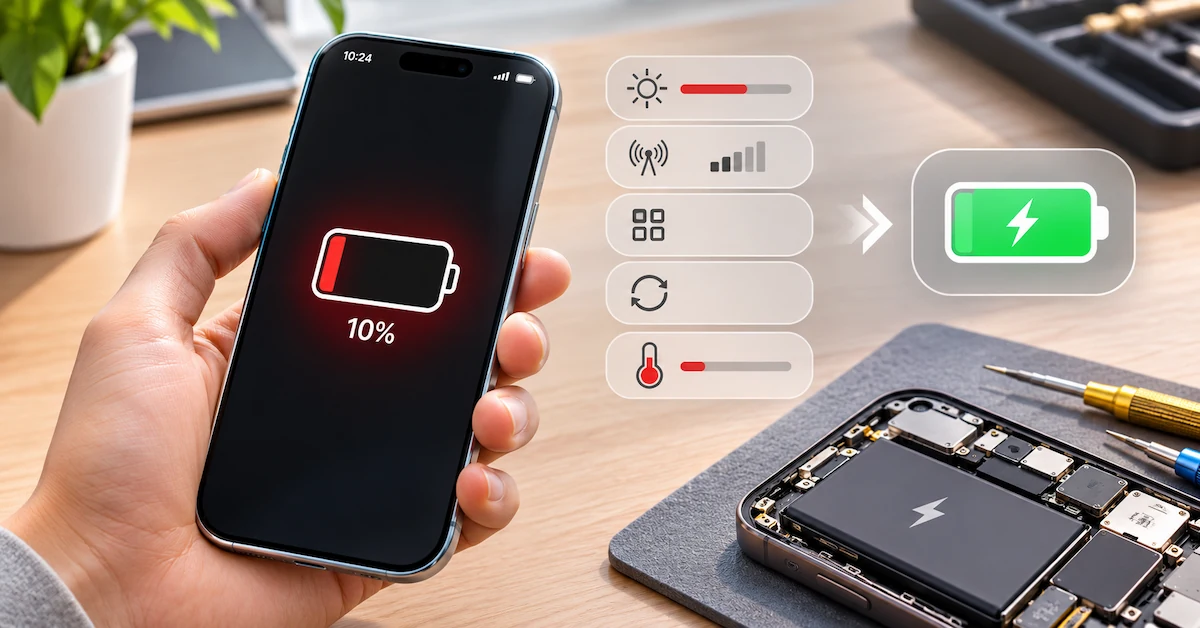
Why Is My Phone Dying So Fast? Seven Common Causes
The first step is to identify what may be consuming energy.
| Possible cause | Common symptom | Recommended first check |
|---|---|---|
| Background apps | Battery drains while phone is idle | Review app battery usage |
| High screen brightness | Battery drains during active use | Reduce brightness and screen-on time |
| Weak cellular signal | Fast drain in poor-coverage areas | Compare usage on stable Wi-Fi |
| Software update | Sudden drain after updating | Review background activity and observe recovery |
| Battery aging | Shorter runtime over months or years | Check Battery Health where supported |
| High temperature | Fast drain with unusual warmth | Stop demanding activity and allow cooling |
| Charging or hardware problem | Abnormal charging, shutdowns, or percentage changes | Professional power-system diagnosis |
Important: Several causes can occur simultaneously.
For example, an older battery combined with high screen brightness and poor cellular reception may produce noticeably shorter runtime than any one factor alone.
A professional diagnosis should therefore evaluate the complete operating conditions rather than immediately blame the battery.
How to Diagnose Phone Battery Drain Before Replacing Parts
A useful troubleshooting process starts with simple observations.
Step 1: Identify when the battery drains
Determine whether the problem happens:
-
During active screen use
-
While the phone is idle
-
Overnight
-
After a software update
-
During charging
-
After a recent repair
-
Only when using certain applications
Each pattern suggests a different diagnostic direction.
For example, heavy battery use during video recording may reflect normal device workload, while unusually rapid drain during idle periods warrants further investigation.
Step 2: Check recent changes
Ask whether the problem began after installing an app, changing settings, updating software, traveling, or replacing a component.
The timing may help identify a contributing factor.
However, a recent change does not automatically prove causation.
Step 3: Review battery usage
Modern smartphones provide information about which applications and system activities consume energy.
This is usually the most useful first check for ordinary battery drain.
Step 4: Compare similar usage conditions
Observe whether battery performance changes when brightness, network connection, background activity, or device workload is reduced.
Avoid judging battery health from one unusually demanding day.
Step 5: Decide whether professional diagnosis is needed
If the phone continues losing charge abnormally despite reasonable adjustments, a repair provider may need to evaluate battery condition, charging circuitry, or other hardware.
How to Check Battery Usage on an iPhone
Apple provides built-in tools for reviewing battery consumption.
Open Battery settings
Go to:
Settings → Battery
On supported iOS versions, the Battery screen shows daily usage information and identifies applications or system activities consuming energy.
You may see:
-
Battery usage over recent days
-
Screen-active and screen-idle activity
-
Applications using the most battery
-
Background application activity
-
Cellular coverage-related consumption
-
Recommendations for improving battery life
Identify background activity
An application that uses significant energy while operating in the background may contribute to rapid drain.
Examples include navigation, cloud synchronization, audio playback, and other ongoing tasks.
Not all background activity is unnecessary.
The goal is to identify unexpected consumption rather than disable every application.
Check Battery Health
The available menu depends on the iPhone model.
| iPhone generation | Battery Health location |
|---|---|
| iPhone 14 and earlier | Settings → Battery → Battery Health & Charging |
| iPhone 15 and later | Settings → Battery → Battery Health |
Maximum Capacity estimates the battery's remaining capacity relative to its original condition.
For example, a displayed value of 85% indicates an estimated reduction from the original maximum capacity.
It does not mean the battery currently contains 85% charge.
What if Battery Health looks normal?
A favorable Battery Health reading does not guarantee excellent runtime.
Heavy applications, poor cellular reception, temperature, and device workload may still consume significant energy.
Battery Health and actual battery usage should be assessed together.
How to Check Battery Drain on Android Phones
Android devices provide similar diagnostic capabilities, although menu names differ between manufacturers.
Review Battery Usage
On many Android phones, open:
Settings → Battery → Battery Usage
Depending on the manufacturer and Android version, the phone may display energy consumption by application or system activity.
Look for applications with unusually high battery usage or background activity.
Check battery optimization settings
Many Android devices support adaptive battery management or application-level background restrictions.
These features can help control unnecessary activity.
However, aggressive restrictions may delay notifications or interfere with applications that need to operate in the background.
Use supported battery diagnostics
Some Google Pixel devices provide a Battery Diagnostics feature.
On supported Pixel models, users may find an option for investigating rapid battery drain under Battery settings.
Other Android manufacturers may provide their own diagnostic utilities.
Restart and update
If an application or system process is behaving abnormally, restarting the device may help.
Check for available system and application updates.
A persistent problem should be investigated rather than repeatedly restarting the phone without identifying the cause.
Why Does My Phone Battery Drain Overnight?
Overnight battery drain can occur even when the screen remains off.
Possible contributors include background synchronization, cloud backups, notifications, unstable wireless connectivity, and other system activity.
Background applications
Some applications continue processing information while the phone is locked.
Review app usage records for unexpected background consumption.
Poor signal
A phone operating in weak cellular coverage may use additional energy maintaining network connectivity.
This can be relevant in underground rooms, buildings with poor reception, or rural locations.
Recent setup or updates
After certain software updates or device setup processes, background tasks may temporarily increase battery consumption.
Google notes that Pixel battery optimization and system activity can take time to settle after an update or reset.
Battery degradation
An aging battery may provide less usable runtime, making ordinary overnight consumption appear more significant.
How should you test overnight drain?
Record the starting charge, approximate time, network conditions, and relevant background activities.
Review the result the following morning.
If the problem repeats, compare the phone under similar conditions.
There is no universal overnight battery-loss percentage that proves a battery is defective. The result must be interpreted alongside the device's operating conditions.
Why Is My Phone Battery Draining After a Software Update?
Battery drain after an update does not automatically indicate battery failure.
A smartphone may perform additional background tasks after installing new software.
These tasks can include application optimization, indexing, synchronization, and other system processes.
What should you do?
First, check whether the phone is still completing post-update activity.
Review Battery Usage and any available system insights.
Allow ordinary background processing to finish before evaluating the longer-term battery trend.
If abnormal drain continues, check for application updates and investigate persistent high-consumption processes.
A software update can also expose an existing battery limitation because the phone's workload or behavior has changed.
However, this should not be assumed without evidence.
How Can You Make Your Phone Battery Last Longer?
Several adjustments can reduce energy consumption without replacing hardware.
Reduce screen brightness
The display is a major power consumer during active use.
Lowering brightness or enabling automatic brightness adjustment can help.
Shorten screen timeout
A shorter automatic-lock interval reduces unnecessary screen-on time.
Review background applications
Check which applications consume significant energy and adjust their activity when appropriate.
Avoid removing essential background permissions without understanding the effect on notifications or other functions.
Use power-saving features
iPhones offer Low Power Mode, while many Android devices provide Battery Saver or similar settings.
These features reduce certain background activities and device functions.
Improve network conditions
When practical, using stable Wi-Fi instead of weak cellular data may reduce unnecessary power consumption.
Avoid excessive heat
High temperatures can affect battery performance and accelerate chemical aging.
Avoid leaving phones in hot vehicles or exposing them to prolonged direct sunlight.
Maintain software
Keep the operating system and applications appropriately updated.
These adjustments can improve battery runtime, but they cannot restore capacity already lost through chemical aging.
When Is Fast Battery Drain a Sign of Battery Aging?
Rechargeable lithium-ion batteries gradually lose usable capacity over time.
As capacity declines, the phone may require charging more frequently.
Battery aging can also affect the ability to supply power under demanding conditions.
Common signs
-
Shorter runtime under similar usage
-
Reduced maximum-capacity estimates
-
Battery service notifications
-
Unexpected shutdowns associated with battery condition
-
Performance limitations linked to battery aging
However, these symptoms require interpretation.
Unexpected shutdowns or unusual heating can also result from device hardware problems.
Should you replace a battery at 80% health?
An estimated maximum capacity near or below 80% may support a replacement decision, especially when runtime no longer meets the user's needs.
However, 80% is not a universal automatic failure threshold.
Apple's battery design references differ across device generations.
Professional repair decisions should consider the applicable model, observed performance, diagnostic results, and customer requirements.
A battery should be replaced because verified condition and performance justify replacement—not simply because the phone is several years old.
How to Distinguish Battery Problems From Software Problems
A repair shop should classify symptoms before replacing components.
Battery drain diagnosis matrix
| Symptom | Possible explanation | Recommended diagnostic direction |
|---|---|---|
| Fast drain during gaming | High processor and display workload | Compare usage under lighter workloads |
| Fast drain while idle | Background activity or battery issue | Review app and system activity |
| Drain after software update | Temporary optimization or persistent software problem | Check background processes and retest |
| Rapid percentage changes | Battery reporting, power delivery, or hardware issue | Professional evaluation |
| Shutdown with charge remaining | Battery aging or device fault | Controlled diagnostic assessment |
| Fast drain with abnormal heat | Workload, battery, charging or hardware issue | Stop unsafe use and identify the source |
| Fast drain after battery replacement | New component, installation, software or device fault | Review repair and product records |
Why battery replacement does not always solve the problem
If a phone has abnormal processor activity, a charging-system fault, or another hardware problem, installing a new battery may not eliminate rapid drain.
ESC's existing phone troubleshooting guide explains how repair businesses can separate battery faults from broader device problems.
For businesses handling customer complaints, this distinction helps reduce unnecessary replacement-part costs.
When Should You Stop Troubleshooting and Seek Repair?
Some symptoms are more serious than ordinary battery drain.
Stop normal use and charging if the battery is visibly swollen, leaking, smoking, physically damaged, or becoming dangerously hot.
Do not puncture, squeeze, bend, force-remove, or attempt to flatten a suspect battery.
A damaged lithium-ion battery requires appropriate safety handling.
Other warning signs include repeated unexpected shutdowns, abnormal charging behavior, or persistent overheating.
A qualified repair provider can determine whether the issue concerns the battery, charging system, or another component.
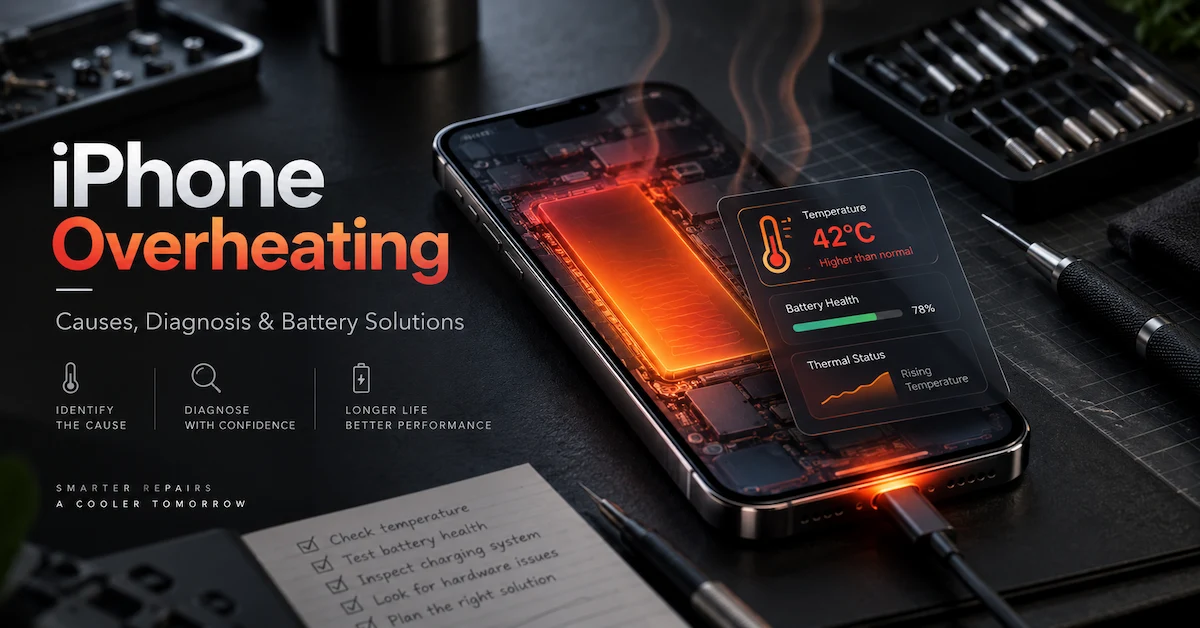
ESC's iPhone overheating troubleshooting guide provides related information for distinguishing temperature-related symptoms.
What Should a Professional Phone Battery Replacement Include?
When diagnosis supports battery replacement, the new component should match the exact phone.
A replacement battery is not selected solely by capacity.
Technical purchasing checklist
| Specification | What buyers should verify |
|---|---|
| Device compatibility | Exact manufacturer and model |
| Battery reference | Original and approved replacement code |
| Capacity | Rated value and test conditions |
| Voltage | Compatible electrical specifications |
| Dimensions | Correct physical fit |
| Connector | Approved orientation and configuration |
| Battery electronics | Relevant monitoring and protection functions |
| Assembly type | Complete battery or cell-only |
| Software behavior | Applicable Battery Health and repair-status information |
| Documentation | Product-specific technical and transport records |
| Traceability | Identifiable supplier SKU and lot |
Complete battery versus cell-only products
A complete replacement battery may include the cell, flex cable, electronics, and other required assembly components.
A cell-only product may omit the flex and protection or monitoring electronics.
These products require different repair processes.
Cell-only solutions should be evaluated only by appropriately equipped professional operations.
How Can Repair Shops Reduce Fast-Drain Warranty Complaints?
For repair chains and refurbishment companies, the objective is to verify battery-related failures before approving replacements or supplier warranty claims.
A useful process separates three stages.
1. Before replacement
Record the original complaint, battery-health information where available, device condition, and relevant usage patterns.
2. During sample qualification
Confirm exact battery compatibility, electrical specifications, physical fit, and product configuration.
For intact, approved samples, qualified personnel can perform relevant electrical and capacity tests.
3. After replacement
Verify charging behavior, normal device operation, applicable battery-information status, and functional performance.
Recommended B2B inspection checklist
| QC stage | Main requirement |
|---|---|
| Incoming inspection | Correct model, packaging, and appearance |
| Electrical verification | Approved voltage and capacity requirements |
| Mechanical inspection | Dimensions, flex, connector, insulation |
| Sample testing | Representative device compatibility |
| Installation quality | Professional and model-specific procedures |
| Final testing | Charging, runtime behavior, device functionality |
| Batch management | Product revision and lot traceability |
| Warranty investigation | Distinguish component, installation, and device faults |
ESC describes capacity, voltage, internal-resistance, charging, aging, and final inspection controls within its battery business.
Professional buyers can review its phone battery quality-control process and request records relevant to their specific purchasing requirements.
Which Replacement Battery Option Is Right for Your Business?
Different replacement battery configurations address different professional requirements.
| Battery option | Main advantage | Important purchasing consideration |
|---|---|---|
| Original-capacity replacement | Designed around the original capacity positioning | Verify actual capacity and compatibility |
| High-capacity replacement | Potentially greater rated charge capacity | Confirm dimensions, performance and fit |
| Diagnostic battery | May support particular repair-information functions | Validate model and software behavior |
| Cell without flex | Component-level sourcing for specialized repairs | Requires qualified assembly and validation |
A higher-capacity battery does not automatically guarantee longer lifespan or improved safety.
Likewise, favorable Battery Health information does not independently establish actual electrical capacity.
ESC offers several aftermarket configurations through its original-capacity iPhone battery collection and wider replacement battery portfolio.
For Android repair businesses, ESC also publishes Samsung replacement batteries and other device-specific categories.
Each product should be evaluated using its approved specifications.
How Much Does a Battery Replacement Really Cost?
For repair businesses, battery replacement cost includes more than the purchase price.
Total Repair Cost = Battery + Labor + Consumables + Inspection + Rework + Warranty Allowance
A low-priced battery may be more expensive overall if it creates additional installation problems or customer returns.
Illustrative comparison
Suppose a hypothetical repair business evaluates two approved suppliers.
Supplier A offers a lower component price but produces more verified battery-related rework.
Supplier B charges more but demonstrates better consistency in the buyer's pilot testing.
Supplier B may provide better total value if reduced rework offsets its higher price.
This is an illustrative example, not a measured ESC customer result.
The most useful metric is often cost per accepted, functional repair, rather than battery cost alone.
B2B Battery Sourcing: How ESC Supports Repair Businesses
For repair shops, refurbishers, wholesalers, and distributors, replacement battery sourcing should begin with exact model identification.
ESC supplies aftermarket replacement batteries for multiple smartphone brands.
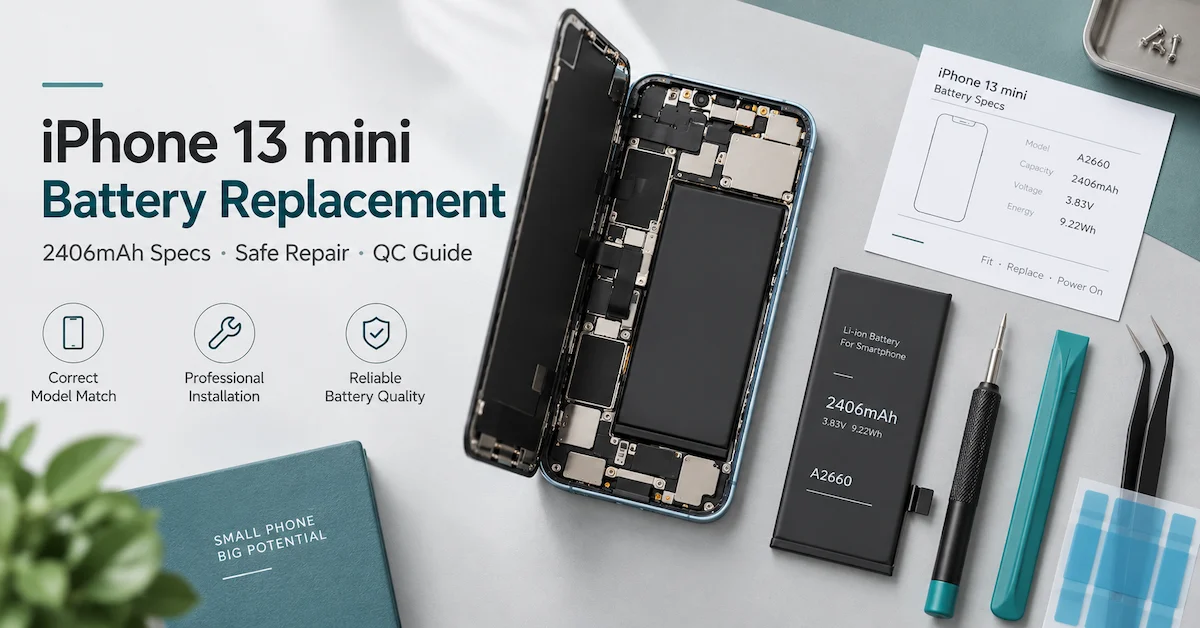
For example, ESC publishes an iPhone 12 / iPhone 12 Pro replacement battery rated at 2815mAh, 3.83V, and 10.78Wh.
These are supplier-published specifications and should be reconfirmed in the actual purchasing agreement.
Wholesale purchasing
Buyers should provide model references, expected quantities, sample requirements, and target markets.
OEM and private label
ESC publishes labeling and packaging customization services for relevant replacement battery products.
The exact configuration, MOQ, lead time, documentation, and commercial conditions should be confirmed for each order.
Supplier qualification
Before bulk purchasing, request approved specifications, representative samples, relevant testing information, and clear warranty procedures.
For a multi-model project, buyers should also establish consistent SKU identification and batch traceability.
Ready to source compatible replacement batteries?
Explore ESC's mobile phone battery products and contact ESC with your device models, purchasing quantities, and quality requirements to discuss samples, product configurations, and wholesale supply.
Frequently Asked Questions
1. Why is my phone dying so fast even when I'm not using it?
Background applications, synchronization, notifications, weak cellular coverage, software activity, or battery aging can consume energy while the screen is off. Review battery usage and compare similar idle conditions before assuming the battery needs replacement.
2. Why is my iPhone battery draining so fast all of a sudden?
Sudden drain may follow a software update, new application, changed settings, heavy background activity, or a change in network conditions. Check Settings → Battery for recent consumption patterns and Battery Health where supported.
3. Why is my Android phone losing battery overnight?
Android phones can consume energy through background applications, wireless connectivity, notifications, and system tasks. Review Battery Usage and battery optimization settings. On supported Pixel devices, Battery Diagnostics may provide additional guidance.
4. Can a software update cause rapid battery drain?
Yes. Some updates trigger temporary background processing and optimization. If abnormal drain persists, review application activity, software updates, battery condition, and relevant device diagnostics rather than automatically replacing the battery.
5. Does 80% Battery Health mean my phone needs a new battery?
Not automatically. It indicates an estimated reduction in maximum capacity. Replacement depends on the device model, actual runtime, diagnostic results, and user requirements. A professional technician can help evaluate whether service is appropriate.
6. Why does my phone drain battery quickly while charging?
The phone may consume more power than the charging system delivers, or charging may be limited by heat, accessories, or hardware conditions. A poor cable, incompatible adapter, heavy workload, or device fault may contribute. Professional diagnosis should evaluate the charging system before blaming the battery.
7. Can weak signal drain my phone battery?
Yes. Maintaining cellular connectivity in poor reception conditions can increase energy consumption. Comparing battery behavior on a stable network may help identify whether coverage contributes to the problem.
8. Will replacing my phone battery fix fast battery drain?
It may help when verified battery degradation is the cause. However, replacement will not automatically resolve abnormal application activity, charging-circuit problems, poor signal, or unrelated device faults.
9. How do repair shops test replacement battery quality?
Professional buyers may verify the exact battery model, capacity, voltage, dimensions, connector configuration, physical condition, and charging performance. Representative samples and lot-level quality records help establish repeatable purchasing standards.
10. Does ESC supply batteries for phones with poor battery life?
ESC supplies aftermarket replacement batteries for multiple iPhone and Android models, serving professional repair shops, refurbishers, wholesalers, and distributors. Buyers should verify the exact compatible battery and requested specifications before ordering.
Conclusion
Understanding why is my phone dying so fast starts with identifying what consumes energy and whether the battery itself has degraded.
Rapid battery drain can result from screen brightness, background applications, weak cellular coverage, software activity, high temperatures, or reduced battery capacity.
For ordinary users, reviewing battery usage, adjusting settings, and checking Battery Health can help distinguish temporary power consumption from a condition requiring professional service.
For repair shops and refurbishment companies, the decision should be supported by repeatable diagnostics rather than customer complaints alone.
A phone that drains quickly does not automatically need a replacement battery, and a new battery does not guarantee that unrelated software or hardware problems will disappear.
When replacement is justified, the correct battery should meet the device's electrical, mechanical, and functional requirements.
ESC supports professional battery sourcing through its mobile phone replacement battery portfolio, including multiple model-specific and aftermarket battery configurations.
Repair chains, refurbishers, and wholesale distributors can contact ESC to discuss compatible models, sample qualification, battery quality control, OEM packaging, and bulk purchasing requirements.
By combining accurate battery-drain diagnosis with verified replacement components and consistent repair procedures, businesses can reduce unnecessary repairs, improve customer satisfaction, and establish more reliable long-term battery supply programs.