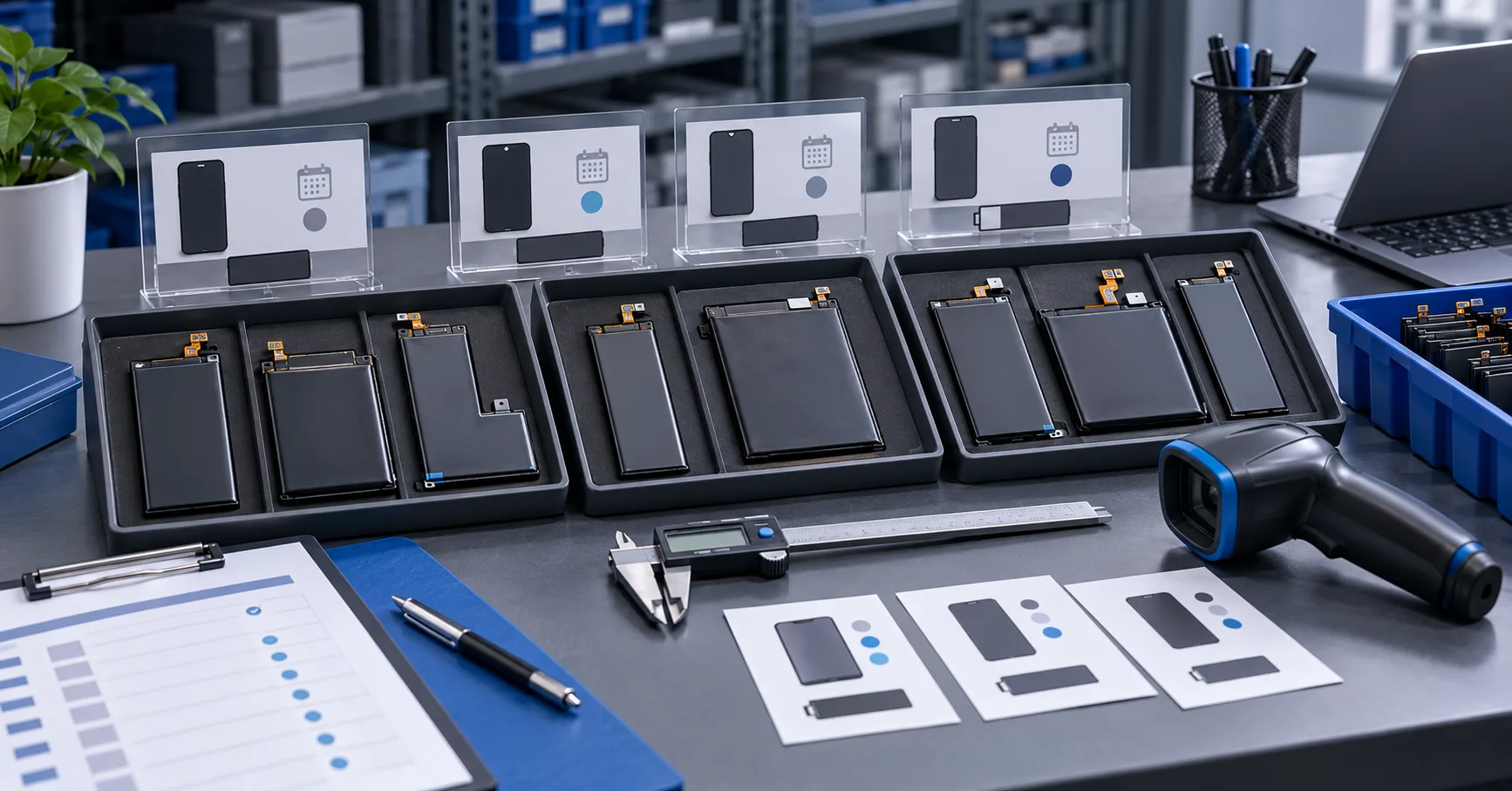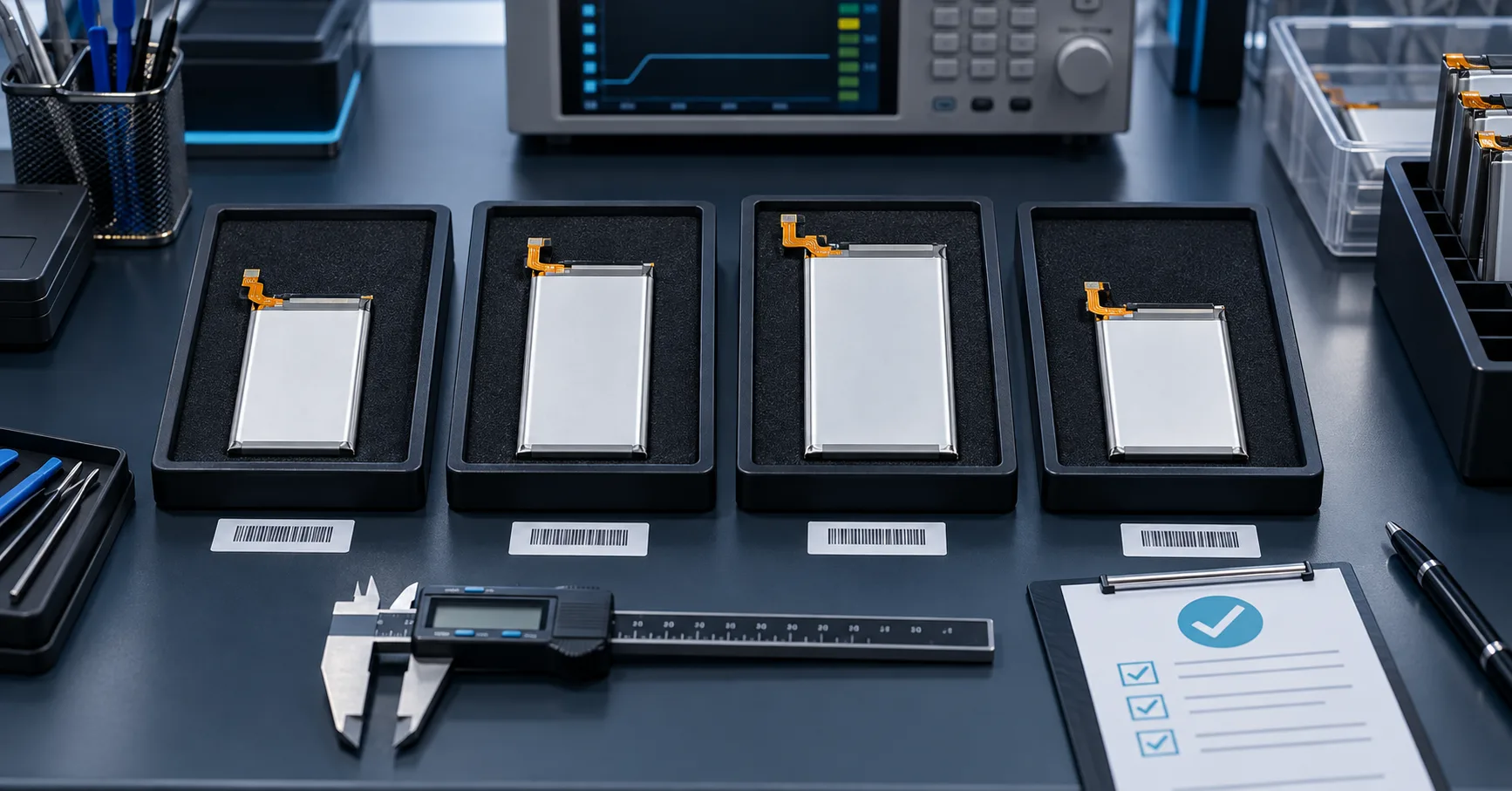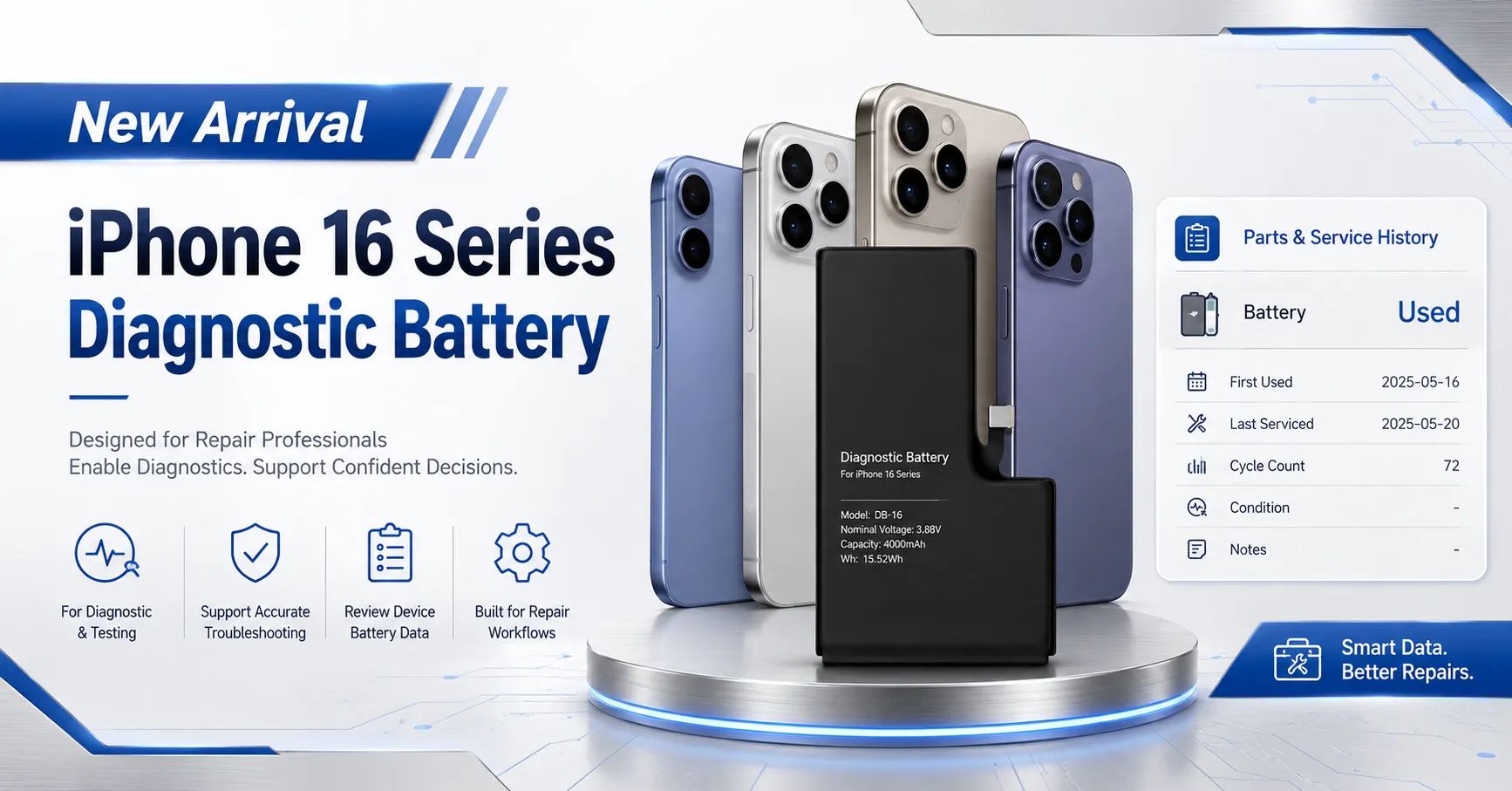
ESC has received a new diagnostic battery solution for the iPhone 16 series for B2B sample evaluation. The supplied product announcement lists iPhone 16, iPhone 16 Pro, iPhone 16 Plus, iPhone 16 Pro Max and iPhone 16e, and illustrates a completed repair result in which the battery appears as Used in Parts and Service History.
This arrival should be treated as the beginning of model-level verification, not as automatic approval for every device, region or software build. Each iPhone 16 diagnostic battery sample should pass identity, fit, installation, charging, capacity, thermal, runtime and repair-status checks before a repair chain or wholesaler places a bulk order.
The product is intended for professional battery brands, wholesalers, refurbishment facilities and repair networks that need a controlled post-repair workflow. Availability, model compatibility, capacity, MOQ, lead time, warranty and status behavior must be confirmed for the exact sample and purchase agreement.
What Has Arrived?
The submitted artwork presents a new diagnostic battery offer for the iPhone 16 family. It promotes a Used result in Parts and Service History and identifies five commercial variants: iPhone 16, iPhone 16 Pro, iPhone 16 Plus, iPhone 16 Pro Max and iPhone 16e.
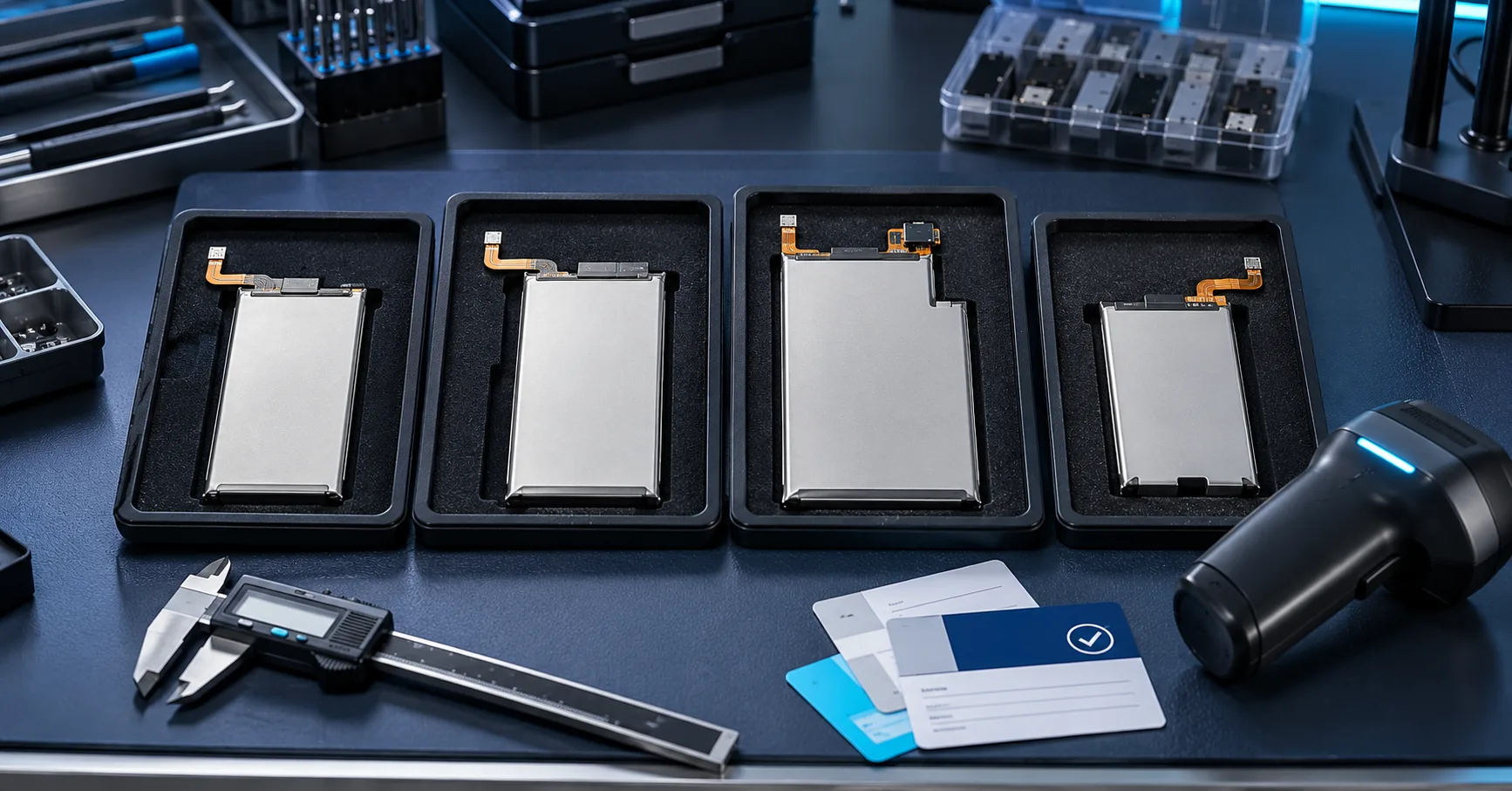
For procurement purposes, these names must be converted into separate controlled SKUs. The models do not necessarily use the same dimensions, capacity, connector, flex, adhesive or protection configuration. One successful installation cannot approve the entire family.
Before quotation or sampling, request the target model, sales market, required quantity and preferred repair workflow. ESC should confirm the specification and sample availability rather than assuming that every pictured variation is ready in the same quantity.
What the Used Status Actually Means
Apple’s current Parts and Service History guidance explains that Used means the part was already used or installed in another iPhone. It is a repair-history description, not a capacity grade, safety certificate or statement that the battery is defective.
Apple also explains that Genuine, Used, Unknown and Finish Repair have different meanings. The result depends on the part, device, repair state, calibration process and software environment. A supplier should record the exact wording instead of replacing it with a marketing phrase.
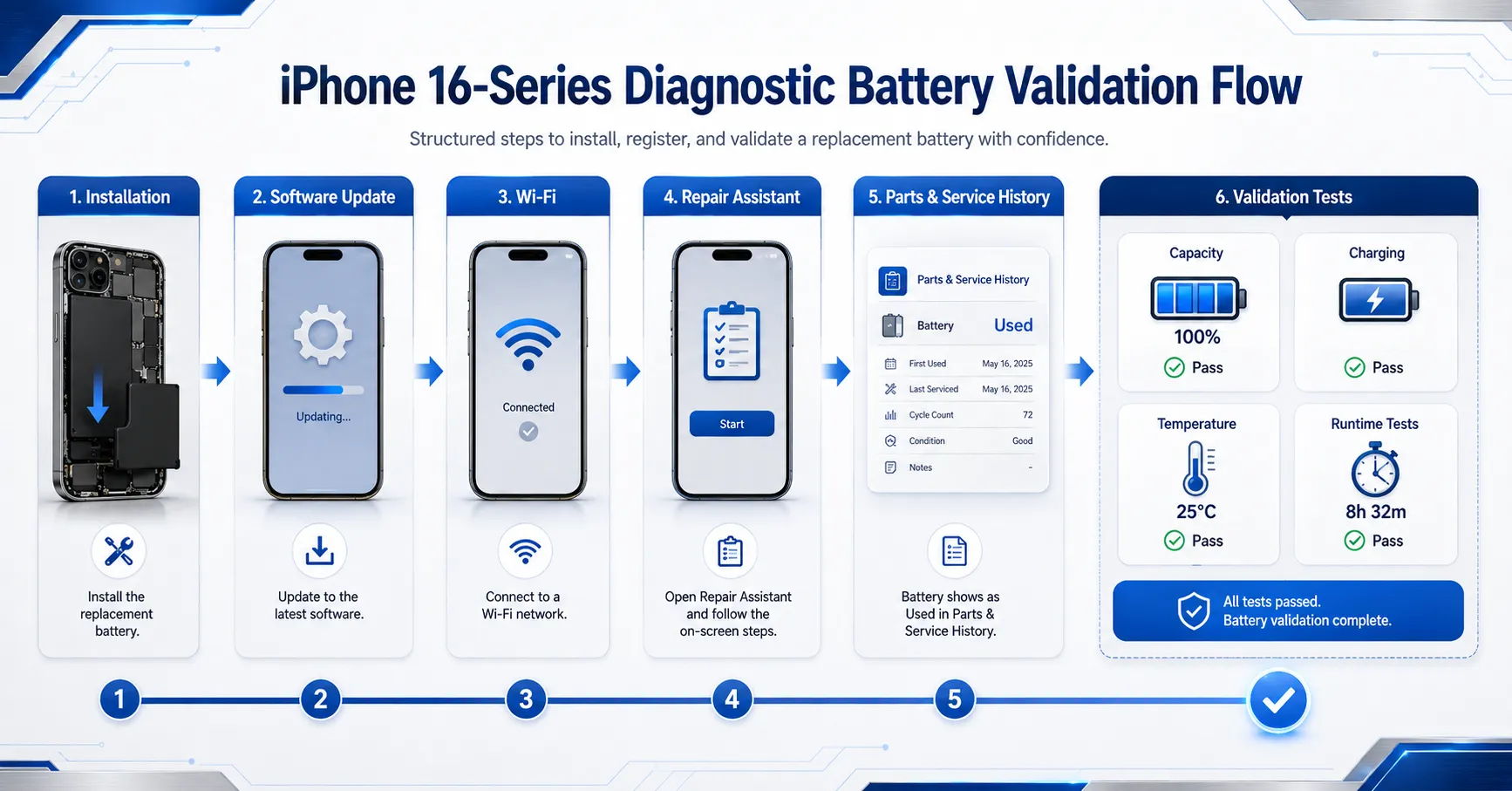
A visible Used result does not prove measured capacity, internal resistance, remaining cycle life, temperature performance or physical condition. Those characteristics require separate inspection and testing.
Do Not Confuse a Used Status With a Used Battery Cell
The commercial phrase “shows Used” describes the intended system result. It should not be used to imply that ESC is selling an unverified cell removed from another phone. The source, construction and condition of the supplied battery must be confirmed from the model specification and batch documents.
Apple’s Parts Support for iPhone states that the iPhone 16 family supports used Apple parts for listed components, including batteries. The same page warns that batteries installed with adhesive are recommended to be replaced with new batteries because removal can damage used cells and create overheating, swelling, venting, leakage or thermal-event risk.
That warning creates an important sourcing distinction:
- Used system status: a software and repair-history outcome that must be observed under named conditions.
- Previously installed physical cell: a part with prior installation and removal history that requires source, removal-damage and condition assessment.
- New replacement pack using a diagnostic solution: a commercial product whose cell, pack design and observed system result must be documented accurately.
The purchase order, specification and marketing artwork should state which product is actually supplied. Do not allow the word Used to hide the physical origin of the battery.
Confirm the Five Model Claims Separately
| Claimed model | Required confirmation | Evidence |
|---|---|---|
| iPhone 16 | Battery SKU, capacity, connector, flex and status workflow | Specification, photographs and device test |
| iPhone 16 Plus | Separate pack size and performance limits | Model-level capacity and runtime data |
| iPhone 16 Pro | Mechanical and software validation | Installation record and screenshots |
| iPhone 16 Pro Max | Large-model pack identity and thermal test | Batch sample and device curves |
| iPhone 16e | Independent device and repair-workflow confirmation | Exact hardware and software evidence |
Keep the results in separate rows. If one model is still under verification, mark it pending rather than extending another model’s pass result.
Use Repair Assistant Under the Correct Conditions
Apple’s current Repair Assistant instructions list battery repair support for iPhone 16 and later. Apple states that the device must be updated, connected to Wi-Fi and have more than 20% battery before completing the process.
A controlled sample test should record:
- exact iOS version and build number;
- starting battery status;
- Wi-Fi and account condition;
- Parts and Service History before repair completion;
- Repair Assistant steps and duration;
- error messages and recovery actions;
- final status after internet connection and restart;
- whether the result repeats on another device and sample.
Apple’s workflow may be updated. A result observed on one software build should be described as an observation, not a promise for every future iOS version.
Separate Finish Repair, Used and Unknown
Finish Repair indicates that the repair-completion process has not been completed. Unknown can appear in several circumstances, including a part that cannot be verified or is not functioning as expected. Used records prior use or installation under Apple’s defined repair process.
These outcomes should not be grouped into a simple pass/fail field. Record the starting and final status, the device model, software, sample, network and operator.
If Repair Assistant fails, investigate installation, part eligibility, software, network, charge level, account or Activation Lock conditions. Do not record every failure as a battery cell defect.
Inspect the New Arrival Before Installation
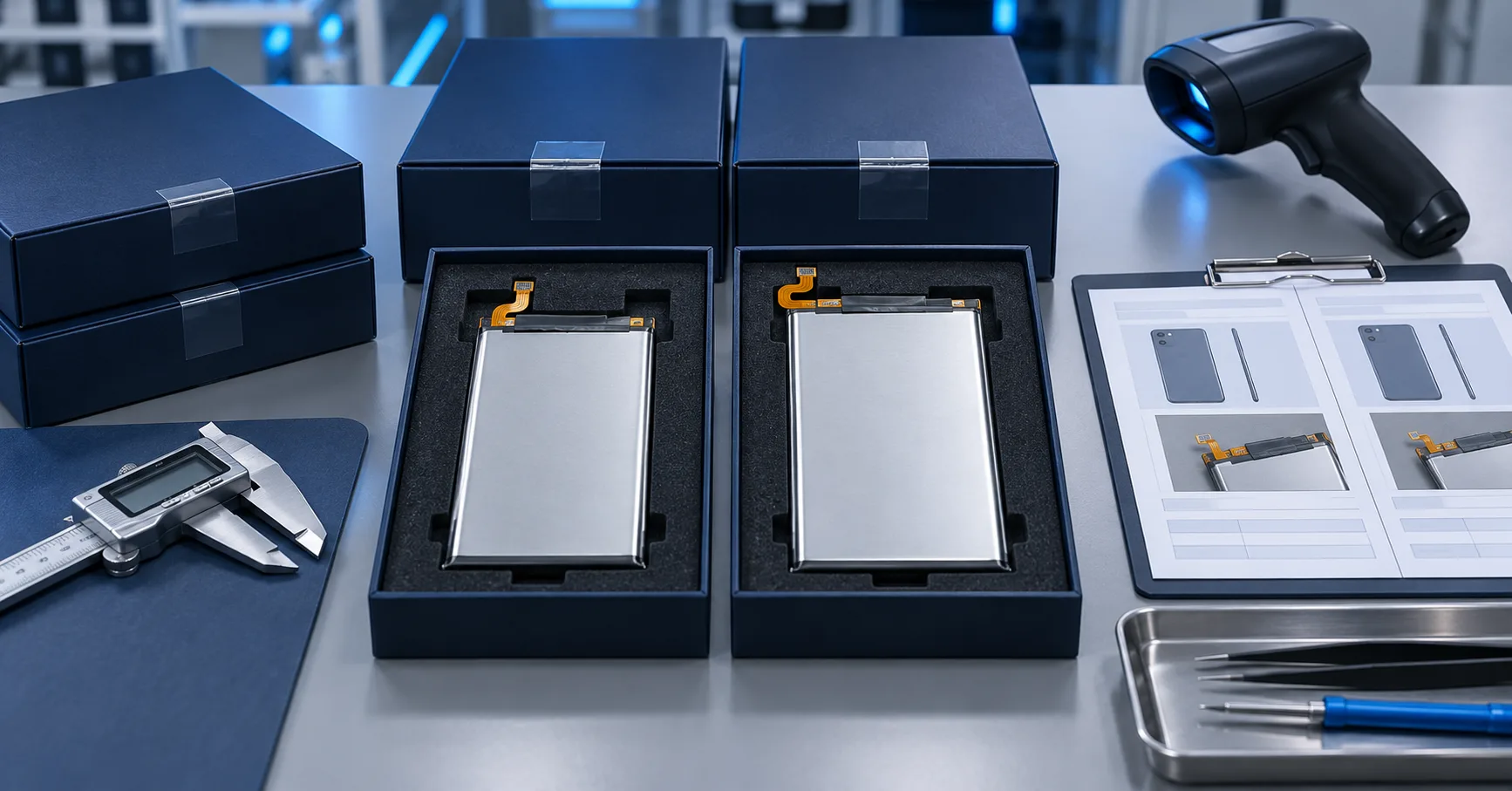
Every incoming sample should receive a physical inspection. Record label identity, rated voltage, rated capacity, Watt-hours, dimensions, weight, connector, flex, insulation, adhesive and production batch.
Inspect for dents, bent flex cables, connector contamination, swelling, leakage, damaged insulation and incorrect markings. Quarantine abnormal or untraceable units.
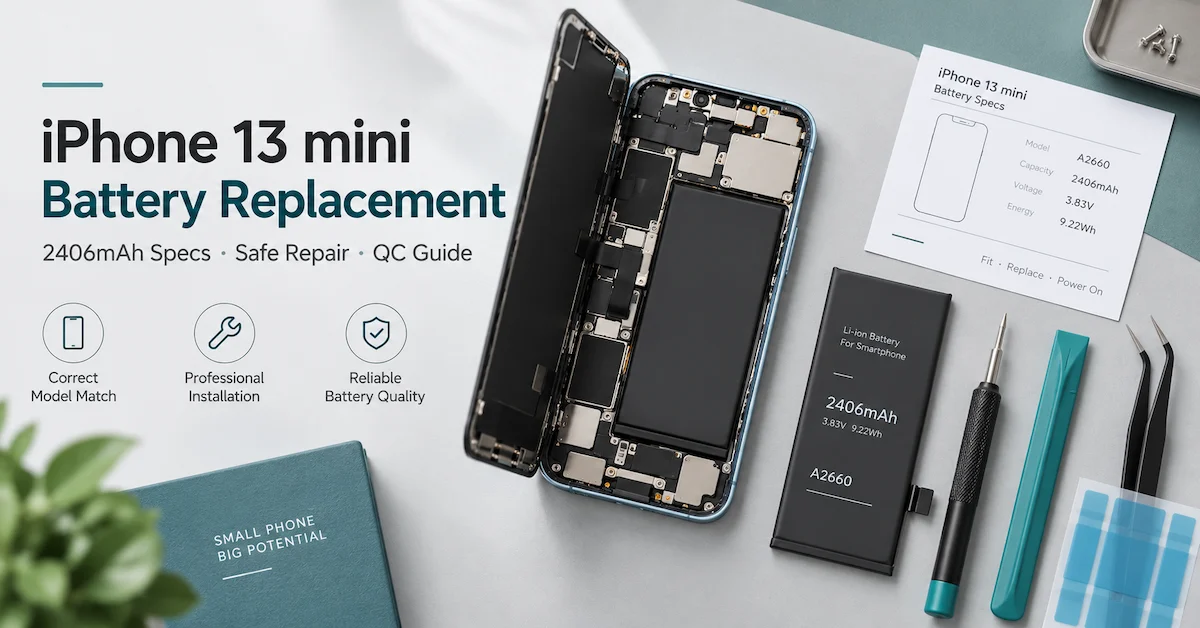
The supplied artwork shows capacity and certification-related markings on one pictured battery. These values and marks must be verified against the actual SKU and supporting documents before they are reproduced in the published blog.
Verify Capacity Instead of Relying on the Label
Run a controlled charge-discharge test using documented equipment, temperature, charge profile, rest period, discharge load and cutoff. Record ampere-hours, Watt-hours, voltage curve and temperature.
Do not apply one printed capacity across the entire iPhone 16 family. Each model should have its own approved specification. ESC’s iPhone battery capacity testing guide provides a general B2B method framework.
A capacity result should be reviewed together with resistance, power delivery, dimensions and installed runtime. A favorable mAh result does not excuse poor fit or abnormal heat.
Run Controlled Charging Tests
Use a known-good charger and cable appropriate for the device. Control the starting percentage, ambient temperature, screen state, network and case.
Record input voltage, current, power, percentage, temperature and time. Examine initial recognition, normal progression, charging taper, reconnection, restart and charging-limit behavior.
Repeat suspicious results with the original battery or a known-good control. Charging pauses may be influenced by software optimization or temperature management.
Test Runtime and Percentage Progression
Use fixed brightness, refresh settings, connectivity, application versions and workload. Include standby, local video, streaming, browsing, camera and controlled load stages.
Record percentage and temperature at fixed intervals. Watch for jumps, long plateaus, rapid decline and shutdown above the expected lower boundary.
Installed runtime is a complete-device measurement. It should not be presented as cell capacity, and it should not be compared across different iPhone models without documenting hardware differences.
Evaluate Temperature and Peak Power
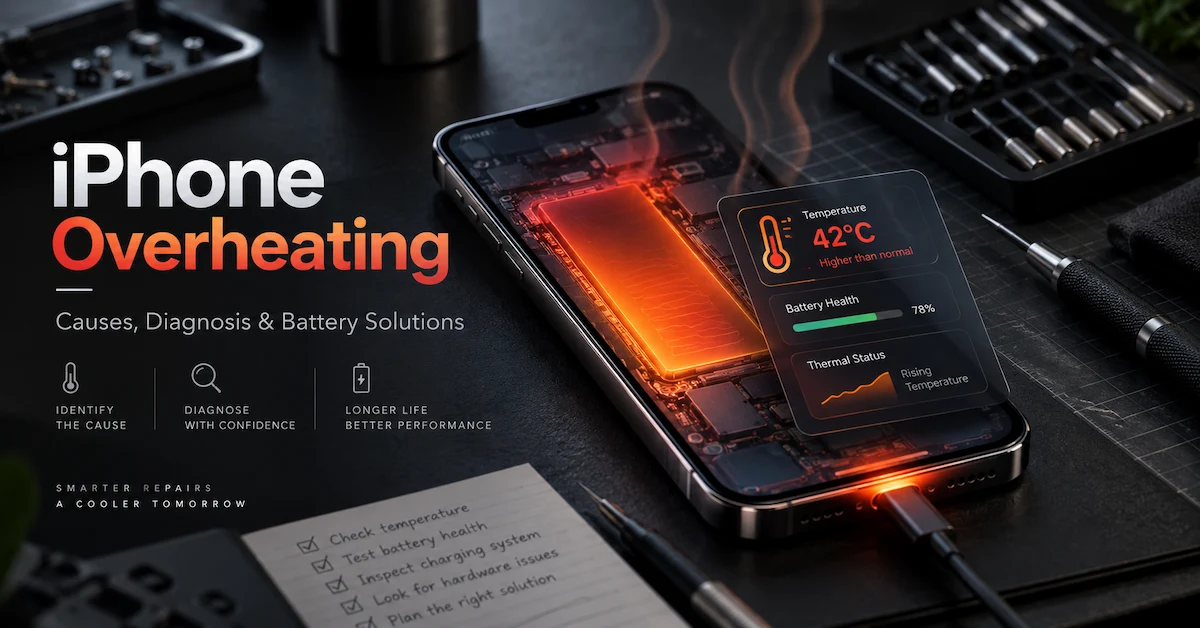
Measure temperature during charging, camera use, network activity, sustained load and recovery. Use the same locations and environment for original and replacement batteries.
A battery can pass a gentle capacity test but show excessive voltage drop during a demanding workload. Test realistic peak-power conditions at several states of charge.
Stop testing if swelling, odor, leakage, damaged insulation or uncontrolled heat appears. Do not reuse a damaged battery to complete the software demonstration.
Build a Batch-Level Incoming Inspection Plan
After sample approval, connect the tested configuration to a golden sample, specification and bill of materials. Each incoming lot should record battery model, batch, production date, quantity and inspection disposition.
Check physical condition, voltage, dimensions, resistance and selected functional samples. Use ESC’s mobile phone battery incoming inspection guide as a starting framework.
Require approval before changing the cell, protection board, connector, flex, adhesive, diagnostic solution, label or production location.
Validate Multiple Operators and Devices
One technician and one phone are not enough for commercial approval. Use several trained operators, devices and battery samples. Record installation time, connector alignment, rework, enclosure closure and repair status.
Different operator outcomes may indicate unclear instructions, difficult flex geometry, inconsistent adhesive or device variation. Correct the process before blaming individual technicians.
Keep one unmodified control device to compare charging, runtime, temperature and system screens after software updates.
Control Product and Marketing Claims
Use the phrase iPhone 16 battery shows Used only when the screenshot, device model, software build and completed repair workflow support that observation.
The supplied announcement includes strong wording such as 100% diagnostic, 100% fully tested, stable quality, longer lifespan, large inventory and fast delivery. Each statement requires an approved definition and current evidence.
Safer publication wording includes:
- “New samples available for iPhone 16-series diagnostic battery evaluation.”
- “Designed for model-level testing with an observed Used status under supported conditions.”
- “Every commercial configuration requires sample and batch approval.”
- “Stock, MOQ and lead time depend on model and order quantity.”
- “Capacity and performance are verified according to the approved SKU and method.”
Do not use Apple logos or imply that ESC is Apple, an Apple-authorized provider or the manufacturer of a genuine Apple part. iPhone is a trademark of Apple Inc.; compatibility references should identify the intended device without implying affiliation.
New-Arrival Sample Approval Checklist
- Confirm the exact iPhone 16 model and region.
- Match the battery SKU, specification and physical sample.
- Inspect dimensions, connector, flex, insulation and adhesive.
- Record voltage, resistance and controlled capacity.
- Install using a documented professional procedure.
- Update the device and record the exact iOS build.
- Complete the applicable Repair Assistant workflow.
- Capture Finish Repair, Used, Unknown or other exact wording.
- Run charging, runtime, temperature and shutdown tests.
- Approve the production-representative lot and change controls.
Frequently Asked Questions
Does Used mean the battery is defective?
No. Apple defines Used as a part that was already used or installed in another iPhone. Physical condition and performance require separate testing.
Does the supplied battery physically contain a used cell?
The artwork alone cannot establish cell origin. Confirm the product specification, supplier declaration, sample construction and batch documents.
Which models are shown in the new-arrival announcement?
The artwork lists iPhone 16, 16 Pro, 16 Plus, 16 Pro Max and 16e. Each model requires independent SKU and compatibility confirmation.
Will every software version show Used?
No permanent guarantee should be made. Record the exact device, software build, repair conditions and observed result.
Can a Used status replace capacity testing?
No. It is a repair-history status. Capacity, power delivery, charging, heat and runtime must be verified separately.
Is the product ready for bulk purchase?
New-arrival samples are available for project discussion, but model availability, stock, MOQ, lead time and bulk approval require confirmation.
Request a Model-Specific Sample Review
This new arrival expands the repair options available for iPhone 16-series projects, but the commercial decision should be based on evidence. An iPhone 16 diagnostic battery must be approved by exact model, physical specification, measured performance, software build and repeatable repair result.
Send ESC your target iPhone 16 models, expected quantity, market and required status workflow. ESC can confirm current sample options and prepare model-level information for evaluation. Final availability and transaction terms depend on the selected SKU and order scope.
External Source References
- Apple Support — iPhone Parts and Service History
- Apple Support — Parts Support for iPhone
- Apple Support — Use Repair Assistant to Finish a Repair
- Apple Support — About Genuine iPhone Batteries