
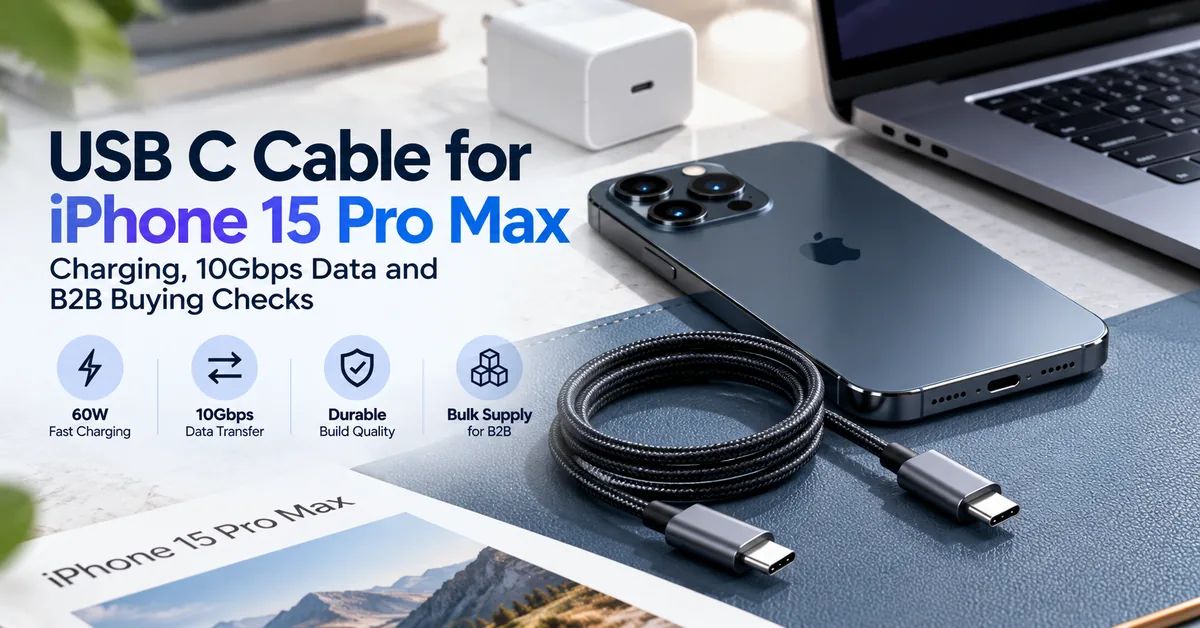
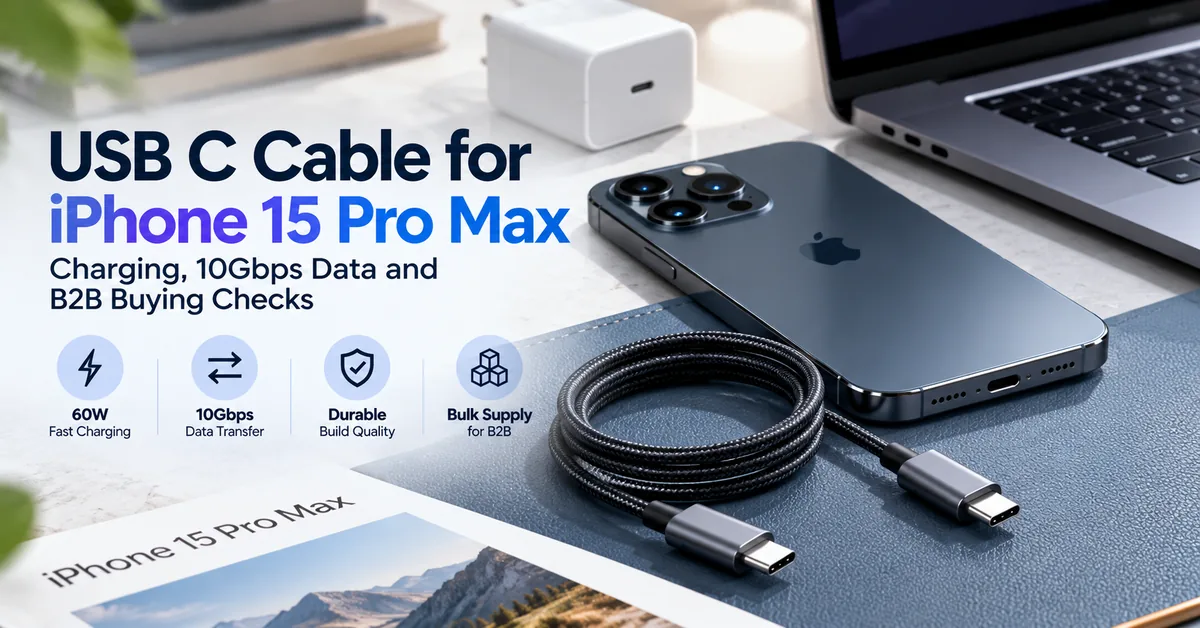
The right USB C cable for iPhone 15 Pro Max depends on the job. For ordinary charging, a properly specified USB-C-to-USB-C cable rated for 60W is sufficient when paired with a compatible USB Power Delivery (PD) adapter. For faster file transfers, the buyer needs a cable explicitly supporting USB 3 data at up to 10Gb/s, plus a suitable computer or storage device. The USB-C connector shape alone proves neither data speed nor product quality.
This distinction matters to accessory wholesalers, electronics retailers, repair chains and private-label brands. A cable promoted as “240W fast charging” can still be limited to USB 2 data speeds, while an inexpensive charging cable may meet most consumers' day-to-day needs. Choosing products by headline wattage alone creates mismatched inventory, avoidable returns and inaccurate listings.
ESC's verified product range focuses on replacement batteries, chargers and power banks—including models with integrated USB-C cables—not a confirmed standalone USB-C data-cable catalog. The ESC power bank and charger range is relevant when planning complete charging accessories or an OEM project; separate cable manufacturing or stock availability should be confirmed before making that claim.
1. What the iPhone 15 Pro Max Actually Supports
Apple specifies a USB-C connector supporting charging, DisplayPort and USB 3 up to 10Gb/s for the iPhone 15 Pro Max. Apple also states that the USB-C charge cable included in the box supports USB 2 data speeds, not the phone's maximum USB 3 capability. A suitable optional USB 3 cable and compatible equipment are needed for faster transfers.
For charging, Apple's published fast-charge reference is up to 50% in about 30 minutes using a 20W or higher adapter, subject to its stated test conditions. This is not a guarantee of a fixed charging wattage or identical timing with every cable, adapter, battery condition or temperature.
The phone can also connect to supported external displays and storage devices. Those tasks introduce data and video capability requirements that should be evaluated separately from charging wattage.
| iPhone feature | Confirmed device capability | What a buyer needs to check |
|---|---|---|
| Charging connection | USB-C | Suitable USB-C-to-USB-C cable and compliant adapter |
| Fast-charge reference | 20W or higher compatible adapter | PD behavior, cable integrity and test conditions |
| Maximum wired data speed | USB 3 up to 10Gb/s | A rated 10Gb/s-capable cable and compatible host |
| Included Apple cable | USB 2 data speeds | Do not market it as a 10Gb/s cable |
| External display | DisplayPort through USB-C | Compatible video-capable cable/adapter and display |
| External storage | Supported | Actual cable data rate, device compatibility and file workflow |
Procurement rule: state charging power, data rate and video compatibility as separate specifications.
2. Who Should Buy Which Cable?
A retail customer charging at the bedside does not need the same cable as a professional transferring large video files. B2B buyers should therefore segment the target audience before choosing SKUs.
General retailers benefit from clear, accurately labeled USB-C-to-USB-C charging cables. The buying priorities are connector fit, dependable charging, practical length, packaging and reasonable warranty handling.
Photo and video professionals may require 10Gb/s data transfer to external SSDs or a computer. The right item must be tested end to end; a cable marked only “fast charge” is an unsuitable substitute.
Repair and refurbishment operations need repeatable charging and data-transfer performance for diagnostics, device setup and customer handover. Identifiable lots and a stable approved configuration may matter more than decorative finishes.
Private-label distributors need supplier-controlled specifications, permitted product markings, branded packaging, samples and repeat-order consistency. Businesses seeking a complete portable-charging assortment may also evaluate integrated-cable power banks rather than stocking only loose cords.
For retailers and wholesale distributors, choosing a USB C cable for iPhone 15 Pro Max starts with identifying whether customers need reliable everyday charging, high-speed data transfer, or both.
3. 60W vs 240W: Does the iPhone Need a Higher-Rated Cable?
A standard compliant USB-C-to-USB-C cable designed for up to 3A can support up to 60W in an appropriate 20V system. That capability is already sufficient for the iPhone 15 Pro Max's ordinary wired-charging use case. Buying a cable marked 100W or 240W will not force the phone to charge at that wattage.
Higher-rated cables can be useful in a multi-device retail assortment, especially when customers also charge compatible high-power laptops. But the higher rating is a cable current/power capability, not a promised smartphone charging speed.
An electronically marked cable (E-marker) is relevant to certain higher-current and higher-speed designs. Do not say every basic 60W charging cable needs an E-marker for the iPhone, or that the mere presence of an E-marker proves 10Gb/s data performance. For sourcing, verify the actual specification and any legitimate third-party certification claimed.
USB-IF's current certified-cable labeling framework distinguishes 60W and 240W power categories and, where relevant, data-rate logos. Use USB-IF branding only with the necessary authorization and evidence; an unverified logo must not be copied onto packaging.
4. USB 2 vs USB 3: A Difference Buyers Can Demonstrate
USB 2 data operation has a theoretical signaling rate of 480Mb/s. iPhone 15 Pro Max supports USB 3 transfers up to 10Gb/s, but only when the full connection—phone, cable, port and storage or host—supports the required mode. Real file-transfer speeds are lower than the headline link rate and depend on many conditions.
A charge-focused cable may be excellent for overnight charging and ordinary syncing while not meeting a video creator's need to move large media files quickly. The wording “Type-C cable” says almost nothing about this difference.
When choosing a 10Gb/s cable, request a clearly stated data specification, supported length, a representative test setup and repeatable throughput results. If external-display support is part of the sales claim, verify video output separately rather than assuming every 10Gb/s product has identical DisplayPort support.
Cable configuration comparison
| Cable configuration | Charging use | Data/video expectations | Best-fit buyer |
|---|---|---|---|
| USB-C-to-USB-C, 60W, USB 2 | Everyday iPhone charging | USB 2; no claim of 10Gb/s | General retail, repair-counter stock |
| USB-C-to-USB-C, 60W, USB 10Gbps | Charging plus high-speed transfer | Up to 10Gb/s with compatible endpoints | Creators, refurbishment and data workflows |
| Higher-power USB-C cable, USB 2 | Multi-device charging where rating is relevant | Still USB 2 unless specified otherwise | Laptop-oriented charging assortments |
| Higher-power USB-C, high-speed data/video | Combined professional use | Verify rated speed and video mode independently | Premium multi-device accessory channels |
| Integrated USB-C cable on a power bank | Convenient portable charging | Data transfer must not be assumed | Travel, gifting and portable charging |
These are purchasing configurations, not claims that ESC currently sells each standalone cable type.
5. What Physical Features Affect Cable Quality?
A reliable cable must perform electrically while surviving expected use. Connector geometry, strain relief, cable diameter, contact quality, insulation and assembly consistency all deserve inspection.
Connector fit: USB-C plugs should seat correctly without excessive force, unstable contact or damaging movement. Check with representative devices and protective cases where the product is intended for use.
Strain relief: The transition from cable to plug is a common bending area. Buyers should request a defined bend or flex test and its actual acceptance criteria, not accept an unexplained “10,000 bends” slogan.
Cable length: A longer cable can be convenient at a desk or bedside, but electrical and high-speed signal performance need validation for the specific construction and length. Do not assume the 1m version's test result covers every longer SKU.
Jacket materials: TPE, silicone-like and braided constructions have different feel and durability considerations. Surface appearance does not establish electrical safety or performance.
Heat behavior: Unexpectedly hot connectors, damage, exposed conductors, intermittent charging or discoloration are reasons to stop using the cable and assess it. Buyers should not market any cable as impossible to overheat.
6. Test Charging With the Complete System
The charging result depends on the iPhone, the USB-C cable and the power source. USB Power Delivery lets a compatible power adapter and device negotiate supported operating conditions; it does not require a 240W cable just because the adapter has a high nameplate rating.
For a buyer's pilot evaluation, use a known-good iPhone 15 Pro Max, a suitable PD adapter, a repeatable state-of-charge starting point and recorded environmental conditions. Verify connection reliability, charging progress and any unexpected interruptions. Record which adapter, cable model and software version were used.
For power banks with multiple outputs, confirm single-port output versus combined-port output. ESC's USB-C power bank purchasing guide explains the role of negotiated charging and power-source capability.
A high-wattage figure printed on a charger, power bank or cable should not be presented as a guaranteed iPhone charge rate. The phone regulates what it accepts, and charging conditions change during a charging session.
7. Incoming Quality Control for Bulk USB-C Cables
When evaluating a USB C cable for iPhone 15 Pro Max, B2B buyers should verify charging power, USB data transfer speed, connector durability, and product consistency before approving bulk orders.
Quality control begins before the shipment arrives. The purchase specification should define the product revision, tested cable length, power rating, data rate, connector construction, labeling and packaging.
A sensible receiving program separates appearance, electrical function, data capability and traceability. No single test demonstrates all four.
| Check | Evidence to request | Example hold condition |
|---|---|---|
| Correct SKU and revision | Approved drawing, label and purchase order | Unauthorized substitute |
| Connector and cable condition | Inspection against approved sample | Bent plug, exposed conductors, damaged insulation |
| Charge continuity | Controlled test with compatible PD system | Repeat disconnects or abnormal behavior |
| Power capability | Rated configuration and applicable test result | Unsupported wattage claim |
| Data speed | USB 2 or USB 10Gbps test as contracted | Advertised 10Gb/s model works only at USB 2 |
| Fit and mechanical durability | Dimensional and flex-test records | Failure against agreed acceptance plan |
| Marking and packaging | Approved artwork and compliant claims | Misleading speed or certification logo |
| Lot traceability | Production batch, packaging and records | Unidentifiable goods |
Agree on sample sizes, defect classes, retesting and decision authority before delivery. A visual inspection cannot validate 10Gb/s data transfer; a fast-charging test cannot validate long-term cable fatigue.
8. Supplier Qualification, Lead Time and Product Changes
Ask suppliers to define whether they manufacture the cable, source it from another factory or integrate it into a finished charging product. Those business models can involve different responsibilities for design, testing, rework and warranties.
A useful supplier audit covers connector sourcing, assembly controls, electrical and high-speed verification, change notification, approved test equipment and the ability to trace a complaint back to a particular production lot.
For repeat purchases, require written notice of relevant changes to the connector, conductor construction, shielding, electronics, materials or cable length. A revised exterior color should not silently change data performance.
MOQ and lead time are quotation-specific. Trial quantities, stocked products, private-label packaging and newly developed cable assemblies should not all be given one universal delivery promise. Ask for the sample schedule, production plan, shipping terms and applicable warranty procedure in writing.
9. Match Cable Specs to Real Applications
Everyday charging: Specify a dependable USB-C-to-USB-C charging cable, appropriate length and truthful 60W labeling. A faster-rated data cable is unnecessary when the customer mainly charges overnight.
Travel and commuting: Convenience may favor fewer loose accessories. ESC's ESC-X018 power bank with integrated 65cm Type-C cable is a relevant finished-product example. Its built-in cable is advertised for charging; do not assume it provides 10Gb/s data transfer.
Business travel: An integrated charging solution may replace a separate wall adapter, loose cable and power bank. ESC's ESC-X019 three-in-one power bank includes a Type-C cable and wall-plug functionality. Buyers must verify the quoted model's charging modes and output allocation, because headline ratings and detailed tables may describe different operating conditions.
Video and external SSD workflows: Request a tested 10Gb/s cable and confirm the computer or drive also supports the required data rate. For video output, include display and adapter compatibility in the test plan.
Repair shops and device setup: Keep clearly labeled charge-only/USB 2 and high-speed data cables apart so technicians do not diagnose a phone or SSD as defective merely because the wrong cable was selected.
10. Cost, Return Risk and Private-Label Opportunities
Wholesale price should be compared against the approved configuration, not against a vague product label. A 60W USB 2 charging cable and a genuine 10Gb/s high-speed cable may have different material, testing and commercial requirements.
Include unit price, sampling, independent inspection where required, custom packaging, freight, duties, rework and warranty costs. The meaningful metric is the cost per accepted, correctly described, supportable unit, not just the lowest carton price.
Private-label specifications should cover the approved SKU, rated power, data rate, cable length, safety instructions, barcode, country-market labeling and permitted trademarks. Do not print USB-IF certified logos or Apple-authorized claims without the appropriate evidence and rights.
ESC publishes OEM/ODM charging-product customization services, including appearance, branding, packaging and connector-related project discussions. That service description should not be interpreted as confirmation that ESC sells an independently certified standalone 10Gb/s cable. Verify actual scope, samples and available documentation with the team.
11. RFQ Checklist for Cable and Charging-Accessory Buyers
A useful request for quotation should state iPhone 15 Pro Max compatibility, intended application, USB-C-to-USB-C connector type, rated wattage/current, required data rate, length, construction, quantity, packaging and target sales market.
Ask for the approved drawing or specification, test methods, sample quantity, batch identification, change-notification terms, lead-time basis and warranty handling. If video support or USB-IF certification is required, name that requirement explicitly and ask for evidence tied to the actual SKU.
For a complete charging product with a built-in cable, identify the power bank or charger model, integrated-cable output, individual-port and combined-port capabilities. Request demonstration under the intended iPhone charging conditions.
You can contact ESC to discuss its confirmed charging-product range and whether your desired standalone cable or integrated-cable customization is available. A model-specific inquiry helps avoid misquoting cable capabilities or supplier scope.
12. Frequently Asked Questions
1. What USB C cable does an iPhone 15 Pro Max use?
It uses a USB-C connector. A compliant USB-C-to-USB-C cable is suitable for normal charging with an appropriate adapter. For 10Gb/s data transfers, choose a cable explicitly rated for USB 3 at that speed and verify the connected equipment.
2. Is a 60W USB-C cable enough for iPhone 15 Pro Max charging?
Yes, a correctly specified 60W cable is sufficient for the phone's typical wired-charging requirements when paired with a compatible USB PD adapter. A higher cable rating does not make the phone request that higher power.
3. Does the included iPhone 15 Pro Max cable support 10Gb/s?
No. Apple identifies the included charge cable as supporting USB 2 data speeds. The phone can support up to 10Gb/s with a suitable optional USB 3 cable and compatible equipment.
4. Do I need a 240W cable to fast-charge the iPhone?
No. A 240W cable is primarily relevant to other, higher-power USB-C uses. For iPhone charging, a suitable 60W cable and compliant charger meet the practical requirement.
5. Is an E-marker required for every iPhone charging cable?
No. Do not treat E-marker presence as a universal condition for ordinary 60W iPhone charging. The marking and electronics requirements depend on the cable's rated current and supported capabilities. Verify the actual specification.
6. Can a charging cable also transfer photos and videos?
Yes, if it supports data. However, a USB 2 cable transfers more slowly than a properly rated USB 3 cable. For large professional files, verify the cable, host and storage-device speed together.
7. Does a 10Gb/s USB-C cable automatically support external display output?
Not necessarily. Video output depends on the full cable and adapter capability and the connected display. Confirm DisplayPort-compatible operation through a representative test rather than inferring it from the data-rate label alone.
8. How can wholesalers test cable quality before a bulk order?
Approve a precise SKU, inspect connector and jacket quality, test charging with a controlled PD setup, measure data performance where promised, and review relevant mechanical tests and lot labels. Put acceptance criteria and remedies in writing before ordering.
9. Should private-label cables claim USB-IF certification?
Only when the exact product qualifies and the required logo or trademark authorization is in place. A supplier's generic logo image or unsupported marketing statement is not sufficient evidence for printing certified marks on packaging.
10. Can ESC supply an iPhone 15 Pro Max USB-C cable?
ESC publicly lists chargers and power banks, including products with built-in USB-C charging cables. A standalone USB-C data-cable product is not confirmed in the reviewed catalog. Contact ESC to check whether the requested cable configuration, finished charging product or custom project is available.
Conclusion
Choosing a USB C cable for iPhone 15 Pro Max should start with three separate questions: Will it charge reliably? What data rate does it support? Has the exact cable configuration been verified? A properly specified 60W USB-C-to-USB-C charging cable is suitable for everyday charging, while professional 10Gb/s file-transfer workflows require a matching USB 3 cable and compatible endpoints. Higher wattage alone is not a substitute for a better data specification or validated workmanship.
For B2B buyers, clear labeling, controlled samples, meaningful test evidence, traceable lots and accurate return terms help build a more dependable accessory assortment. If you are developing complete portable-charging products with integrated USB-C cables, explore ESC's charger and power bank products and send your requirements to ESC. Confirm standalone cable availability separately before representing it as an ESC product.