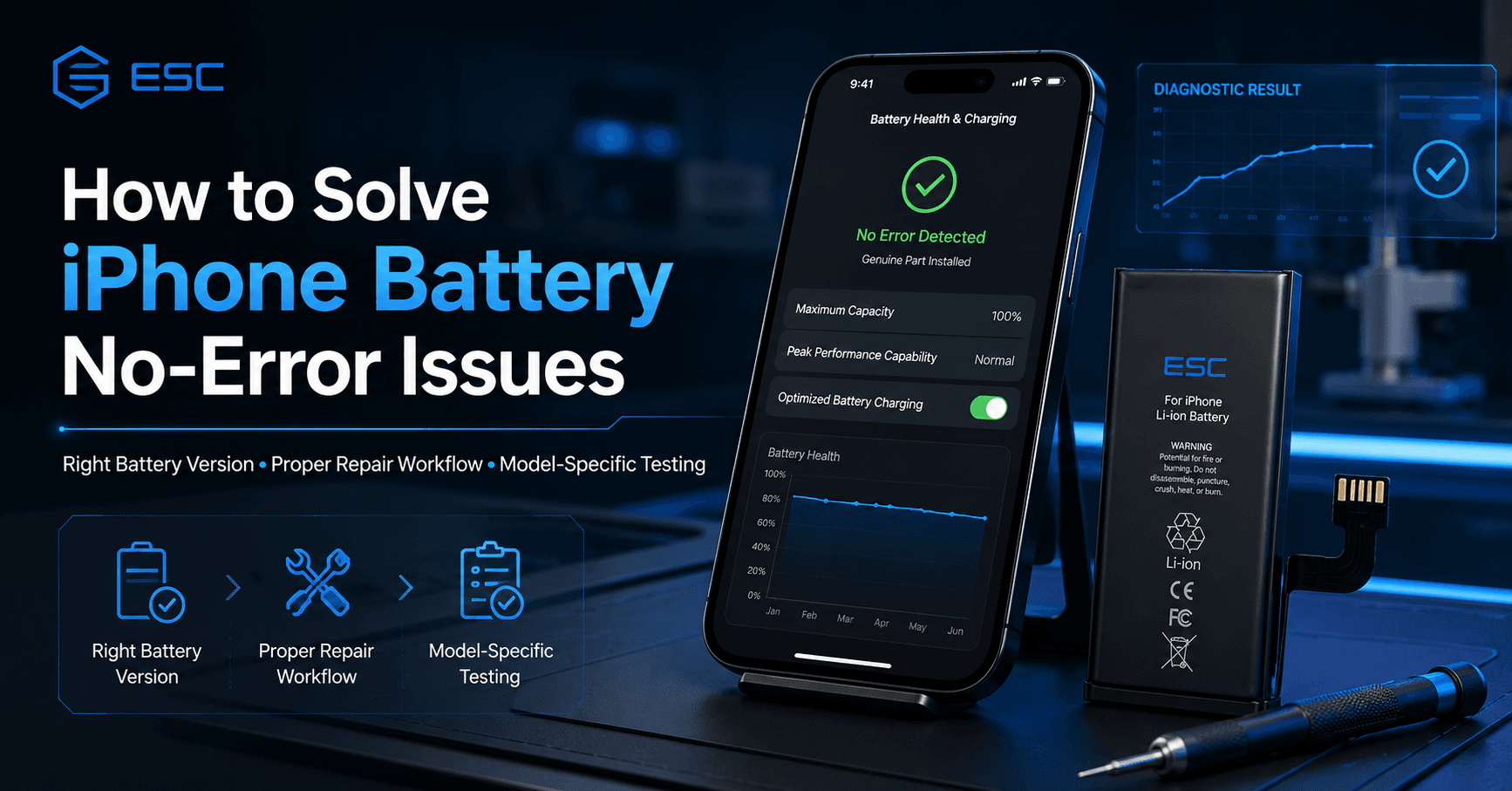
For iPhone repair shops, a battery replacement is not finished when the new battery turns on the phone. The customer may open Battery Health, check Parts and Service History, or ask why a warning message still appears after replacement. This is why many repair shops search for how to solve iPhone battery no-error issues.
But “no error” is not a simple switch. It depends on the iPhone model, iOS version, battery version, repair workflow, whether the part can be verified, and whether the repair is completed correctly. For B2B buyers, the right goal is not to promise “zero warning on every iPhone.” The right goal is to reduce warning-message friction through the correct battery version, proper repair workflow, sample testing and clear customer communication.
ESC supplies compatible iPhone replacement batteries for repair shops, wholesalers, refurbishers and private label buyers. For repair-market customers, ESC can support standard replacement batteries, high-capacity batteries, no-pop-up battery options, decoded battery options, battery health display solutions and diagnostic-compatible products depending on model availability and project requirements.
What Does “iPhone Battery No Error” Really Mean?
In the repair market, “iPhone battery no error” usually refers to a replacement battery solution that helps reduce warning messages, pop-up notifications, missing Battery Health information or Unknown Part concerns after battery replacement.
Different customers may use different phrases:
- iPhone battery no error
- iPhone no-pop-up battery
- iPhone battery no warning
- decoded iPhone battery
- iPhone diagnostic battery
- battery health display iPhone battery
- iPhone replacement battery no pop-up
- iPhone battery warning solution
These terms are related, but they are not always identical. A no-pop-up battery, decoded battery, diagnostic battery and battery health display battery may serve different repair scenarios. A professional supplier should explain the difference instead of using one vague promise for all models.
Why iPhone Shows Battery Warnings After Replacement
Apple’s Parts and Service History explains whether an iPhone has been repaired and whether parts can be verified. Apple says an Unknown message may appear if a part is not genuine, is not functioning as expected, has not been verified and linked to the iPhone after repair, or has been modified or cannot be verified.
For batteries, this means warning behavior may come from several sources:
| Cause | Repair-Market Meaning |
|---|---|
| Non-genuine replacement battery | The device cannot verify it as a genuine Apple part |
| Incomplete repair workflow | Repair Assistant or verification may not be completed |
| Wrong battery version | Battery data or fitment may not match the target model |
| Software condition | iOS version and repair history can affect display behavior |
| Used or modified battery data | The phone may detect previous use or changed information |
| Poor battery communication | Battery data reporting may be unstable |
| Installation issue | Connector, flex or seating may affect function |
| Overbroad supplier claim | Product was sold as “no error” without model-specific proof |
A repair shop should not treat every warning as the same fault. Sometimes the battery version is the issue. Sometimes the workflow is incomplete. Sometimes the customer expectation was not explained correctly.
No-Error Battery Is Not the Same as Apple Genuine Battery
This point must be clear.
A no-pop-up or decoded iPhone replacement battery is an aftermarket repair-market solution. It should not be described as an Apple genuine battery or Apple original battery.
Apple’s genuine battery guidance explains that iPhone uses built-in lithium-ion batteries designed and tested to Apple standards, and that genuine Apple batteries are verified within Apple’s repair ecosystem. Apple also notes that an Unknown part might affect device trade-in value.
For independent repair channels, the safer wording is:
- compatible iPhone replacement battery
- no-pop-up iPhone battery option
- decoded iPhone battery for repair shops
- battery health display iPhone battery
- diagnostic-compatible iPhone battery
- aftermarket iPhone battery warning solution
- OEM-packaged iPhone replacement battery
This protects the buyer, the repair shop and the supplier from misleading claims.
Repair Assistant Comes Before Blaming the Battery
Before a technician assumes the battery is defective, the repair workflow should be checked.
Apple says Repair Assistant installs calibration data after a part has been replaced in an iPhone or iPad to finish the repair. Apple also lists requirements such as the latest iOS or iPadOS, Wi-Fi connection and more than 20% battery.
For repair shops, this should become a standard checklist:
- Confirm the exact iPhone model.
- Install the correct battery version.
- Check connector and flex alignment.
- Update the iPhone to the latest supported iOS version.
- Connect to stable Wi-Fi.
- Make sure the battery level is above 20%.
- Go to Settings.
- Open General.
- Tap About.
- Check Parts and Service History.
- Run Restart & Finish Repair if available.
- Recheck Battery Health and warning status.
If the repair workflow is incomplete, changing the battery again may not solve the issue.
No-Pop-Up Battery, Decoded Battery and Battery Health Display Battery
Repair-market buyers often mix these terms. They should be separated clearly.
| Battery Type | Main Purpose | Best Buyer |
| Standard Battery | Basic replacement and cost control | Local repair shops |
| High Capacity Battery | Longer runtime selling point | E-commerce sellers, premium repair stores |
| No-Pop-Up Battery | Reduce warning-message friction | Technical repair shops |
| Decoded Battery | Improve repair-market data recognition behavior | Professional repair chains |
| Battery Health Display Battery | Support visible battery health experience | Refurbishers, repair chains |
| Diagnostic Battery | Troubleshooting and repair validation | Technical repair centers |
| OEM-Packaged Battery | Private label and retail kit sales | Distributors, brands |
The key is model-specific verification. A battery that works well for one iPhone model or iOS version may not perform the same way across all models.
How to Reduce iPhone Battery No-Error Problems in Real Repair Work
A repair shop should build a repeatable workflow instead of relying on verbal promises from suppliers.
Step 1: Confirm the Target Model
iPhone model differences matter. iPhone 11, 12, 13, 14, 15 and 16 series may have different battery structures, flex positions, repair behavior and software display conditions.
Step 2: Choose the Correct Battery Version
Do not order “no error battery” without defining what you need. Confirm whether the requirement is no pop-up, battery health display, diagnostic compatibility, high capacity or standard replacement.
Step 3: Test Samples Before Bulk Orders
Sample testing should include installation, charging, battery health display, warning-message behavior, capacity, internal resistance, heat and customer handover experience.
Step 4: Record iOS Version and Repair Result
Every test should record the phone model, iOS version, battery version, repair steps and final display result. Without records, the repair shop cannot know whether the problem comes from the product or the workflow.
Step 5: Explain Limits to Customers
Do not tell customers the battery is original. Do not promise every warning will disappear forever. Explain that this is a compatible replacement battery and that display behavior may depend on model, system version and repair conditions.
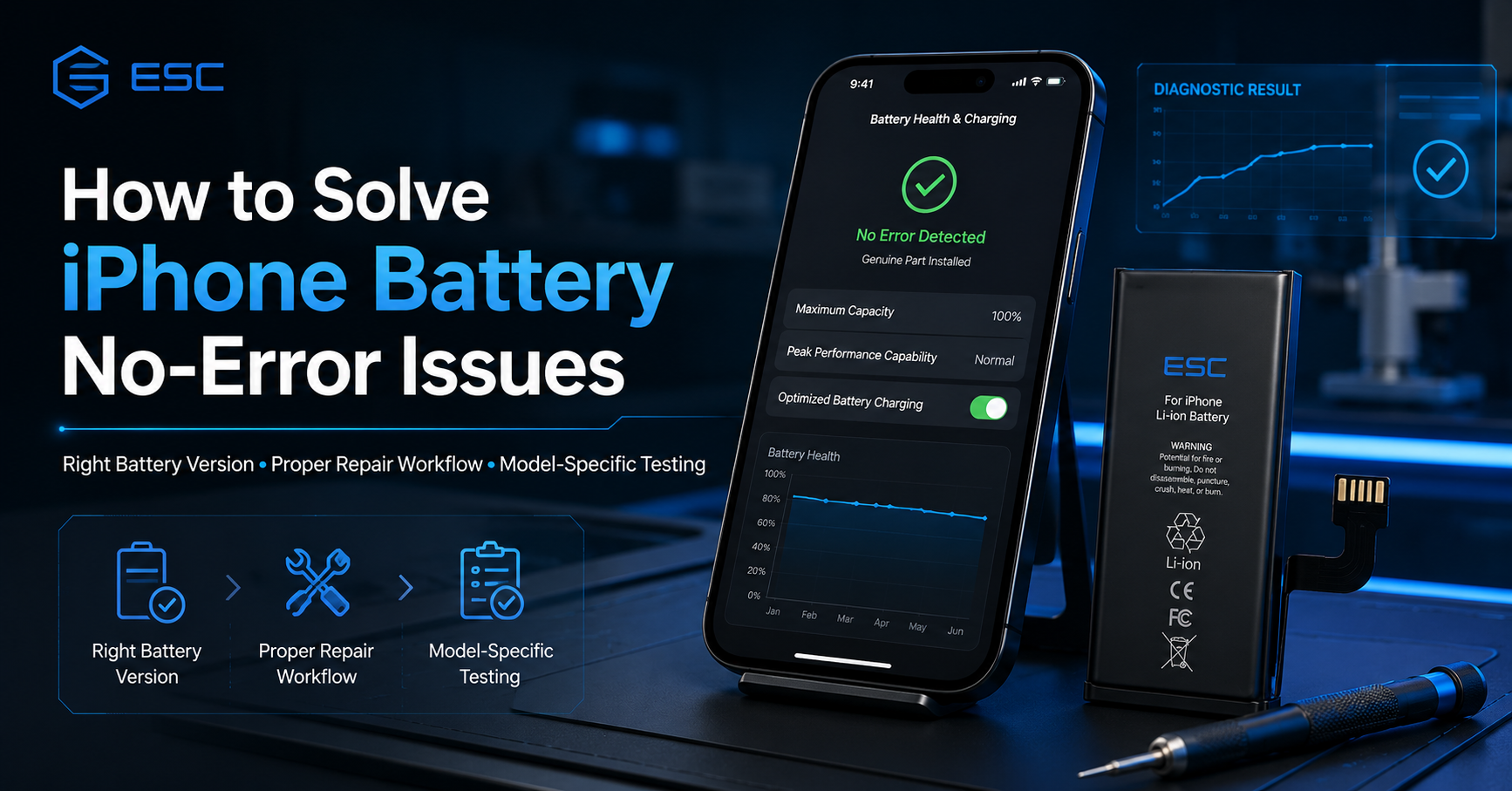
What Wholesalers Should Ask Before Buying No-Pop-Up Batteries
Wholesalers should be stricter than repair shops because they supply many downstream customers.
Before buying no-pop-up or decoded iPhone batteries in bulk, ask the supplier:
- Which iPhone models are supported?
- Which iOS versions were tested?
- Does Battery Health show after replacement?
- Does Parts and Service History still show any message?
- Does the result require Repair Assistant?
- Is the solution standard capacity or high capacity?
- Can samples be tested before bulk order?
- What is the MOQ for mixed models?
- Can packaging claims be customized safely?
- What is the warranty policy if customers report warning messages?
A serious supplier should answer these questions clearly. A weak supplier will only repeat “no error, no problem.”
Practical Case: Repair Chain Reducing Warning Complaints
A repair chain buying iPhone 12, iPhone 13 and iPhone 14 batteries may first choose one cheap battery version for all repair jobs. At the beginning, installation seems fine. But after customer handover, some stores report missing Battery Health, some customers ask about warning messages, and some technicians are unsure whether Repair Assistant should be used.
The problem is not only the battery. The problem is the lack of product tiers and workflow rules.
A better process separates the battery line:
- Standard batteries for cost-sensitive repairs
- Battery health display batteries for premium repairs
- No-pop-up or decoded options for selected models
- Diagnostic batteries for troubleshooting
- OEM-packaged kits for e-commerce sales
- Sample testing records before repeat orders
After that, each store knows what product to use, what result to expect and what to explain to customers. This is how repair businesses reduce “no error” disputes in a practical way.
Why Choose ESC for iPhone Battery No-Error Solutions?
ESC supports repair-market battery buyers who need more than a generic replacement battery.
We can support:
- Standard iPhone replacement batteries
- High-capacity battery options
- No-pop-up battery options for selected models
- Decoded iPhone battery options
- Battery health display solutions
- Diagnostic-compatible battery options
- Mixed iPhone model orders
- Sample testing before bulk orders
- OEM labels and private packaging
- Battery kits with tools
- Export packing and shipment support
- After-sales issue analysis
ESC does not describe aftermarket batteries as Apple genuine parts. The value is different: helping B2B buyers choose realistic product versions, test exact models, reduce warning-message friction and build a more stable repair battery supply program.
What Buyers Should Send Before Asking for a Quote
To get a useful quotation, send clear technical and commercial information:
- Target iPhone models
- Required battery version
- Quantity per model
- Target market
- Whether no-pop-up or battery health display is required
- Whether samples are needed first
- Packaging requirement
- Whether repair tools are needed
- Shipping country
- Required documents and warranty expectations
Clear inquiry gets real support. Vague inquiry gets vague claims.
FAQ About iPhone Battery No-Error Issues
What does iPhone battery no error mean?
In the repair market, it usually means a replacement battery solution designed to reduce warning messages, pop-ups, Unknown Part concerns or missing Battery Health information after replacement.
Can an aftermarket iPhone battery guarantee no error on every model?
No responsible supplier should guarantee this for every iPhone model and iOS version. Results should be tested by model, battery version and repair workflow.
What is a no-pop-up iPhone battery?
A no-pop-up iPhone battery is an aftermarket repair-market battery option intended to reduce battery warning-message friction for selected models.
What is a decoded iPhone battery?
A decoded iPhone battery is a repair-market solution designed around better data recognition or post-repair display behavior. Exact results should be tested before bulk orders.
Why does iPhone show a battery warning after replacement?
The warning may appear because the part is not genuine, cannot be verified, has not been linked after repair, is not functioning as expected, or has been modified.
Can Repair Assistant solve battery warning problems?
Repair Assistant can finish eligible repairs by installing calibration data. The result depends on model, iOS version, repair condition and part status.
Is no-pop-up battery the same as battery health display battery?
Not always. No-pop-up focuses on warning-message reduction, while battery health display focuses on visible battery health behavior. Some products may combine both, but this must be confirmed.
What should repair shops test before buying no-error batteries?
They should test fitment, connector alignment, charging, Battery Health display, warning behavior, iOS version, Repair Assistant workflow, capacity, internal resistance and heat.
Can ESC provide no-pop-up iPhone batteries?
ESC can support no-pop-up, decoded, battery health display and diagnostic-compatible options for selected models, depending on model availability and sample testing requirements.
How should repair shops explain this to customers?
Repair shops should explain that compatible aftermarket batteries are not Apple genuine parts. The shop can test charging, fitment and display behavior, but system messages may depend on model, iOS version and repair workflow.
Work with ESC
Solving iPhone battery no-error issues is not about one magic battery. It is about using the right battery version, following the correct repair workflow, testing exact models and setting realistic customer expectations.
ESC provides compatible iPhone replacement battery solutions for repair shops, wholesalers, refurbished phone facilities, e-commerce sellers and private label brands.
For warning-message solutions, visit our No-Pop-Up Battery category.
For visible battery information options, visit our Battery Health Display Battery category.
For private label projects, visit our OEM Battery Packaging service page and send us your model list for quotation.