An iPhone can feel warm during charging, setup, restoration, a major software update, gaming, camera use or another heavy workload without proving that the battery is defective. The first decision is whether the event is expected and temporary, requires controlled diagnosis, or shows a safety condition that should stop normal use and testing.
If you are asking why is my iphone hot, record when the heat begins, where it is strongest, what the phone is doing, whether it is connected to power and whether the behavior repeats. Repair shops, refurbishers and warranty teams should convert the same observations into an event record before assigning the cause to the battery, charger, software or phone.
Recognize Warm Behavior Versus a Safety Event
Warmth is subjective. One person may call a normally warm charging phone “overheating,” while another may continue using a device that is changing temperature rapidly. Do not diagnose from touch or a customer adjective alone. First identify the physical condition and the phone's own behavior.
Apple's current temperature-management guidance explains that an iPhone may become warm during first-time setup, restoration, software updates, graphics-intensive applications, high-quality video or wireless charging. It can also temporarily reduce performance, dim the display, slow or stop charging, weaken radios, disable the camera flash or show a temperature warning when internal temperature regulation is active.
Stop ordinary use and testing if there is swelling, enclosure separation, leakage, puncture, smoke, hissing, venting, unusual odor, severe deformation or uncontrolled rapid heating. Do not press the enclosure, freeze the phone, reconnect power to reproduce the symptom, open it for a closer photograph or continue a benchmark. Follow the applicable trained service, emergency and damaged-battery process.
Classify the Heat Event Before Diagnosing It
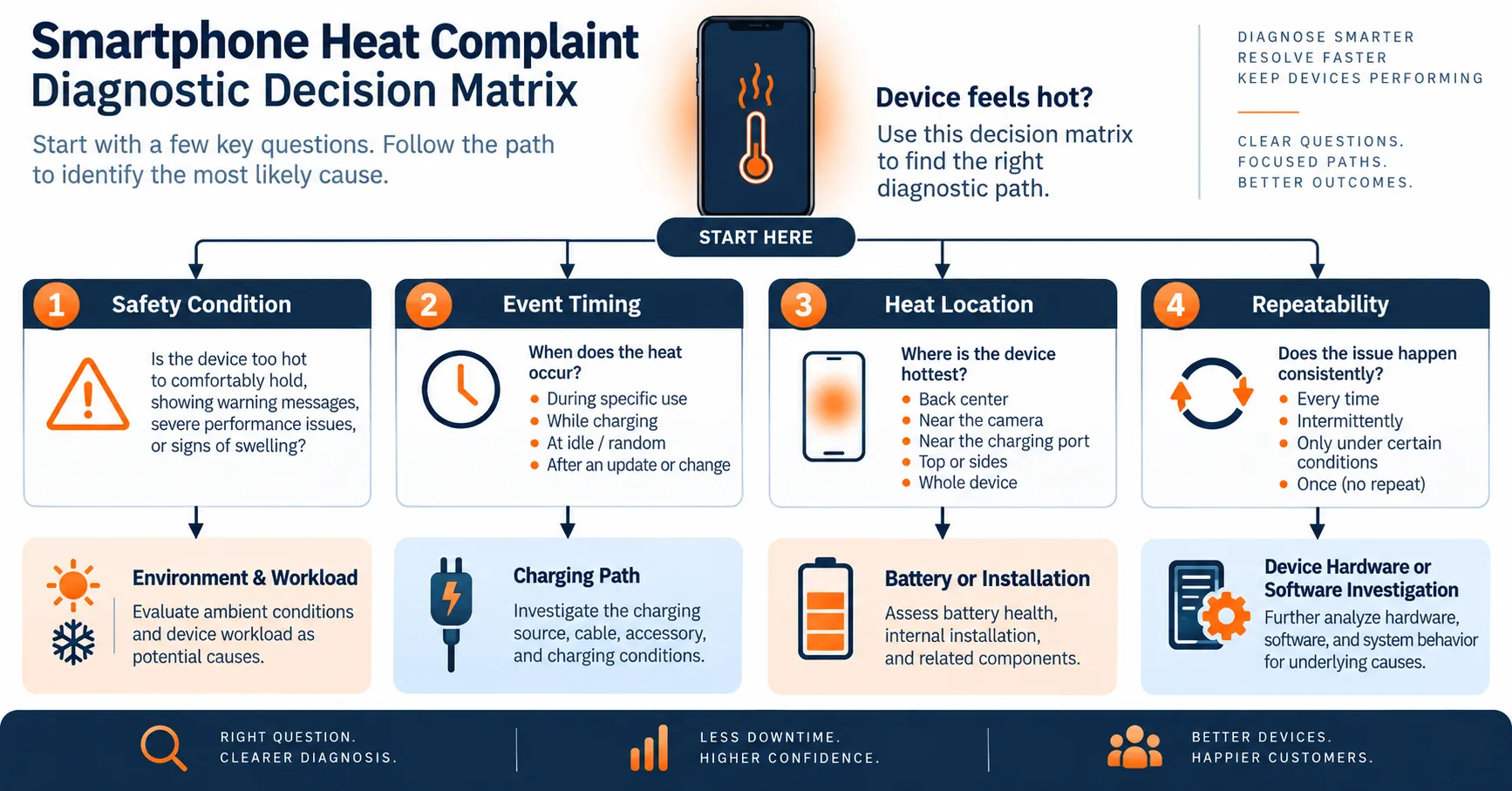
A useful intake record answers four questions: Is the device physically safe? When does the event occur? Where is the heat concentrated? Can the same condition be repeated? The answers determine whether the next step is simple monitoring, a controlled comparison or safety containment.
| Observed pattern | Evidence to collect | Initial investigation branch |
|---|---|---|
| Warm only during setup or update | Software build, update timing, network state and duration | Temporary processing workload |
| Warm while charging | Source, cable, wireless pad, case, charge state and workload | Charging path, environment and concurrent use |
| Hot during camera, gaming or navigation | Application, brightness, radios, signal, frame rate and duration | Sustained processor, display and modem load |
| Warm while idle | Background activity, signal state, recent restore and battery trend | Software activity, network search or device fault |
| Localized or rapidly increasing heat | Physical condition, location, timing and device history | Stop if unsafe; qualified hardware investigation |
This classification makes “why does my iphone get hot” a testable question. It also prevents a repair team from replacing a battery simply because the device felt warm during a demanding or temporary task.
Check Ambient Temperature and Heat Dissipation
Environment is the simplest cause to miss. Apple states that iPhone is designed for use where ambient temperature is between 0°C and 35°C, and that using it in very hot conditions can permanently shorten battery life. Parked vehicles, direct sunlight, hot dashboards, enclosed charging locations and heat-producing equipment can create conditions that the user did not recognize.
Record ambient temperature rather than assuming an air-conditioned building is within range. Note direct sun, airflow, case type, mounting position and whether the phone is covered by fabric or other objects. Move an otherwise physically normal device away from the heat source and let it return to its normal operating range before comparing behavior.
Apple's battery-performance guidance also notes that some cases can generate excess heat during charging. This does not prove that every warm phone should be used without a case; it means the case and test configuration should be recorded when charging heat is the complaint.
Separate Workload Heat From Battery Heat
Processors, displays, cameras, radios and charging circuits all produce heat. Video recording, games, augmented reality, navigation, hotspot operation, poor cellular signal and background restoration can raise power demand. The battery supplies part of that demand, but the warmest surface location does not by itself identify the failed component.
Compare the event under the same application, brightness, network, signal condition, charger and duration. Record whether heat falls after the workload stops. Do not compare one phone running a game on cellular data with another idle phone on Wi-Fi and call the difference a battery result.
If the question is why is my iphone getting hot after an operating-system update or device restore, check whether indexing, photo processing, downloads or application updates are still active. A temporary event that diminishes after background work completes has a different disposition from heat that continues at idle or returns under a controlled light workload.
Investigate Charging as a Complete System
Charging heat can come from the power source, cable, connector, wireless alignment, charging circuit, battery, enclosure, ambient temperature and concurrent phone activity. Do not test only the adapter label. Record the exact source and cable, physical condition, wired or wireless method, starting charge state, case, workload and time.
Apple explains in its iPhone battery charging guidance that a battery warms while charging and that iPhone gradually reduces charging current as it approaches full charge to reduce heat and battery stress. Software may also limit charging when recommended battery temperatures are exceeded. A charging slowdown or pause can therefore be a thermal-management response rather than proof that the replacement battery is faulty.
Inspect the charging port and accessories using the service organization's approved process. Do not use visibly damaged cables, loose connections, unknown adapters or misaligned wireless equipment as the reference condition. If heat appears only with one accessory, preserve that result and compare with an approved control rather than immediately authorizing a battery claim.
Evaluate Battery Condition Without Assuming the Cause
An aged, damaged, incompatible, poorly installed or internally abnormal battery may contribute to heat, but “the phone is hot” is not enough evidence. Record battery identity, repair history, displayed battery information, runtime, charge behavior, shutdown events, physical condition and any authorized diagnostic data.
Short runtime plus heat may still involve high workload, weak signal, software activity, charging behavior or another hardware problem. Use the published post-replacement fast-drain guide when discharge rate is the main complaint. If the enclosure is separating or swelling is suspected, use the iPhone battery swelling investigation and stop ordinary testing.
A displayed maximum-capacity value is one input, not a surface-temperature measurement or a complete root-cause conclusion. A repair decision should connect the symptom to repeatable evidence and whole-device condition rather than replacing a part solely because the battery has aged.
Distinguish Pre-Existing Heat From Post-Repair Heat
Timing changes the investigation. If the same event existed before repair, the new battery may be unrelated. If heat began immediately after battery, display, charging-port or enclosure work, installation and disturbed components become relevant alongside the replacement part.
For a post-repair event, preserve the device intake condition, installed battery SKU and lot, operator, tools, routing photographs, connector observation, adhesive, insulation, reassembly result and first-boot timeline. Compare the candidate battery with an approved reference only when the phone and battery are physically safe and the service procedure allows it.
The dedicated `Phone Gets Hot After Battery Replacement` draft owns the detailed battery, installation, charging and device warranty workflow. This general page should route post-repair cases to that investigation rather than repeat its full methodology.
Build a Controlled Diagnostic Comparison
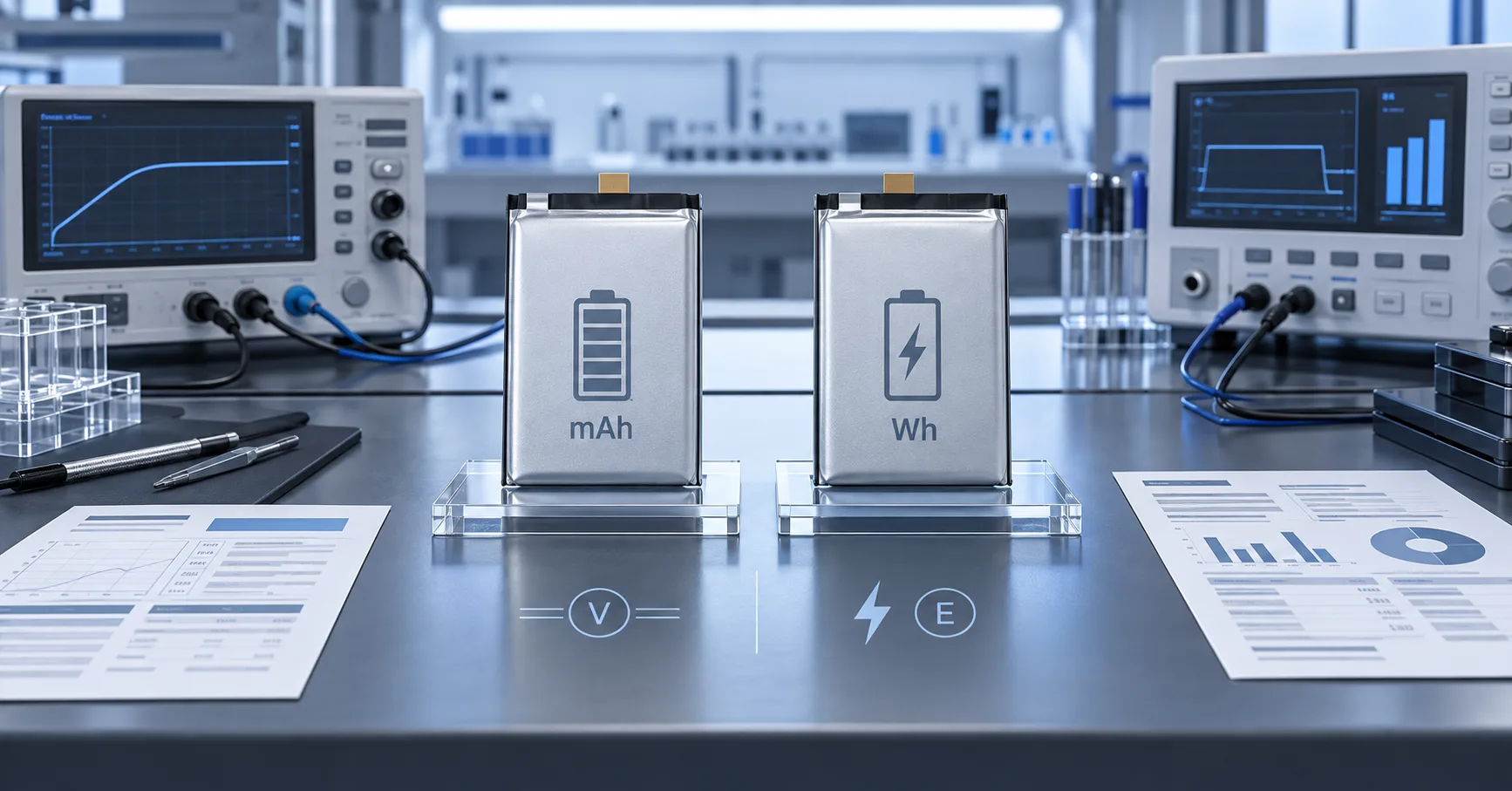
A repair organization should define the comparison before observing the result. Control the device model, software build, ambient condition, charge state, source, cable, case, network, brightness, application, duration, measurement location and equipment. Record raw observations at agreed intervals.
Do not create a universal temperature threshold from one phone, one surface location or one infrared reading. Surface readings can be affected by material, emissivity, case, measurement angle and internal heat paths. Use device-manufacturer guidance, qualified service procedures and organization-approved limits for the exact evaluation.
| Comparison result | What it suggests | What it does not prove |
|---|---|---|
| Heat follows one workload across phones | Workload or environment may dominate | Every tested device is fault-free |
| Heat follows one charger or cable | Accessory or charging-path investigation is justified | The battery has no contribution |
| Heat follows one safe battery across controlled devices | Battery suspicion increases | Lot-wide defect without broader evidence |
| Heat stays with one phone across approved batteries | Device or installation suspicion increases | Exact failed component |
| Result cannot be reproduced | More event evidence is required | The customer report was false |
Turn Heat Complaints Into Warranty Evidence
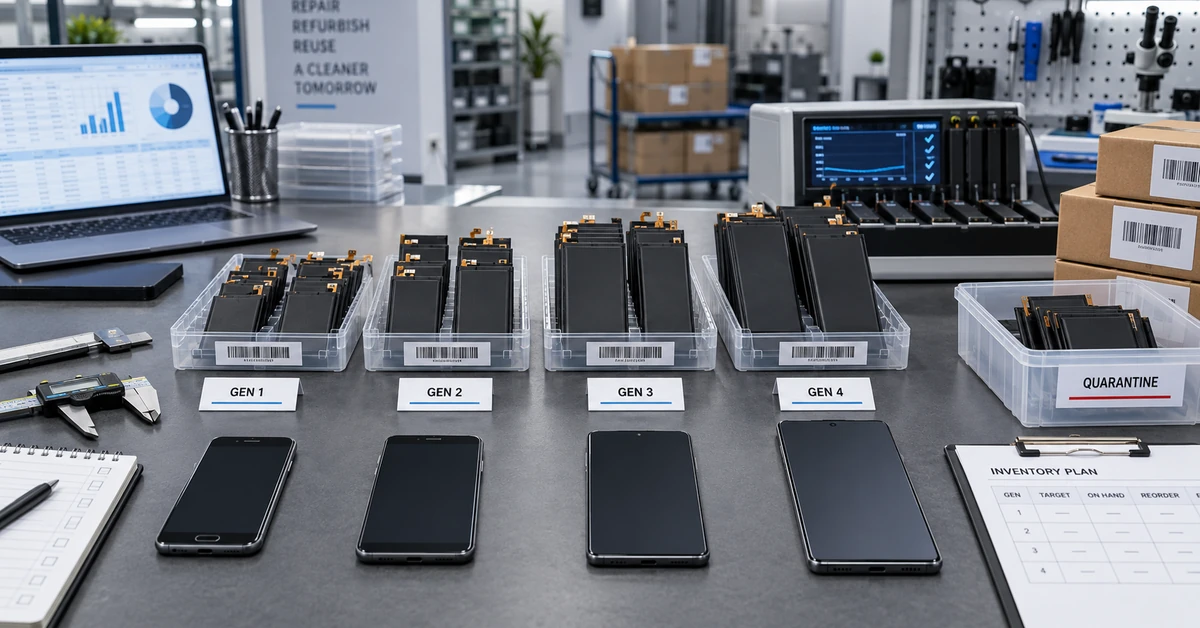
A single complaint should be contained and documented without automatically rejecting an entire lot. Record the number received, installed, sold, remaining and reported. Compare model, battery lot, carton, customer, technician, facility, charger, software and event timing. Escalate when patterns, severity or uncertainty justify broader containment.
The mobile phone battery warranty guide provides a framework for separating battery, installation, device, accessory, software and inconclusive cases. Possible dispositions include battery suspect, device suspect, installation suspect, accessory suspect, expected temporary behavior or inconclusive pending more evidence.
For supplier review, provide the affected SKU and lot, device identifiers, complaint timeline, physical inspection, measurement method, controlled comparisons and inventory exposure. Do not send only a photograph of a temperature reading without the conditions that produced it.
Use Safe First Actions
For a physically normal phone that feels warm, stop the demanding activity, disconnect charging if appropriate, move away from direct sun or another heat source, and allow the device to return to a normal environment. Follow the device's on-screen temperature message and official guidance. Do not place the phone in a freezer, apply liquid, pierce the enclosure or use improvised rapid cooling.
If iphone overheating repeats during light use, occurs while idle, is concentrated in an unusual location, interrupts core functions, or appears with battery swelling, charging faults, shutdowns or physical damage, obtain qualified service rather than continuing experiments.
Prepare a Replacement-Battery Sourcing Brief
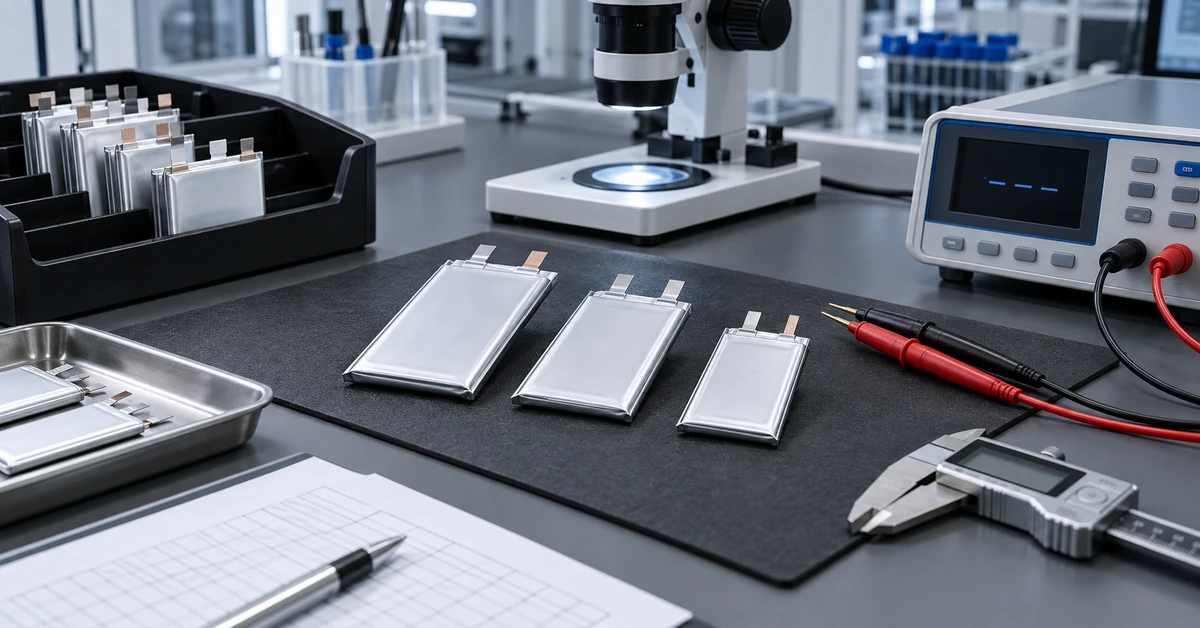
Repair chains and refurbishers should include thermal behavior in sample approval rather than waiting for field complaints. Send suppliers the exact phone models and regions, proposed battery revision, forecast quantity, controlled charge and discharge scenarios, measurement method, acceptance process, traceability, packaging, shipping market and change-notification expectations.
When an iphone getting hot complaint involves replacement inventory, ESCCharge can discuss a model- and lot-specific sample investigation after reviewing the evidence. Capacity, compatibility, temperature behavior, certifications, MOQ, lead time, warranty and performance limits remain subject to confirmation for the proposed product, test method and commercial agreement.
Frequently Asked Questions
Is it normal for an iPhone to feel warm while charging?
Some warmth can occur, and Apple explains that the battery warms during charging. Persistent, rapidly increasing or function-limiting heat should be evaluated with the charger, cable, environment, workload and device condition recorded.
Does a hot iPhone prove the battery is bad?
No. Workload, environment, software, charging accessories, wireless alignment, installation and other hardware can contribute. Battery suspicion requires evidence tied to repeatable conditions.
Should I put a hot iPhone in a refrigerator or freezer?
No. Use official temperature guidance and allow a physically normal device to return gradually to an appropriate environment. Rapid cooling can introduce additional risks such as condensation.
Why is the phone hot after a software update?
Setup and background processing can temporarily increase workload. Record how long the event lasts and whether it diminishes after update-related activity completes.
When should a repair shop escalate a single heat complaint?
Escalate immediately for unsafe physical conditions and according to severity, repeatability, unexplained behavior or shared lot exposure. One complaint may justify containment even before a lot-wide conclusion is possible.
What evidence should a battery supplier receive?
Provide device and software identity, battery SKU and lot, repair history, event timing, environment, charger and workload, measurement method, physical inspection and controlled comparison results.