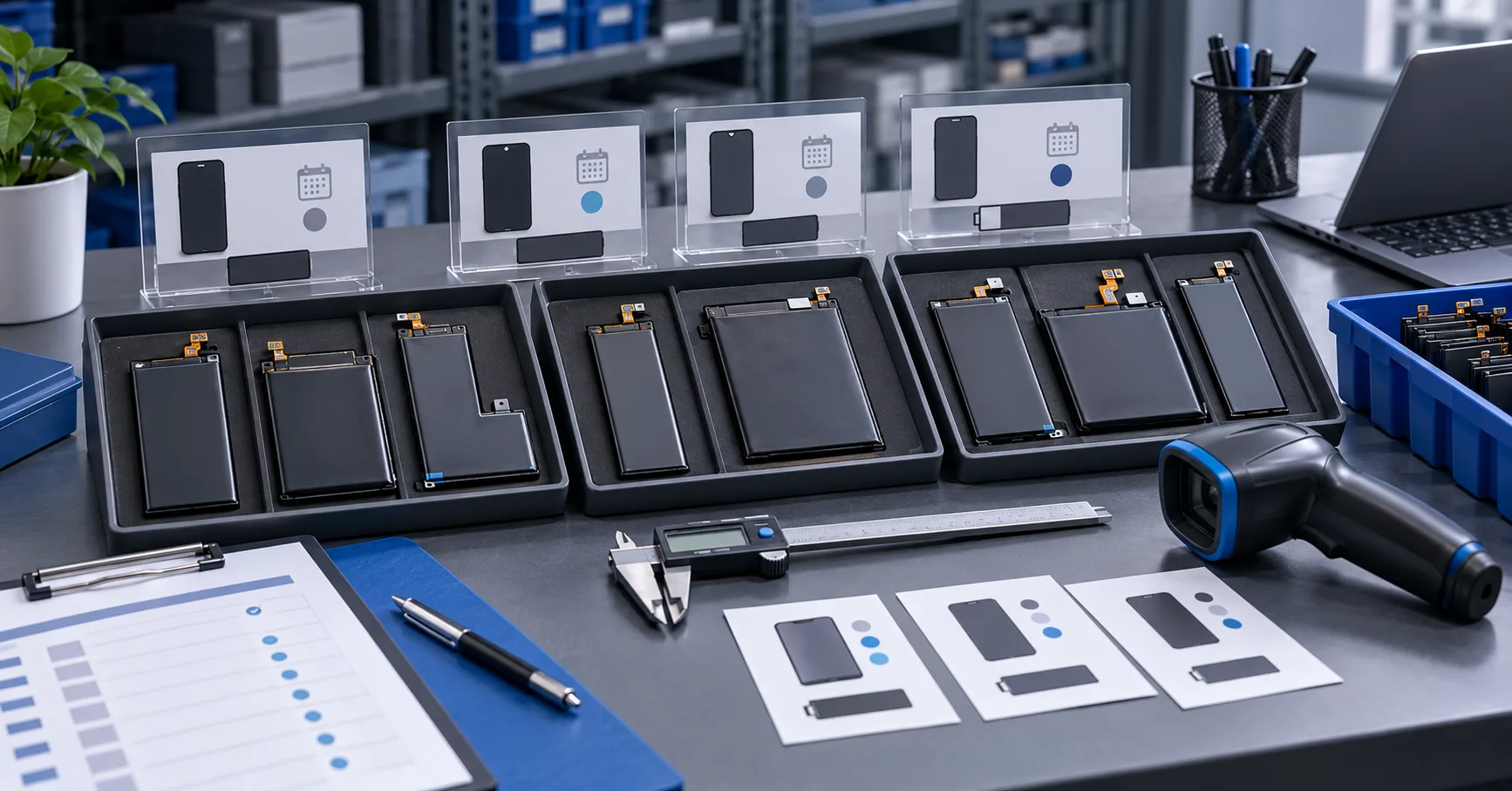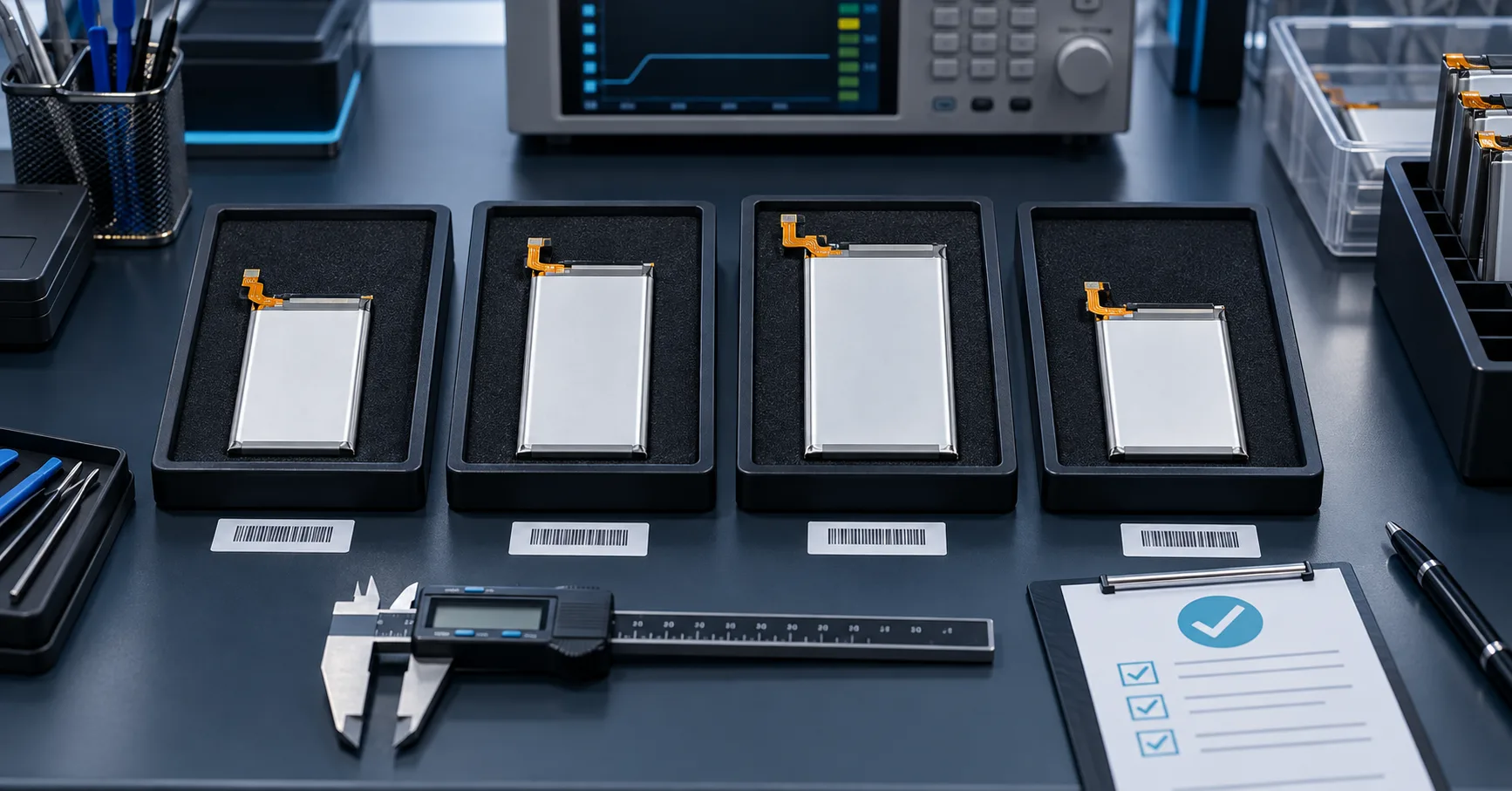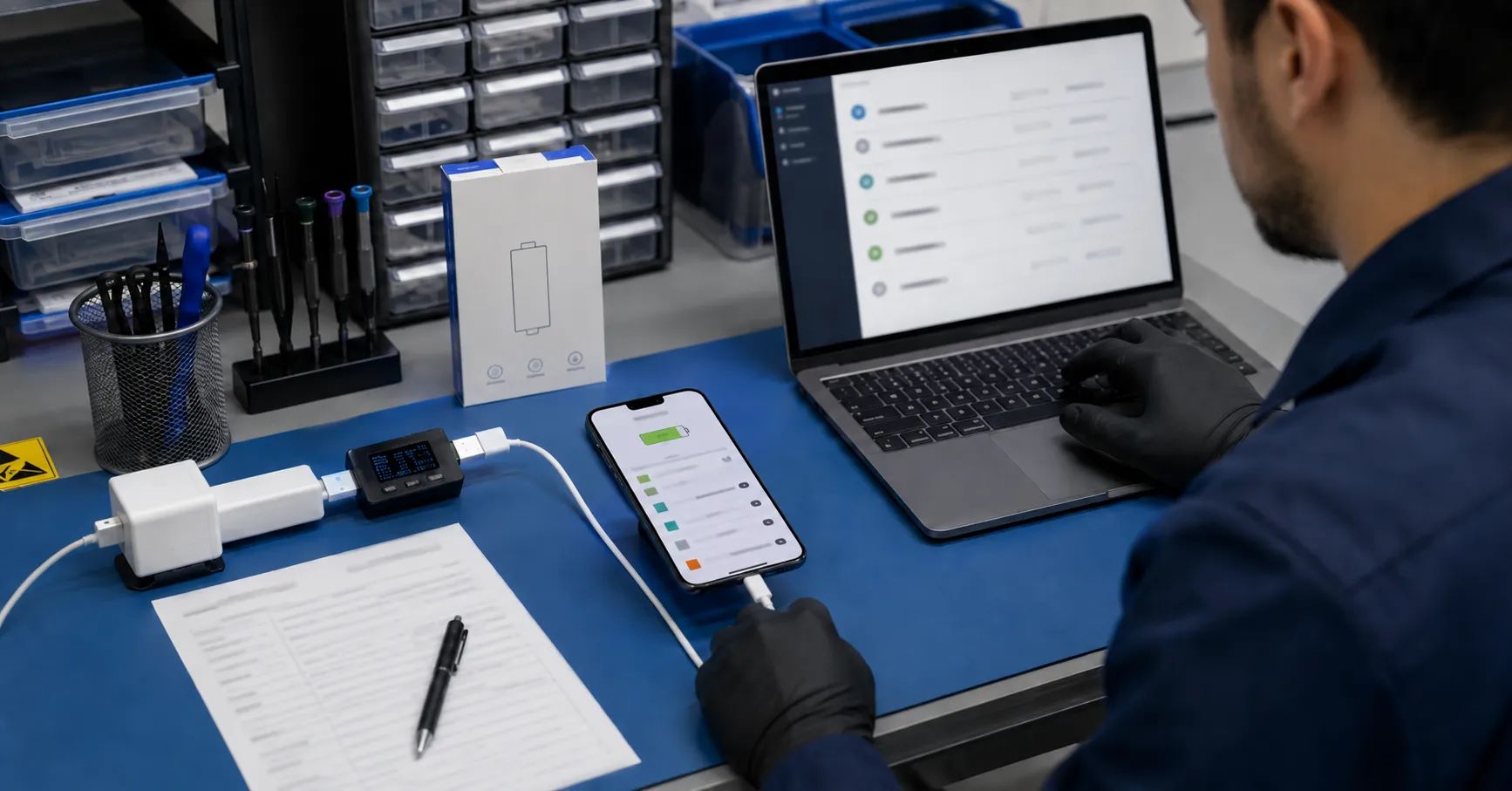
Replacing the battery does not complete an iPhone repair. The repair is complete only when the technician verifies the device identity, installation, visible system status, charging behavior, runtime, safety, and work-order evidence against a defined acceptance standard.
For repair chains and refurbishment facilities, inconsistent checks create avoidable returns. One technician may release a phone as soon as it powers on. Another may rely only on the Battery Health screen. A third may treat every parts message as proof that the battery is defective. These different decisions make supplier performance, technician quality, and customer complaints impossible to compare.
A structured iPhone battery post repair validation process separates three questions:
-
What does the device report after the repair?
-
Does the installed battery and phone function according to the approved test plan?
-
Was the repair completed and documented using the method promised to the customer?
These questions are related but not identical. A message in Settings is not a complete electrical test. A phone that charges is not automatically ready for release. A high-quality cell does not guarantee that a particular repair method will produce the system status expected by the customer.
Understand What the Customer Can See
After battery service, a customer may review Battery Health, charging information, Parts and Service History, maximum-capacity information, peak-performance information, or a repair-related notification. The exact screens and messages can vary by iPhone model, iOS version, installed part, repair method, verification status, and whether a supported repair-completion process has been performed.
Apple’s official information about genuine iPhone batteries explains that supported devices can show battery-related information in Parts and Service History. Depending on the model and repair condition, the battery may be identified with statuses such as Genuine, Used, Finish Repair, or Unknown.
Apple states that an Unknown status can appear when a battery is not a genuine Apple part, is not functioning as expected, has not been verified and linked to the iPhone after repair, has been modified, or otherwise cannot be verified. This means an Unknown status should not be reduced to one universal explanation.
Apple also explains that when an iPhone cannot verify the installed battery, the reported health information may not be accurate. The visible message must therefore be recorded exactly instead of being translated immediately into “bad battery,” “bad installation,” or “fake capacity.”
The wording used with customers matters. An aftermarket replacement battery should not be represented as an Apple genuine, Apple-authorized, or Apple-certified part unless that status is true and supported by documentation. Likewise, a battery cell’s capacity or discharge performance should not be dismissed solely because the phone displays a parts-verification message.
Why Battery Health May Be Missing
When iPhone Battery Health not showing becomes a complaint, the technician should identify the precise condition before choosing a remedy.
Possible observations include:
-
the Battery Health menu is present but maximum capacity is unavailable;
-
an Important Battery Message appears;
-
Parts and Service History shows Unknown;
-
Parts and Service History shows Finish Repair;
-
a supported reused part appears as Used;
-
the battery percentage is visible but changes abnormally;
-
Battery Health information appears but does not match the expected repair result;
-
the phone charges but the customer-facing status remains unresolved;
-
the menu location or wording differs after an iOS update;
-
the device model does not support the same repair flow as another model.
These observations should be recorded separately. “Health does not display” is too broad for a quality ticket because it may combine different system states and repair scenarios.
A repair business should also avoid promising the same screen result across every iPhone generation. Model support and repair-completion requirements change over time. The approved process must be associated with the exact phone model and current supported software state.
Use a Model and Repair Method Matrix
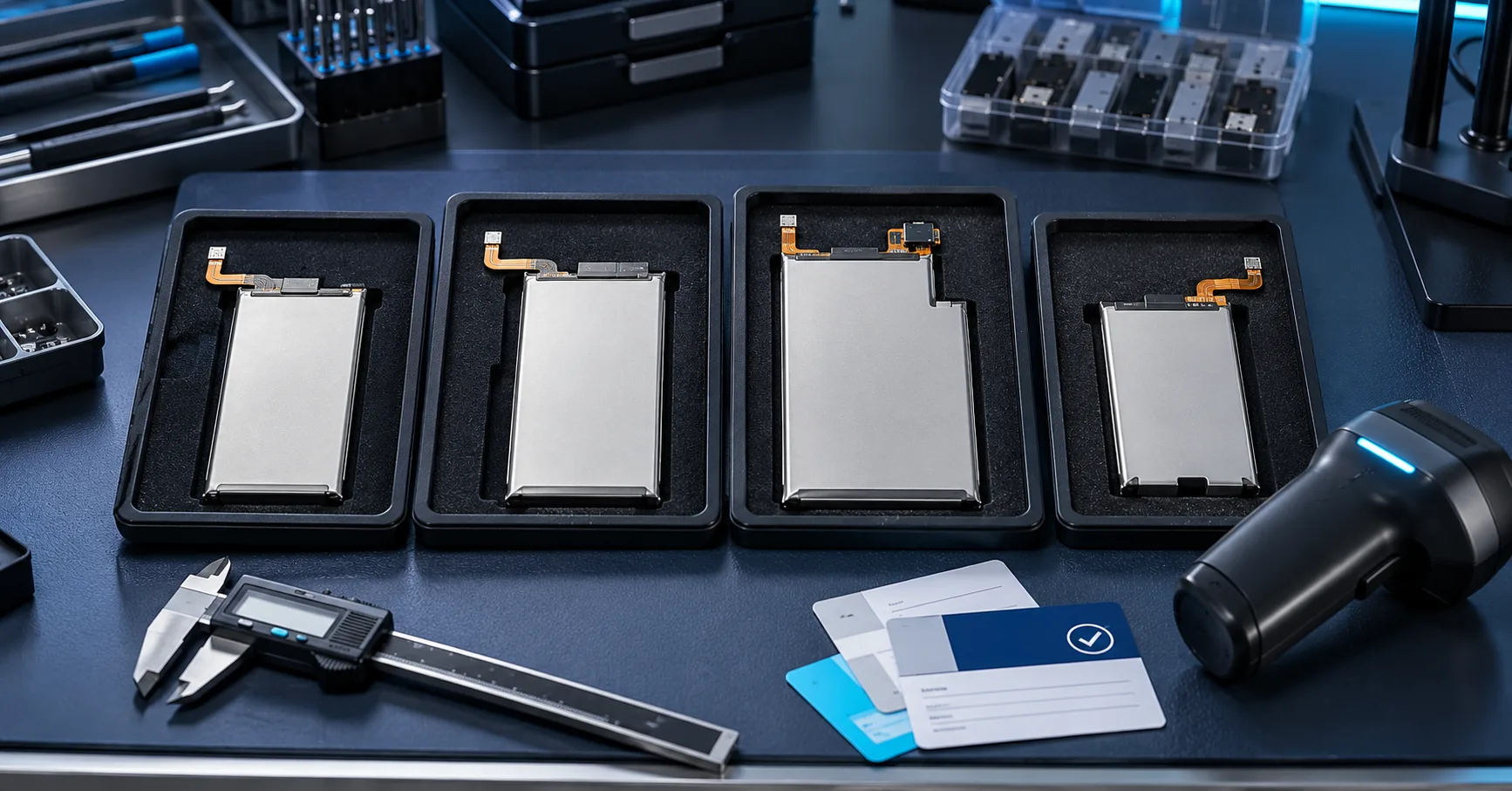
Before accepting a battery model for bulk use, create a matrix that connects the target iPhone, replacement method, expected status, required tools, technician steps, customer disclosure, and final acceptance criteria.
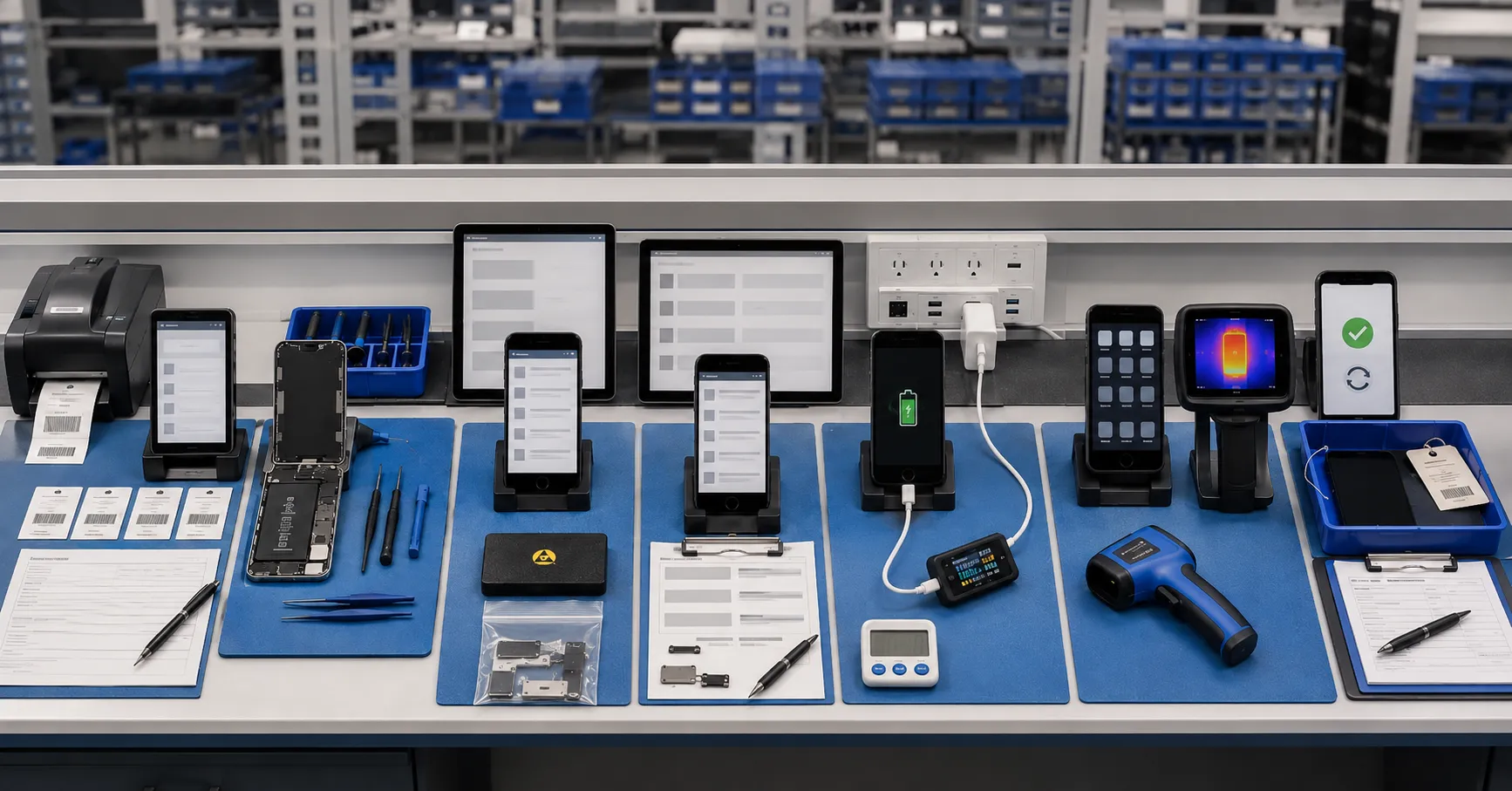
The matrix should include:
-
iPhone model and model number;
-
minimum or approved iOS version;
-
battery SKU;
-
battery part type;
-
whether the part is new, reused, genuine, compatible aftermarket, or another clearly defined category;
-
repair method;
-
required calibration or repair-completion step;
-
expected Battery Health behavior;
-
expected Parts and Service History status;
-
tools, accounts, internet connection, and charge level required by the approved process;
-
functional tests;
-
customer-facing wording;
-
conditions requiring rework or escalation.
Do not allow sales language to replace this matrix. Terms such as “no pop-up,” “show health,” “decoded,” “show genuine,” or “no error” may be used differently across suppliers and markets. The buyer needs an observable acceptance result for each supported configuration.
The existing iPhone battery health display guide can help buyers understand how cell performance, data communication, protection-board design, installation, and repair recognition contribute to the overall experience. The matrix described here adds a repeatable release process rather than another product label.
Confirm the Work Order and Device Identity
Every validation should begin with traceability. Record the customer or inventory number, phone model, serial or internal asset reference as permitted by the company’s privacy policy, battery SKU, battery lot, technician, repair date, and work-order number.
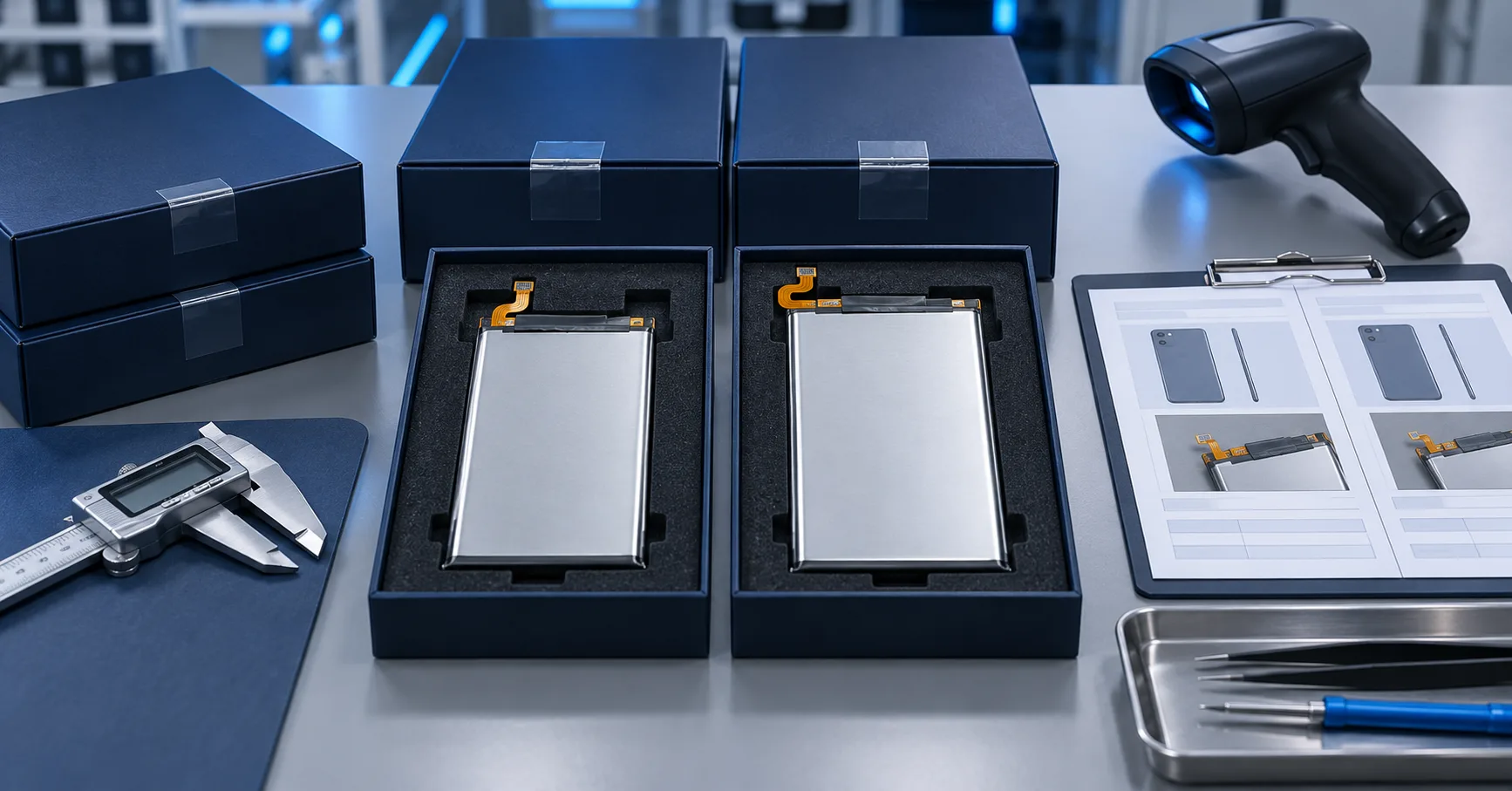
Before installation, scan or photograph the battery label and packaging. Once a battery is inside the phone, its label may no longer be available without reopening the device.
The record should connect:
-
repaired phone;
-
removed battery where retained;
-
installed battery;
-
supplier lot;
-
purchase or stock record;
-
technician;
-
repair method;
-
test results;
-
final release decision.
This information allows a repair chain to determine whether later complaints are concentrated by battery lot, phone model, technician, branch, or repair process.
Device identity also prevents a common error: applying the expected result for one iPhone generation to a different model. A technician may remember a successful procedure but use it on a device with different recognition or repair-completion behavior.
Inspect the Physical Installation
Do not begin software troubleshooting before checking the battery installation.
Confirm that:
-
the battery is the correct model and shape;
-
the pack lies flat without visible deformation;
-
the connector is fully and correctly seated;
-
the flex follows the intended route;
-
insulation is present and undamaged;
-
no conductive debris is trapped inside;
-
screws are installed in their correct positions;
-
the battery has not been bent, folded, punctured, or compressed;
-
the adhesive is positioned correctly;
-
the enclosure closes without pressure;
-
display and rear-cover fit are normal;
-
no connector, board, or surrounding component was damaged during service.
A phone that displays an unexpected status may also have a loose connection, damaged flex, board problem, or incomplete reassembly. Repeatedly restarting or updating software will not correct a physical installation fault.
Technicians should stop when a battery appears swollen, damaged, leaking, unusually hot, or unable to fit without force. That condition belongs in the facility’s battery-safety process, not an ordinary software-validation queue.
Establish the Software Baseline
Record the installed iOS version before interpreting the result. If the approved repair method requires a current software version, update the device according to the authorized process and customer-data policy.
Do not assume that updating is always permitted. Devices under managed deployment, customer ownership, forensic preservation, or special business policies may require approval before software changes.
Record:
-
iOS version before repair;
-
iOS version during validation;
-
whether the device was restarted;
-
whether Wi-Fi was available;
-
whether the device was signed into an account when required;
-
whether activation or security restrictions were present;
-
exact wording and location of any message;
-
screenshots where privacy policy allows them.
Use consistent English names in internal quality records even if the customer’s phone displays another language. The local-language screenshot can be retained alongside the standardized status code.
Review Battery Health and Parts and Service History
Check the relevant settings paths supported by the device and software version. Record what is actually displayed, not what the technician expected to see.
Apple’s documentation says Parts and Service History is available on supported iPhone models. A repair record may show different statuses depending on the device, part, and completion state.
Use standardized result codes such as:
-
Battery Health displayed;
-
Battery Health unavailable;
-
Important Battery Message displayed;
-
Parts and Service History not available for this device or software state;
-
Battery status shown as Genuine;
-
battery status shown as Used;
-
battery status shown as Finish Repair;
-
battery status shown as Unknown;
-
status could not be checked;
-
evidence incomplete.
Do not alter capitalization or wording in screenshots. For internal analysis, map the visible result to a controlled code while retaining the original evidence.
The iPhone Unknown Parts issue guide provides additional background on part verification, calibration status, repair workflow, and customer communication. The acceptance SOP should link to that explanation without duplicating it.
Complete Supported Repair Steps Correctly
Apple provides official Repair Assistant instructions for supported models and repairs. Apple states that Repair Assistant installs calibration data to finish eligible repairs and lists current device, software, Wi-Fi, and battery-level requirements.
The supported model list and requirements may change. Check Apple’s current instructions rather than relying on an old technician memory or static sales sheet.
When the approved repair involves Repair Assistant:
-
verify that the phone and part are eligible;
-
confirm the latest required iOS version;
-
connect to a supported Wi-Fi network;
-
confirm the device has sufficient charge under Apple’s current requirement;
-
open Parts and Service History;
-
start the repair-completion process;
-
follow the onscreen instructions;
-
record the final result;
-
capture any error or blocking condition;
-
do not claim completion if the process remains unfinished.
Apple notes that a device may continue to show Finish Repair until the process is completed. It also lists conditions that may prevent completion, including installation issues and a part protected by Activation Lock.
A failed completion step is not automatically evidence that the battery cell is electrically defective. It should be routed according to the observed error, part status, eligibility, account condition, installation, and approved escalation process.
Test Charging Behavior
Visible system status is only one part of acceptance. The phone must also charge predictably under a defined test.
Use an approved charger and cable suitable for the target device. Record:
-
charger and cable identification;
-
starting battery percentage;
-
connection time;
-
whether charging begins;
-
whether the percentage increases;
-
whether charging disconnects or restarts;
-
device and battery-area temperature observations;
-
any warning or message;
-
ending percentage and test duration;
-
abnormal current behavior where measured with approved equipment.
Do not create one universal charging-current requirement for every model and every starting percentage. Charging power may vary with battery level, temperature, device state, charger, software, and protection behavior.
The purpose of the test is to confirm stable and expected operation under the approved method, not to force every phone to display the same instantaneous reading.
If the phone becomes unusually hot, produces an odor, shows physical deformation, or behaves unsafely, stop the normal test and follow the safety procedure.
Check Percentage Stability and Restart Behavior
A device that charges may still show unstable percentage behavior. Observe whether the displayed level changes unexpectedly, becomes stuck, drops sharply after restart, or behaves inconsistently under a controlled workload.
The test plan may include:
-
restart at a recorded percentage;
-
short standby observation;
-
controlled screen-on use;
-
defined video or application workload;
-
charging interruption and reconnection;
-
shutdown and restart where appropriate;
-
comparison with an approved reference device.
Keep screen brightness, connectivity, background activity, software version, and workload reasonably consistent when comparing devices. Otherwise, runtime observations become difficult to interpret.
Do not promise that a calibration ritual will solve every case. The correct action depends on the battery solution, phone model, repair method, data behavior, and supplier instructions.
Run a Defined Runtime Check
A short workshop test cannot prove months of battery life, but it can identify obvious fast drain, shutdown, or unstable behavior before release.
Define:
-
starting level;
-
test duration;
-
screen brightness;
-
network state;
-
selected workload;
-
background-app condition;
-
temperature conditions where relevant;
-
expected observation range based on validated samples;
-
stop conditions;
-
result classification.
Avoid comparing one repaired phone with a customer’s memory of how the device performed when new. Device age, display condition, software, signal strength, applications, and board-level power consumption can change runtime.
For batch projects, compare results across multiple devices and batteries. Consistency is often more useful than one exceptional sample.
Test Basic Device Functions
Battery replacement requires opening the phone, so acceptance should also check functions that may have been affected during service.
Depending on the model and repair scope, verify:
-
power button;
-
volume controls;
-
display and touch;
-
charging port;
-
speakers and microphone;
-
cameras;
-
wireless connectivity;
-
vibration or haptics;
-
proximity or other relevant sensors;
-
enclosure closure;
-
adhesive seal condition where applicable;
-
visible damage;
-
abnormal heat.
This is not proof that the repaired phone retains its original water-resistance rating. Do not make that promise unless the business has an appropriate validated process and policy.
A phone should not pass simply because the replacement battery powers it on. Repair-induced damage can create a return even when the battery itself is satisfactory.
Use a Clear Release Matrix
The final decision should combine visible system status, functional performance, safety, and the product promise.
A practical classification may include:
Pass
The correct battery is installed, the physical assembly is acceptable, required repair steps are complete, visible status matches the approved product and customer disclosure, charging is stable, percentage behavior is acceptable, and required device functions pass.
Conditional Pass
The battery and phone pass functional tests, but the visible system status requires a customer disclosure already approved for that product tier. The disclosure must occur before payment or device handover, not after the customer discovers the message.
Rework
The result differs from the approved process and may be corrected through installation review, connection correction, eligible repair completion, software preparation, or another authorized step.
Hold for Technical Review
The phone shows inconsistent behavior, repeated charging interruption, unexplained fast drain, status that does not match the matrix, or a possible device-level fault.
Reject or Safety Isolation
The battery is incorrect, damaged, deformed, swollen, leaking, unusually hot, or otherwise unsafe; or the repair cannot meet the declared product and service specification.
The release matrix should not allow sales staff to override safety or technical holds without documented authorization.
Preserve Evidence for Supplier and Technician Analysis
For every failed or unusual result, preserve:
-
work-order number;
-
phone model;
-
iOS version;
-
battery SKU and lot;
-
technician;
-
repair method;
-
system-status screenshots;
-
charging record;
-
percentage observations;
-
runtime result;
-
physical-inspection photographs;
-
rework performed;
-
final disposition.
Use this evidence to identify patterns. If several devices using one lot show the same functional problem, investigate the supplier and batch. If failures cluster around one phone model, review compatibility and work instructions. If results cluster around one technician or branch, review training, tools, and process compliance.
The no-pop-up iPhone battery wholesale guide can help procurement teams define product claims and sample checks before ordering. It should not replace actual validation of the exact model and repair method.
Align Product Claims with Observable Results
Private-label buyers and wholesalers should define product tiers by documented outcomes rather than vague names.
A specification may state:
-
compatible replacement battery;
-
expected Battery Health behavior;
-
expected Parts and Service History behavior;
-
whether additional repair steps are required;
-
supported phone models;
-
required software or equipment;
-
functional acceptance criteria;
-
warranty evidence;
-
customer disclosure.
Avoid promising “shows genuine,” “100% health,” “no warning forever,” or “works exactly like the original” without model-specific verification and legitimate product status.
An aftermarket battery can be evaluated for capacity, consistency, fit, charging, protection, installation quality, and after-sales support without misrepresenting it as an Apple genuine part.
Frequently Asked Questions
Does an Unknown status always mean the battery cell is defective?
No. Apple lists several possible conditions for an Unknown status, including verification, linking, modification, functionality, and part status. The battery’s functional performance should be tested separately.
Can a phone work normally when Battery Health is unavailable?
The phone may still operate, but the visible information may be unavailable or inaccurate. The device must still pass the agreed functional and safety checks, and the customer must receive accurate disclosure.
Does every iPhone use the same repair-completion process?
No. Supported parts, devices, software requirements, and available repair processes vary. Check the exact model against current official instructions.
Should technicians update iOS before checking the result?
Follow the approved repair method and customer-data policy. Some supported repair processes require current software, but an update should not be performed blindly when device management or customer authorization restricts it.
Is a charging test enough to approve a replacement battery?
No. Acceptance should also cover identity, installation, visible system status, percentage stability, runtime, temperature observations, basic device functions, and documentation.
How should a repair shop explain an aftermarket battery?
Describe it accurately as a compatible aftermarket replacement when that is what it is. Explain the expected system status, functional scope, warranty, and any visible message before completing the transaction.
What should a wholesaler test before a bulk order?
Test the exact battery SKU across the intended phone models, software conditions, repair methods, technician workflow, charging behavior, runtime, physical fit, visible status, packaging, and batch traceability.
Make Validation Part of the Product
A replacement battery is not fully defined by its printed capacity. For professional repair channels, the product also includes compatibility, installation fit, visible system behavior, required completion steps, functional performance, technician instructions, customer disclosure, and after-sales evidence.
A consistent iPhone battery post repair validation SOP gives repair chains a common release standard and gives suppliers better evidence when a failure occurs. It reduces arguments based on screenshots alone and prevents phones from being released after only a power-on check.
ESC supports repair shops, refurbishment facilities, wholesalers, distributors, e-commerce sellers, and private-label buyers with compatible iPhone replacement batteries, model planning, sample validation, packaging coordination, quality requirements, and after-sales analysis. Buyers can provide their target models, repair method, required display behavior, expected order mix, and acceptance criteria for a structured battery project review.
External Source References
-
Apple Support — About Genuine iPhone Batteries — 2026
-
Apple Support — Use Repair Assistant to Finish an iPhone or iPad Repair — 2026
-
Apple Support — iPhone Battery and Performance — accessed 2026