

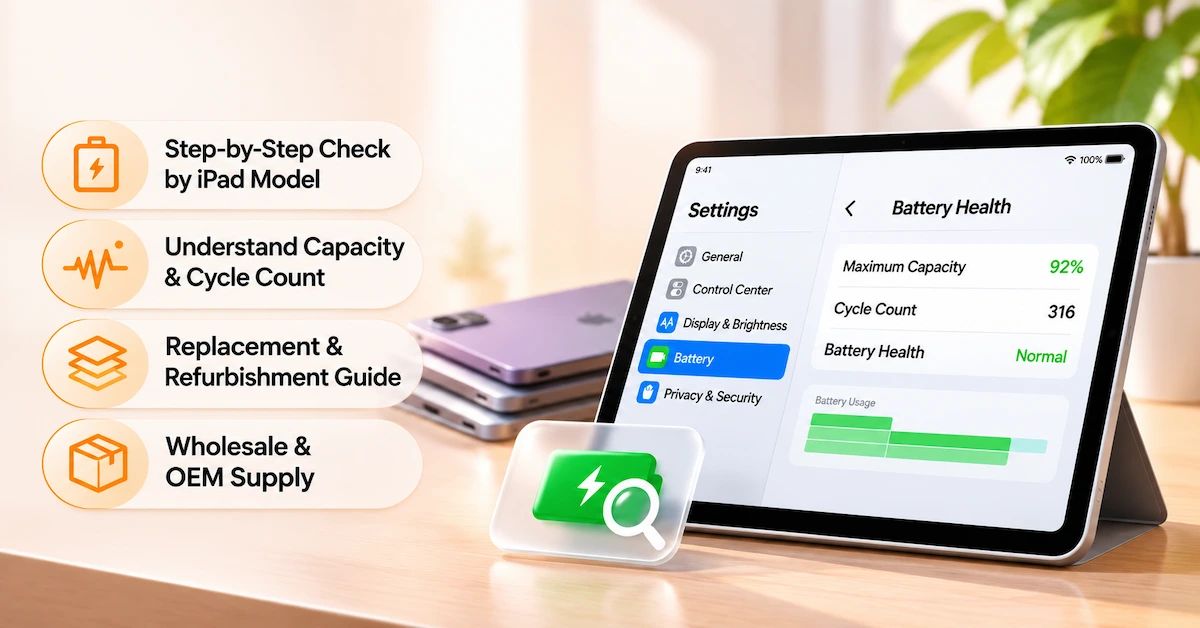
TL;DR: To check battery health on a supported iPad, open Settings → Battery → Battery Health. You can review maximum battery capacity, cycle count, battery condition, and available battery-history information. Supported models include iPad Pro M4/M5, iPad Air M2/M3/M4, iPad mini A17 Pro, and iPad A16. Older iPads may not provide this menu; use battery-usage information and professional diagnostics instead. For refurbishment businesses, battery health should be evaluated alongside actual device performance before approving replacement.
Understanding how to check iPad battery health is important for individual users, professional repair technicians, and companies purchasing or refurbishing used tablets.
Battery performance changes over time because rechargeable lithium-ion batteries experience chemical aging. Capacity gradually decreases, which may reduce operating time between charges.
However, poor battery life does not always mean the battery needs replacement.
High screen brightness, background applications, network activity, temperature, charging accessories, and software conditions can also influence battery performance.
For refurbishment companies, this creates an additional challenge: how to distinguish normal aging from a component requiring replacement before purchasing batteries for dozens or hundreds of devices.
This guide explains the available checking methods, interprets Battery Health information, and provides a practical framework for repair decisions and B2B battery sourcing.
ESC supplies aftermarket tablet and laptop replacement batteries for repair centers, refurbishment companies, wholesalers, and private-label customers.
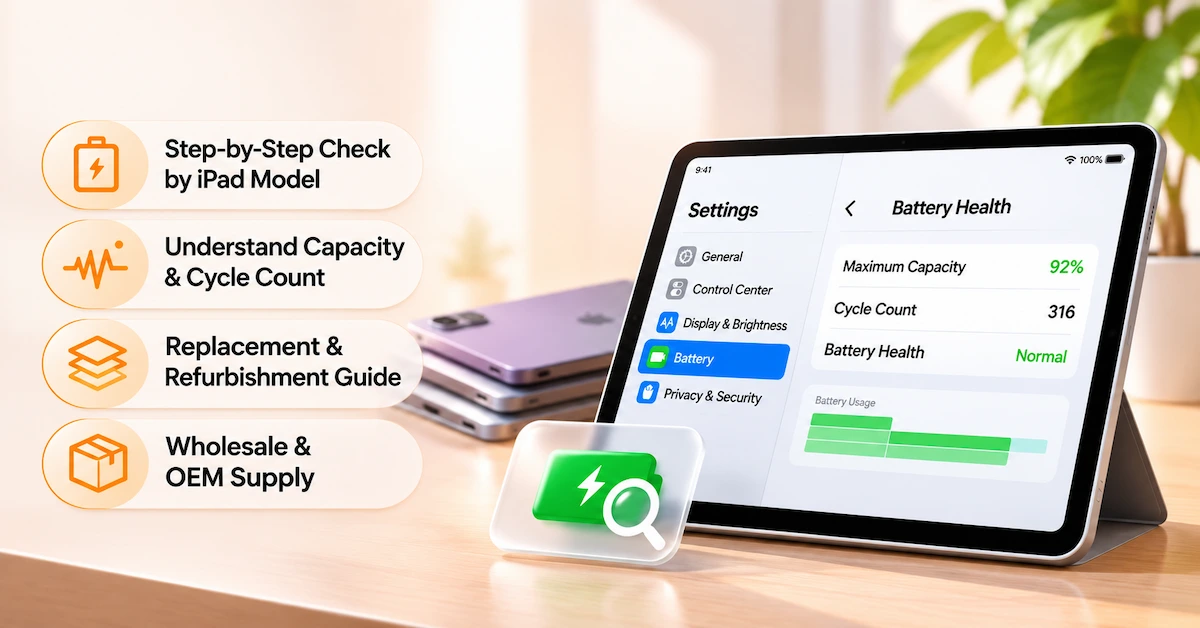
Which iPad Models Support Battery Health?
Not every iPad offers the same battery information.
Apple's official Battery Health feature is available on selected newer models.
iPad Battery Health compatibility table
| iPad model | Battery Health menu | Maximum capacity and cycle count |
|---|---|---|
| iPad Pro M4 | Supported | Available |
| iPad Pro M5 | Supported | Available |
| iPad Air M2 | Supported | Available |
| iPad Air M3 | Supported | Available |
| iPad Air M4 | Supported | Available |
| iPad mini A17 Pro | Supported | Available |
| iPad A16 | Supported | Available |
| iPad Pro M1/M2 and earlier | Not supported through the same native menu | Alternative diagnosis required |
| iPad Air 4/5 | Not supported through the same native menu | Alternative diagnosis required |
| Older standard iPad models | Not supported through the same native menu | Alternative diagnosis required |
Important: If Battery Health does not appear under Settings → Battery, Apple explains that the iPad model may not support the feature.
This does not mean the battery is defective.
The absence of a Battery Health menu should not be used as evidence that the device requires battery replacement.
For B2B refurbishers, model identification should therefore come before battery-health inspection.
How to Check iPad Battery Health in Settings
For supported iPads, the official process is straightforward.
Step 1: Open Settings
Unlock the iPad and open the Settings application.
Step 2: Select Battery
Scroll to the Battery section.
This page provides information about battery usage and charging activity.
Step 3: Open Battery Health
Tap Battery Health.
On supported models, the screen can display information such as:
-
Battery Health status
-
Maximum Capacity
-
Cycle Count
-
Manufacture Date
-
First Use Date
-
Charging-limit options
Step 4: Review Maximum Capacity
Maximum Capacity describes the estimated capacity remaining relative to the battery's original capacity.
For example, a displayed value of 90% suggests that the battery's estimated maximum charge capacity is approximately 90% of its original reference.
It does not mean the iPad currently has 90% charge.
These measurements describe different things.
Step 5: Check the Cycle Count
Cycle Count indicates accumulated equivalent full charge cycles.
A cycle does not necessarily mean charging the iPad from 0% to 100% in one session.
For example, using a total of 100% of the battery's capacity across multiple periods can constitute one complete cycle.
Step 6: Record the Results
For professional repair or refurbishment, record the iPad model, software version, Battery Health percentage, cycle count, inspection date, and relevant device symptoms.
This information provides a baseline for future comparison.
How to Check Battery Health on an Older iPad
Many older iPads do not display an official maximum-capacity percentage in Battery settings.
Professional buyers should distinguish unsupported software features from actual battery faults.
Method 1: Review Battery Usage
Open:
Settings → Battery
Review battery usage, charging patterns, and applications consuming energy.
Depending on the iPadOS version, information may include recent daily usage, application activity, and periods of higher consumption.
This can help identify whether poor runtime is associated with heavy application use or background activity.
However, usage statistics do not directly measure maximum battery capacity.
Method 2: Review Available Analytics Data
Some older iPadOS versions may provide battery-related technical information in analytics logs.
Users can review available files through Settings → Privacy & Security → Analytics & Improvements → Analytics Data, where supported.
Certain logs may contain estimated battery-related values.
However, field names, available records, permissions, and formats vary across iPadOS versions.
Analytics-derived estimates are not equivalent to Apple's supported Battery Health screen or an independently verified battery-capacity test.
Do not assume every older iPad exposes usable capacity or cycle-count values through analytics.
Method 3: Request Professional Diagnostics
When reliable battery assessment is required, Apple or an Apple Authorized Service Provider may provide appropriate diagnostic and service guidance.
Qualified repair facilities may also use relevant diagnostic equipment and controlled performance procedures.
A professional evaluation should consider the specific device, battery condition, and available technical information.
For commercial refurbishment, important decisions should not depend solely on an unverified third-party application or an unexplained battery-health percentage.
What Do Maximum Capacity and Cycle Count Actually Mean?
Battery condition cannot be understood from a single number.
Maximum capacity and cycle count describe related but different characteristics.
Maximum capacity
Maximum capacity estimates how much charge the battery can hold relative to its original reference.
It generally decreases as the battery chemically ages.
However, displayed values are estimates and should not be treated as identical to controlled laboratory measurements.
Cycle count
Cycle count records accumulated equivalent charging cycles.
A higher cycle count can indicate more accumulated use, but it does not determine remaining capacity on its own.
Two batteries with similar cycle counts may have different conditions because of temperature exposure, charging patterns, storage, and operating history.
Battery Health vs. charge percentage
| Metric | What it means | What it does not prove |
|---|---|---|
| Current charge percentage | Estimated energy remaining now | Long-term battery condition |
| Maximum Capacity | Estimated capacity relative to the original | Exact independent discharge-test result |
| Cycle Count | Accumulated equivalent charge cycles | Guaranteed remaining lifespan |
| Battery Health status | Device-reported condition | Full safety or quality certification |
| Runtime | How long the device operates under actual use | Battery condition without accounting for workload |
For refurbishment businesses, the most useful assessment combines these indicators with device-level testing.
Is 80% iPad Battery Health Bad?
Apple states that iPad batteries are designed to retain approximately 80% of original capacity after 1,000 complete charge cycles, depending on usage and charging conditions.
This describes a battery design reference.
It does not mean every iPad automatically becomes unusable at 80% or must be replaced after exactly 1,000 cycles.
When replacement may be justified
Professional service may be appropriate when:
-
Battery capacity has declined significantly.
-
Operating time no longer meets the intended requirement.
-
The device experiences unexpected battery-related shutdowns.
-
Charging or power behavior is abnormal.
-
Professional diagnostics identify a battery problem.
When replacement may not be necessary
An iPad with reduced maximum capacity may remain suitable for ordinary use.
For example, a device used mainly at a desk may meet its owner's needs even though its battery no longer provides the same runtime as when new.
The appropriate decision depends on performance requirements rather than an arbitrary percentage alone.
Do not confuse 80% Limit with 80% battery health
Some newer iPads provide an 80% charging limit intended to reduce battery wear.
This setting limits normal charging to approximately 80% of full charge.
It does not mean the battery's maximum capacity has fallen to 80%.
A refurbishment technician should record these values separately to avoid misdiagnosis.
Why Is My iPad Battery Draining Quickly?
Rapid battery drain can result from battery aging, but several other factors should be evaluated first.
Heavy application usage
Video editing, gaming, navigation, and other intensive activities can increase power consumption.
Check which applications account for the largest share of battery usage.
Screen brightness
High brightness increases power demand.
A device tested at maximum brightness cannot be fairly compared with another operating at a lower setting.
Background activity
Some applications perform background tasks or synchronization.
These activities may increase energy use even when an application is not actively visible.
Wireless conditions
Cellular connectivity, weak signal conditions, and network activity can affect battery consumption.
Temperature
Apple advises avoiding use or charging in ambient temperatures above 35°C, as excessive heat can permanently reduce battery lifespan.
Cold conditions can temporarily reduce battery performance.
Charging accessories
An unsuitable or damaged charging accessory may create charging-related symptoms that should not automatically be attributed to the battery.
Diagnostic recommendation: Evaluate software activity, charging conditions, and device performance before approving battery replacement.
How Should Refurbishers Grade iPad Battery Health?
For businesses refurbishing used tablets, consistent grading helps control repair costs and customer expectations.
A professional grading system should establish clear standards before devices enter production.
Suggested battery-condition grading framework
| Grade | Battery condition | Recommended action |
|---|---|---|
| Grade A | Strong reported capacity and satisfactory runtime | Consider reuse after inspection |
| Grade B | Moderate capacity degradation; functional performance acceptable | Evaluate against resale requirements |
| Grade C | Material degradation affecting intended runtime | Review repair economics and service options |
| Hold | Conflicting results or unresolved charging symptoms | Additional professional diagnosis |
| Safety Hold | Swelling, leakage, abnormal heat, or physical damage | Stop normal work and apply safety procedures |
These are proposed internal grading categories, not official Apple grades.
Actual numerical thresholds should be set according to the refurbishment company's device standards, customer requirements, and documented test methods.
Record inspection evidence
A useful refurbishment record includes the exact iPad model, serial or internal asset identifier, software version, battery-health information where available, charging behavior, runtime-test conditions, and final decision.
This helps distinguish a battery requiring replacement from a device with unrelated power-management problems.
How Can Repair Shops Verify Battery Performance?
Professional assessment should use repeatable conditions.
A battery-health percentage does not provide a complete performance evaluation.
Recommended testing checklist
| Inspection item | Purpose |
|---|---|
| Device identification | Verify the exact iPad model |
| Physical condition | Identify damage, deformation, and safety concerns |
| Charging behavior | Confirm normal charging operation |
| Battery Health | Record native information when supported |
| Cycle Count | Assess accumulated use where available |
| Runtime evaluation | Compare performance under controlled workloads |
| Temperature behavior | Identify abnormal operating conditions |
| Charging accessories | Rule out external charging faults |
| Device shutdown | Investigate unexpected power loss |
| Final decision | Release, diagnose further, or recommend service |
Testing should be performed using suitable equipment, trained personnel, and an approved procedure.
Battery safety
A swollen, leaking, unusually hot, or physically damaged lithium-ion battery should not undergo ordinary charging or capacity testing.
Do not puncture, compress, or attempt to flatten a suspect battery.
Such devices require appropriate safety assessment and handling.
When Should an iPad Battery Be Replaced?
Replacement is appropriate when verified battery degradation or failure prevents the device from meeting its intended performance requirements, and professional service is technically and commercially justified.
Three-step replacement decision
Step 1: Verify the condition
Review supported Battery Health data, reported symptoms, battery usage, and appropriate diagnostic results.
Step 2: Assess repair feasibility
Consider the exact device model, replacement-part availability, battery construction, repair complexity, and other existing faults.
Step 3: Compare complete costs
Evaluate replacement battery price, labor, inspection, consumables, warranty exposure, and the value of the repaired device.
For refurbishment companies, a battery should be replaced only when the expected result satisfies the intended resale grade and commercial requirements.
What Should Buyers Check When Sourcing iPad Replacement Batteries?
A successful battery diagnosis should lead to the correct component selection.
Different iPad generations may use different battery capacities, connectors, dimensions, and internal structures.
A replacement battery should never be selected solely by screen size or the name “iPad Pro.”
ESC iPad battery product examples
| ESC battery reference | Published application | Purchasing consideration |
|---|---|---|
| A2288 | iPad Air 4th/5th generation | Confirm the exact compatible model and battery assembly |
| A1798 | iPad Pro 10.5-inch | Verify capacity, connector, and generation |
| A2369 | iPad Pro 11-inch 3rd generation | Confirm model-specific configuration and fit |
ESC's A2288 replacement battery for iPad Air 4/5 is listed with a declared capacity of 7606mAh and nominal voltage of 3.83V.
The calculated nominal energy is approximately 29.13Wh.
These are supplier-published specifications, not independently measured values or a guarantee of operating time.
For another device family, ESC also lists an iPad Pro 11-inch 3rd-generation A2369 replacement battery.
Important: The battery reference should not be confused with the iPad device's model number. Buyers should confirm the exact model, battery construction, and approved application before ordering.
How Do B2B Buyers Qualify Replacement Battery Suppliers?
Replacement battery purchasing requires a separate quality process from checking the existing battery's health.
ESC describes capacity testing, internal-resistance inspection, voltage verification, aging checks, and relevant safety checks within its tablet battery business.
Buyers should request product-specific evidence rather than assume every battery model has identical test results.
Supplier qualification checklist
| Evaluation area | What B2B buyers should verify |
|---|---|
| Compatibility | Exact device models and battery references |
| Technical specification | Capacity, voltage, energy, dimensions |
| Assembly | Connector, flex, insulation, protection electronics |
| Sample approval | Representative sample performance |
| Quality control | Actual test procedures and acceptance limits |
| Batch identification | Traceable lot or production records |
| Packaging | Appropriate physical protection and labels |
| Documentation | Applicable product and transport information |
| MOQ | Quantity for the exact model and packaging |
| Lead time | Confirmed delivery conditions |
| OEM support | Available branding and packaging options |
| Warranty | Written terms and claim procedures |
A supplier's claim of high capacity or long service life should be evaluated against the product's approved specifications.
Battery Replacement Cost vs. Refurbishment Value
For a repair company, replacing every battery with reduced health is not always commercially justified.
The relevant calculation includes the complete cost of producing an acceptable finished tablet.
Total Battery Repair Cost = Replacement Battery + Labor + Consumables + Inspection + Rework + Warranty Allowance
For devices purchased for resale, acquisition cost and other required repairs should also be included.
Illustrative refurbishment decision
Consider a hypothetical batch of 100 used iPads.
Some devices have satisfactory battery performance and require no battery replacement.
Others show reduced runtime but remain acceptable for the intended resale grade.
A third group demonstrates significant battery-related problems requiring repair evaluation.
By applying the same grading process across the batch, the refurbishment company can avoid replacing batteries that still meet its acceptance criteria.
The business should then compare actual replacement expenses with the expected net resale proceeds.
This is an illustrative workflow, not a measured ESC customer case or a guaranteed cost-saving result.
OEM, Wholesale, and Mixed-Model Purchasing
ESC offers replacement batteries for professional repair businesses, refurbishers, distributors, and private-label brands.
Its tablet and laptop battery range includes multiple model-specific products.
For mixed-model purchasing, buyers should provide a complete list of device models, battery references, and expected quantities.
Private-label requirements
Relevant customization may include battery labels, barcodes, retail packaging, and outer cartons, subject to the actual order.
Each private-label SKU must remain linked to the approved battery configuration.
Recommended RFQ fields
A professional inquiry should identify the iPad model, battery reference, required capacity and voltage, quantity, sample requirements, destination country, packaging, technical documents, and acceptance criteria.
Buyers should also specify whether the project involves standard supply or private-label packaging.
To discuss samples, wholesale quantities, compatible batteries, and OEM requirements, contact ESC with your model list and purchasing requirements.
Frequently Asked Questions
1. How to check iPad battery health without a computer?
On supported models, open Settings → Battery → Battery Health. This displays battery condition, maximum capacity, and other available information. Older models may not support this menu, so battery usage or professional diagnostics may be necessary.
2. Why can't I see Battery Health on my iPad?
Some iPad models do not support Apple's native Battery Health feature. If the option is missing, that does not automatically indicate a battery problem. Verify the exact device model before choosing another diagnostic method.
3. Can I check battery health on an older iPad?
Older models may provide battery-usage information and some analytics records. However, not all models display a reliable maximum-capacity estimate through the operating system. Professional diagnostic assessment is preferable when accuracy matters.
4. What does 90% iPad battery health mean?
It generally indicates an estimated maximum capacity of approximately 90% relative to the original reference. It does not mean the battery currently has 90% charge, nor does it independently guarantee a particular runtime.
5. Is 80% battery health bad for an iPad?
An 80% maximum-capacity reading indicates substantial capacity decline compared with a new battery, but it does not automatically mean the iPad is unusable. Replacement depends on performance, intended use, and diagnostic findings.
6. How many cycles does an iPad battery last?
Apple states that iPad batteries are designed to retain approximately 80% of their original capacity after 1,000 complete charge cycles, depending on usage and charging conditions. Actual aging varies.
7. Does an 80% charging limit mean poor battery health?
No. The 80% charging limit is a battery-management feature available on certain newer iPads. It is intended to reduce battery wear and is different from the maximum-capacity percentage.
8. Can an iPad battery drain quickly even when Battery Health is good?
Yes. High screen brightness, intensive applications, background activity, wireless conditions, temperature, and charging-related issues can affect runtime. Battery condition should not be judged solely from operating time.
9. How should repair shops evaluate iPad battery replacement needs?
Start with accurate device identification, reported symptoms, supported Battery Health data, charging inspection, and controlled functional testing. Then compare the expected repair outcome with the device's technical and commercial requirements.
10. Does ESC supply replacement batteries for older iPads?
Yes. ESC publishes model-specific replacement batteries for several iPad generations, including compatible iPad Air and iPad Pro applications. Buyers should confirm model references, current product specifications, samples, MOQ, and required documents before ordering.
Conclusion
Understanding how to check iPad battery health is the first step toward making informed battery maintenance and replacement decisions.
For supported iPad models, Apple's Battery Health menu provides convenient access to maximum capacity, cycle count, and relevant battery-history information.
For older iPads, the absence of this feature does not indicate battery failure. Battery usage, charging behavior, and appropriate professional diagnostics can help determine whether a battery-related problem exists.
For repair chains and refurbishment companies, battery-health information should be combined with consistent device identification, safe inspection, controlled testing, and clearly defined acceptance criteria.
A low maximum-capacity percentage does not automatically justify replacement, just as a favorable displayed percentage does not independently prove that the battery meets every electrical or quality requirement.
When replacement is necessary, choosing the correct battery assembly becomes the next critical step.
ESC supports professional tablet battery purchasing through its iPad and tablet replacement battery products, including model-specific solutions for older iPad Air and iPad Pro devices.
Repair centers, wholesalers, and refurbishment businesses can contact ESC to discuss compatible replacement batteries, sample verification, bulk purchasing, and private-label requirements.
By combining accurate battery-health assessment with verified replacement parts and structured quality control, businesses can reduce unnecessary repairs, improve refurbished-device consistency, and make more reliable long-term battery purchasing decisions.