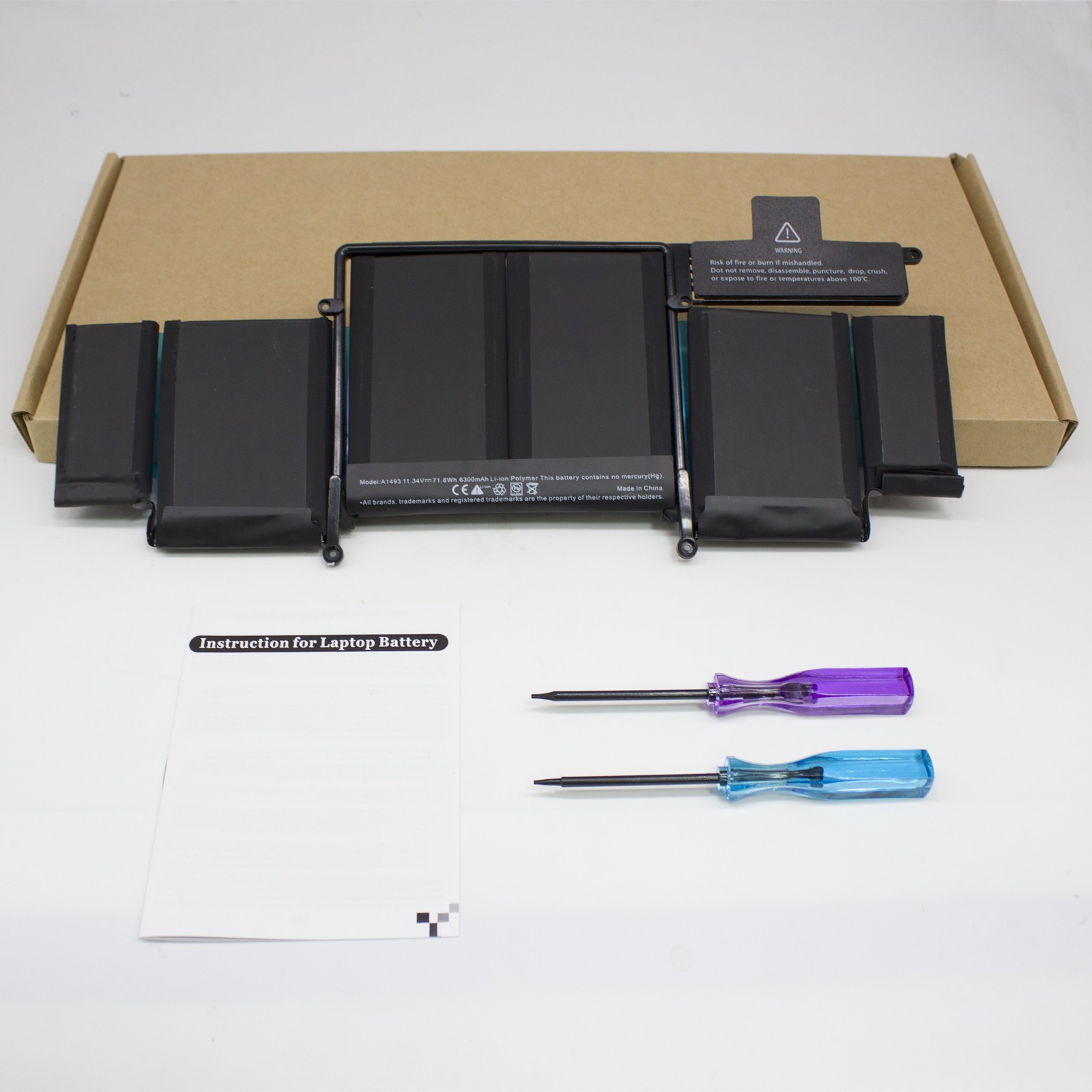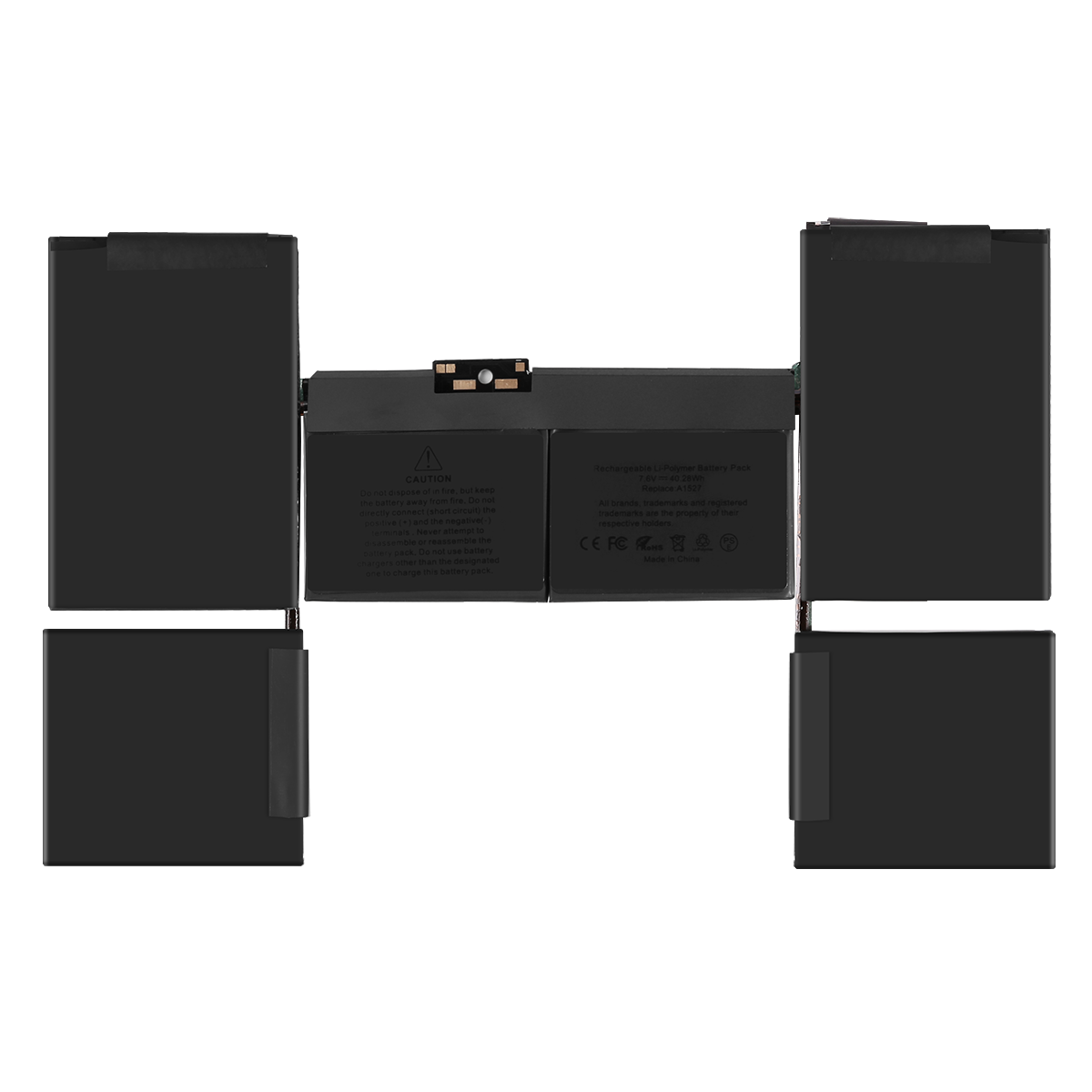
A1175 for MacBook Pro 15 Battery
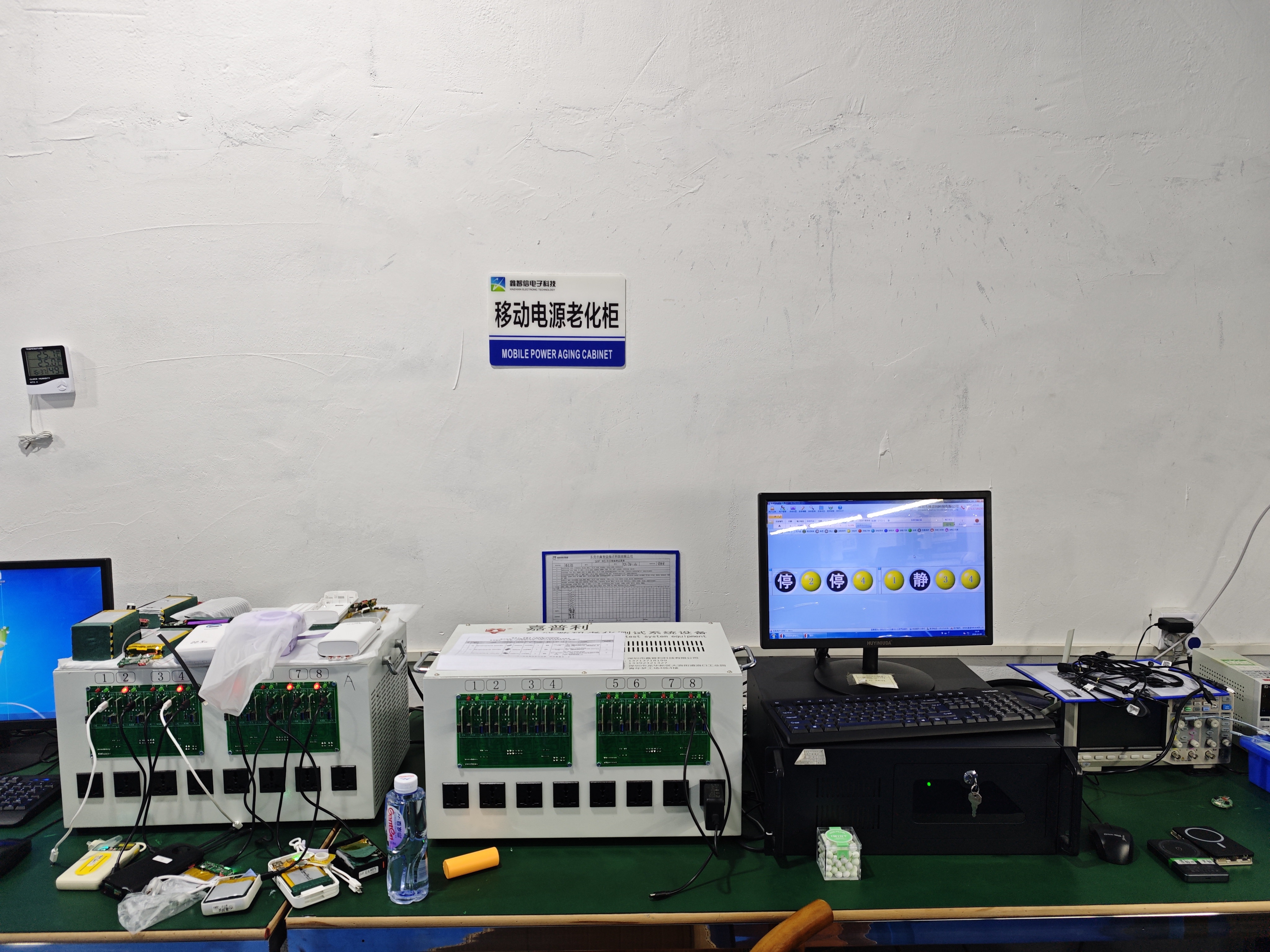
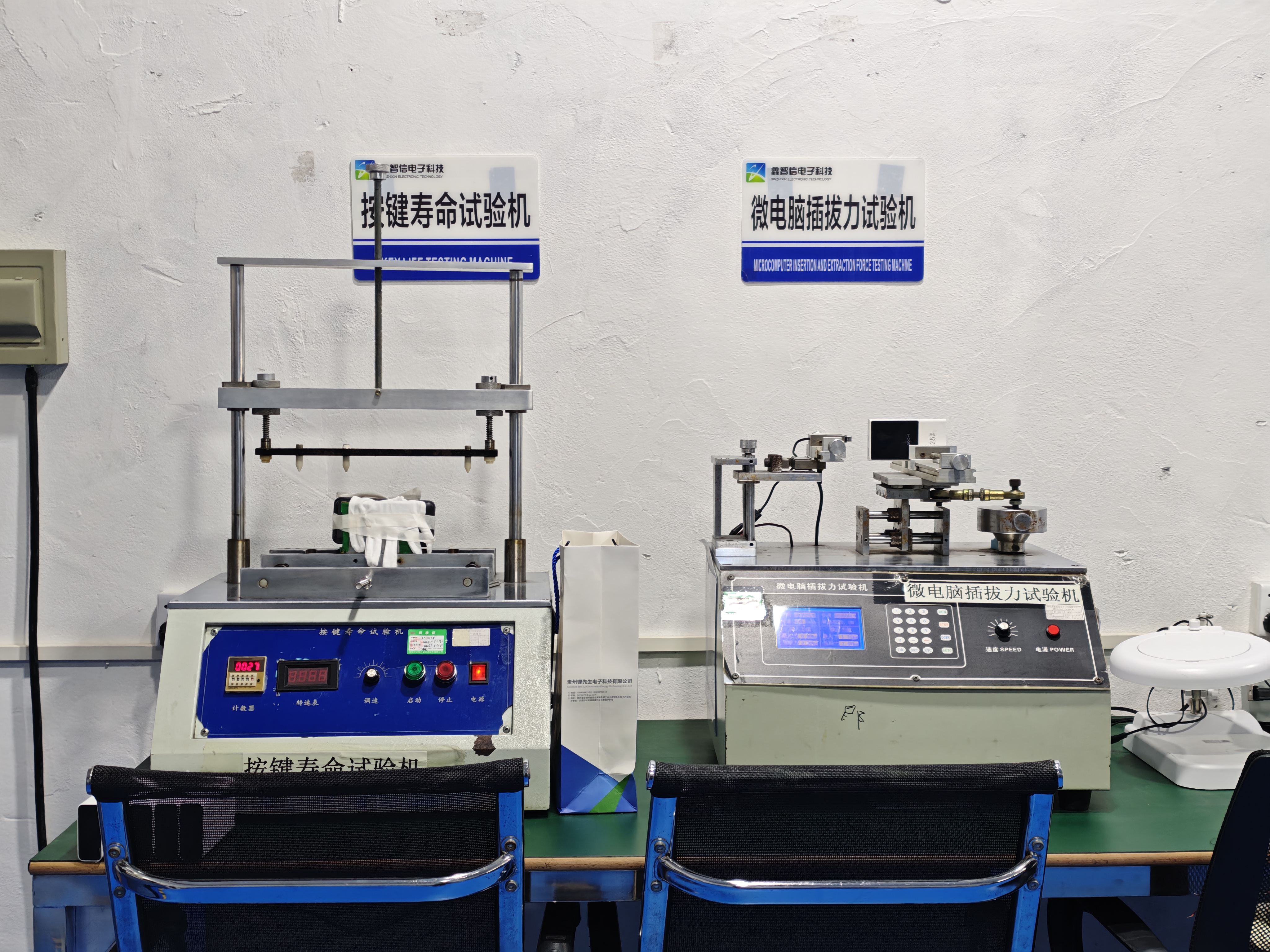
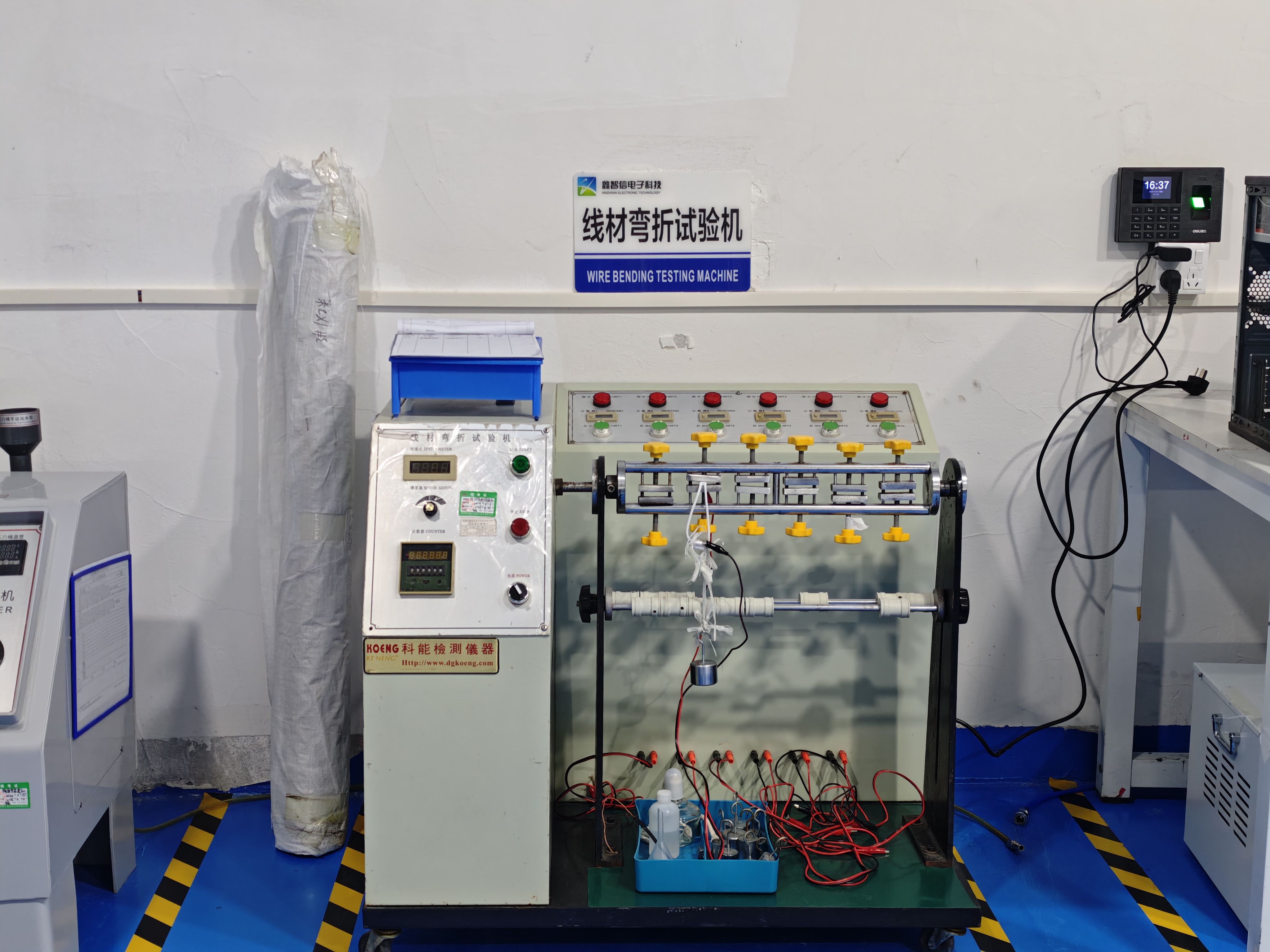
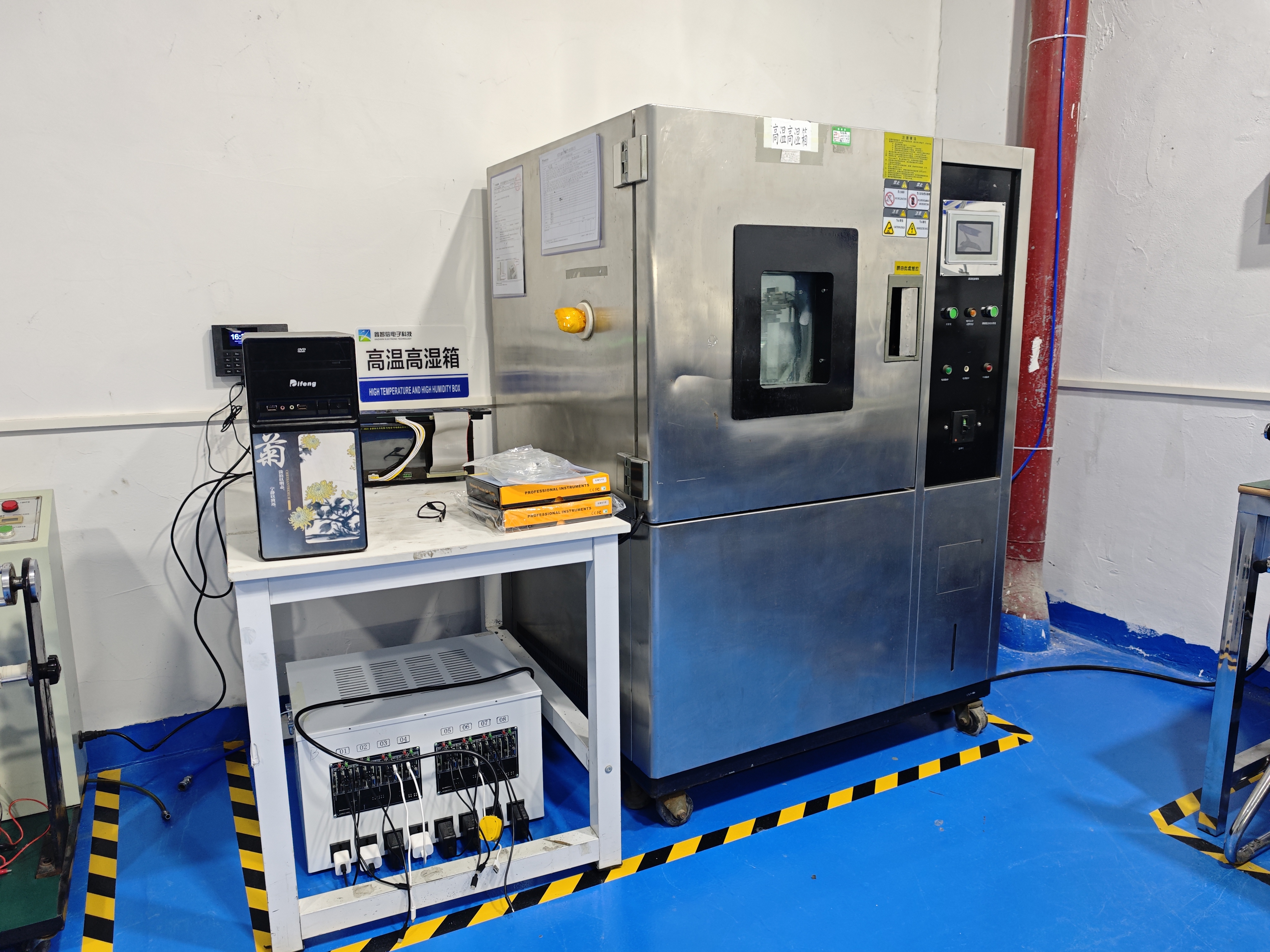
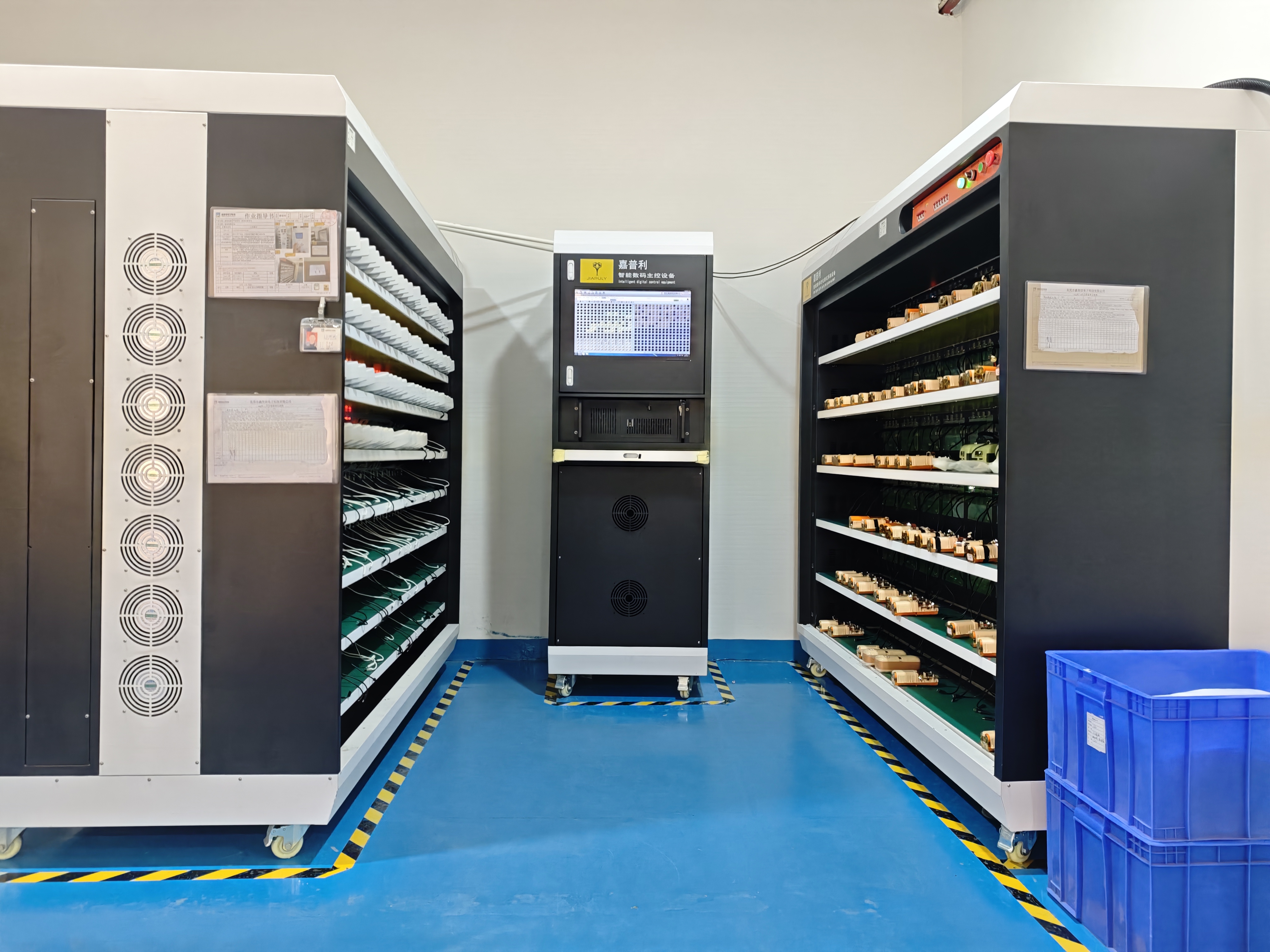
Our Factory
Since 2016, ESC has served B2B buyers with replacement batteries and charging products. We offer 3,000+ models for iPhone, Android phones, tablets and laptops, with flexible MOQs, lead times within seven days and a customer-reported defect rate below 1%. Since 2022, we have developed private-mold fast-charging power banks with broad protocol compatibility and thermal control. ESC supports brands, wholesalers, refurbishers and repair chains with OEM/ODM, certification and production services.

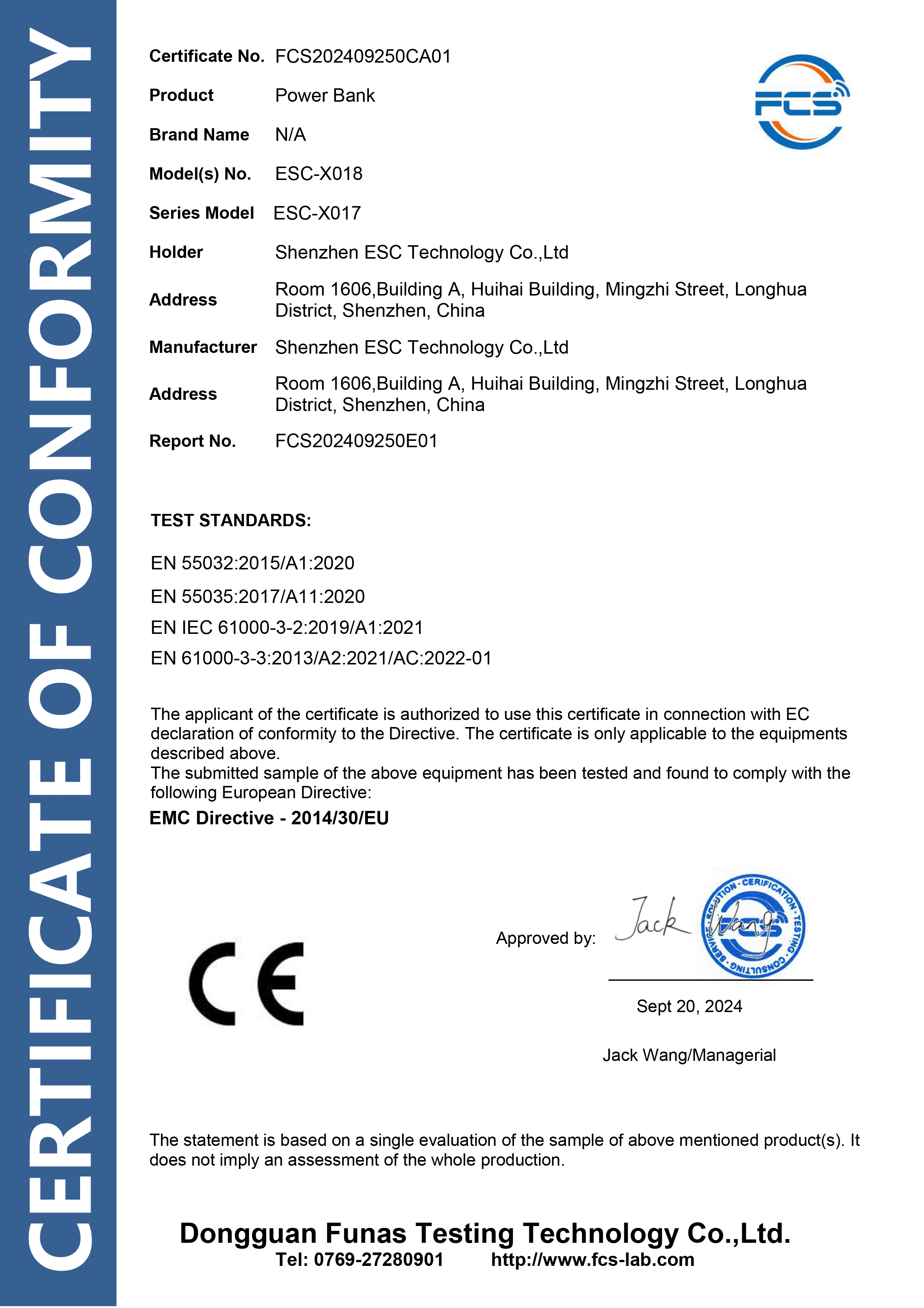
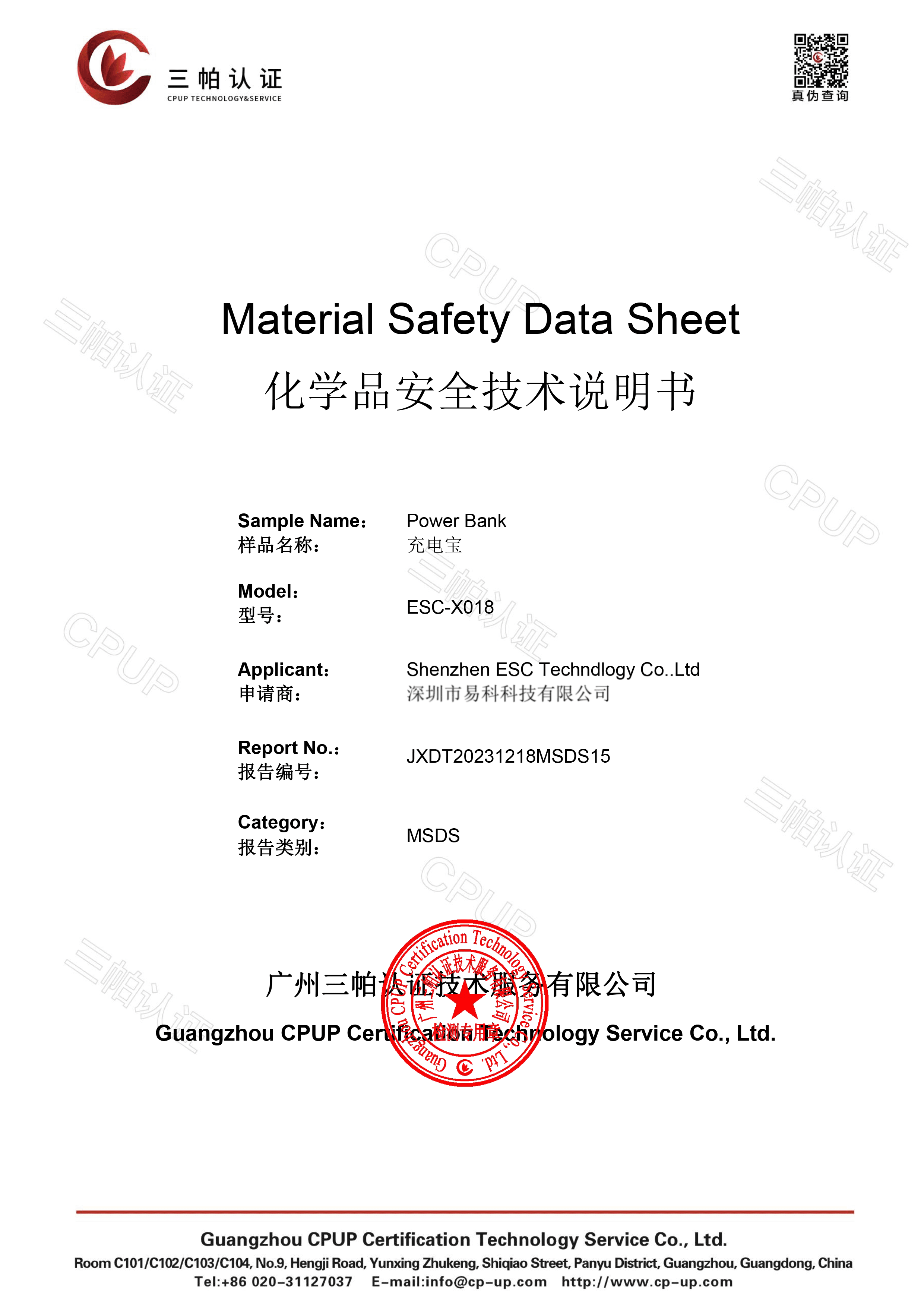
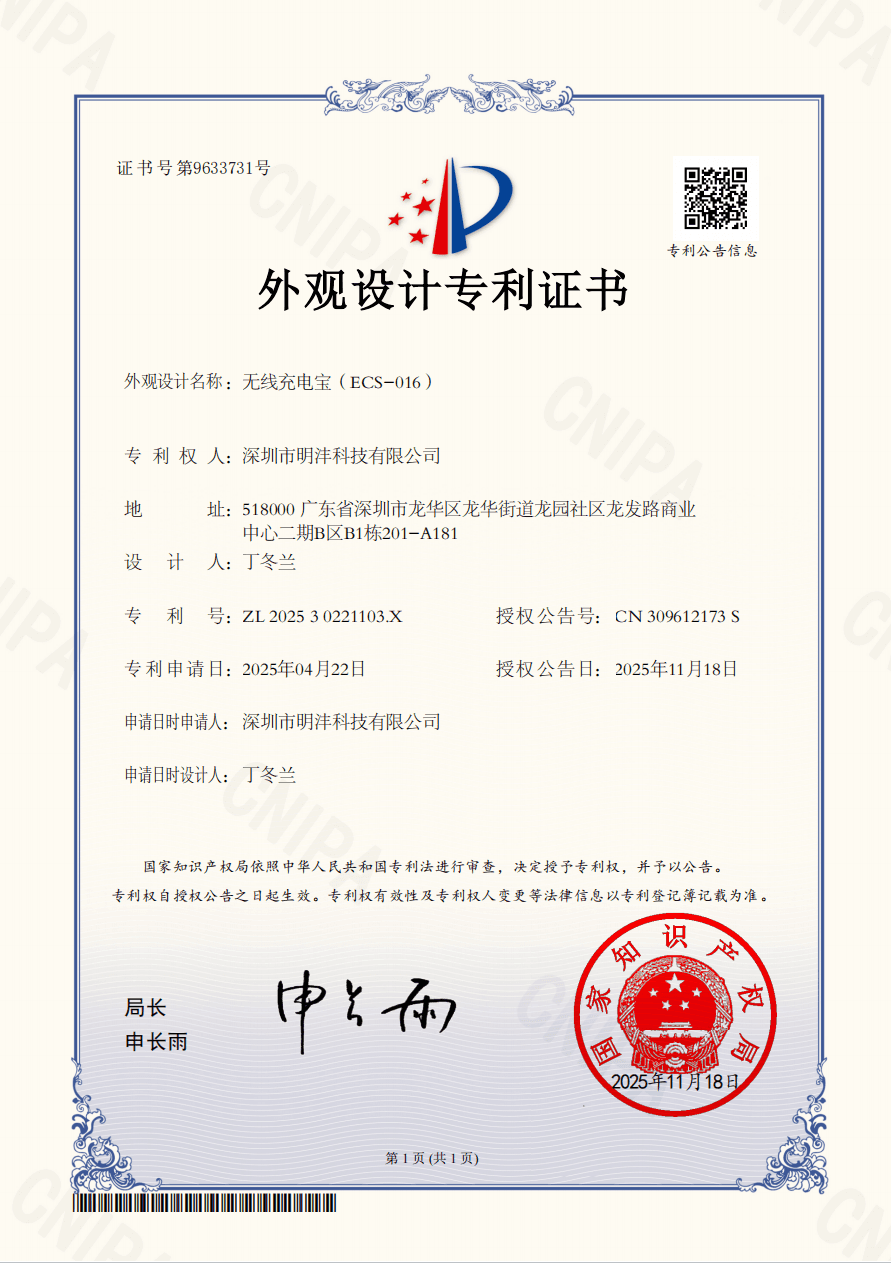
Our Certificates

OEM & ODM Battery Order Process
- 01
Customer Inquiry & Requirement Confirmation
Confirm battery models, capacity, quantity, target market, certification and customization requirements.
- 02
Quotation
Provide a detailed quotation based on product specifications, order quantity, packaging and delivery requirements.
- 03
Customization Details Confirmation
Confirm customized labels, barcodes, silk-screen artwork, logo printing, packaging and other branding details.
- 04
Order Confirmation
Finalize product specifications, quantities, unit prices, payment terms, delivery schedule and shipping method.
- 05
Deposit Payment
The customer pays the agreed deposit so that materials and production can be arranged.
- 06
Production Arrangement
Arrange material preparation, battery assembly, quality inspection, aging tests, packaging and order completion.
- 07
Balance Payment
The customer pays the remaining balance after production is completed and the order details are confirmed.
- 08
Shipment
Arrange shipment by an approved air, sea, railway or express channel according to the destination and order requirements.
- 09
Delivery & Receipt Follow-Up
Provide shipping documents and tracking information, and follow up until the customer receives the goods.
- 10
24/7 After-Sales Support
Provide responsive technical assistance, quality-issue analysis and after-sales solutions after delivery.
How to Choose a Reliable Replacement Battery Supplier
Evaluate cell quality, testing capability, assembly details, production consistency and installation support before purchasing smartphone, tablet or laptop replacement batteries.
Verify Battery Model Coverage and Compatibility
Choose a supplier with broad coverage for smartphone, tablet and laptop batteries. Confirm the original battery code, device model, connector position, dimensions, rated voltage and system compatibility before ordering.
A supplier with an established model database can reduce incorrect shipments, installation problems and compatibility-related returns.
Check the Quality of Cells and Electronic Components
Battery quality starts with the raw materials. Ask the supplier about:
- Battery-cell manufacturer and grade
- Actual cell capacity
- Cell cycle life
- PCB and protection-chip solution
- Connector and flex-cable quality
- Traceability of key components
Reliable suppliers should use graded cells rather than selecting components only by the lowest price.
Review Incoming Material Inspection and Cell Grading
Cells should be tested and grouped according to:
- Capacity
- Voltage
- Internal resistance
- Self-discharge
- Thickness and dimensions
- Appearance
Proper cell grading improves consistency between batteries from the same production batch and reduces abnormal runtime, swelling and early failure.
Require Complete Electrical and Compatibility Testing
A professional supplier should test more than the open-circuit voltage. Quality verification should include:
- Charging and discharging performance
- Actual capacity
- Battery current
- Protection functions
- Cycle count and battery data
- Fuel-gauge parameters
- Device compatibility
- Temperature performance
Professional battery testers can perform charging, discharging, current calibration and precise parameter comparison, helping identify batteries whose measured data does not match the approved specification.
Evaluate Automation and Production Consistency
Automated production processes normally provide better consistency and higher capacity than heavily manual assembly.
Important processes may include:
- Automatic cell sorting
- Automatic welding
- Automatic PCB testing
- Automatic adhesive application
- Barcode traceability
- In-line functional inspection
Automation does not replace quality control, but it helps reduce variation caused by manual positioning, welding and assembly.
Inspect Assembly Details
Small assembly details have a major effect on installation efficiency and product reliability.
A well-finished battery should include:
- Pre-applied battery adhesive
- Dust-proof protective film
- Protective sleeve around the flex cable
- Fixed flex-cable position
- Stable connector orientation
- No loose or moving battery cable
- Clean edges and accurate dimensions
These details reduce flex-cable damage, dust contamination, installation movement and incorrect connector alignment.
Confirm In-Process and Final Quality Inspection
The supplier should conduct inspection throughout production rather than checking only finished goods.
Recommended checkpoints include:
- Incoming material inspection
- Cell grading
- PCB and BMS testing
- Welding inspection
- Assembly inspection
- Capacity testing
- Aging testing
- Appearance inspection
- Packaging inspection
- Final random inspection
Ask whether inspection data can be traced back to the production batch.
Compare Capacity Claims, Defect Rate and Certification
Do not select batteries based only on the highest printed capacity.
A credible supplier should provide:
- Tested capacity data
- Clear rated voltage and energy
- Customer-reported defect rate
- Warranty policy
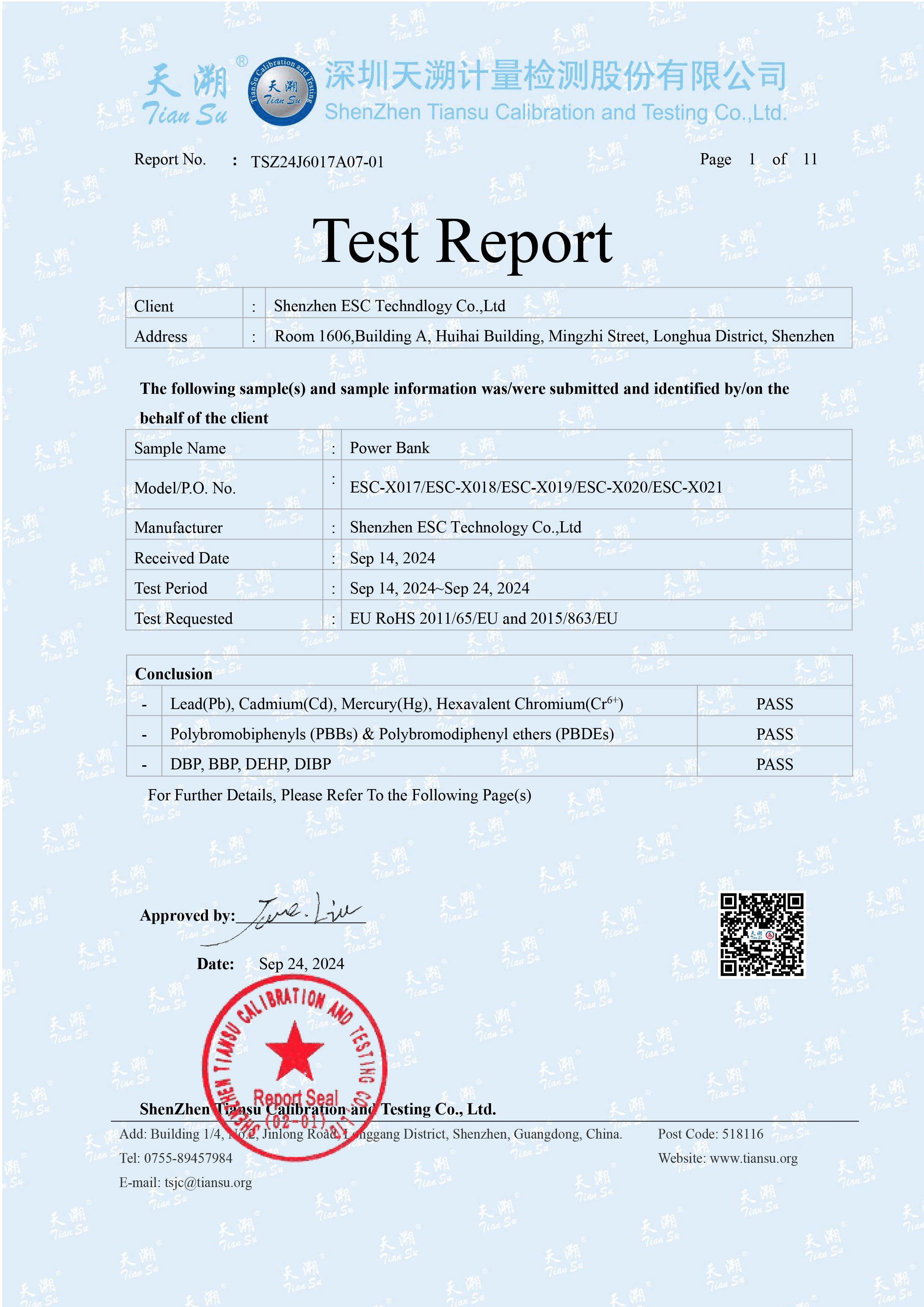
- CE, RoHS, FCC, MSDS and UN38.3 documentation where applicable
- Model-specific certification support
Exaggerated capacity labels without matching cell space, weight and test data are a significant purchasing risk.
Follow Correct Battery Installation Procedures
Even a qualified battery can fail if it is installed incorrectly.
Before installation:
- Discharge the original battery below 25%
- Power off the device
- Use non-metallic opening tools
- Disconnect the battery before handling other internal components
- Avoid puncturing, bending or crushing the cell
- Remove the protective film from the adhesive correctly
- Align the battery and connector before pressing it into place
- Confirm that the flex cable is not folded, stretched or trapped
- Reinstall screws and brackets in their original positions
- Test charging, battery recognition and device functions before final sealing
The installation guide specifically warns that a charged lithium-ion battery may catch fire or explode if punctured, and instructs technicians to power off the phone before disassembly.